Summary of Wireless Buffering Indicators
Condition Status Indicator: Reader Status Indicator: Base Station Sounds
Reader in wireless
range of base station
When the reader is awake, blinking
blue indicates wireless connection
with base. When the reader is
offline, no indicator. Pull the trigger
to wake it up and it will blink blue.
Good read: green, single beep
(default)
No read: red, no beep (default)
Reader out of the base station and
reader is awake: steady blue.
Reader out of the base station and
reader is offline: steady red. Paired
reader in the base station: flashing
green.
Base station is receiving data or
images from reader: steady blue.
Good read: 1 beep
(default)
No read: no beep
(default)
Reader out of
wireless range of
base station
Offline: When the reader wakes up
out of the wireless range, there is
no indicator.
Good read: green (default)
No read: red (default)
Reader offline: steady
red
.
Long beep when you
leave the wireless
range.
Good read: 2 beeps
No read: no beep
Reader out of
wireless range, buffer
is full
Good read:
green
and then white.
No read:
red
(default)
Reader offline: steady
red
.
Good read: long beep
No read: no beep
Wireless Reader: Charging
When you are reading codes with your wireless reader, blinking red status indicators will indicate a low battery. As the
battery discharges, the blink frequency increases. Blinking red status indicator indicates low battery or thermal shutdown
mode.
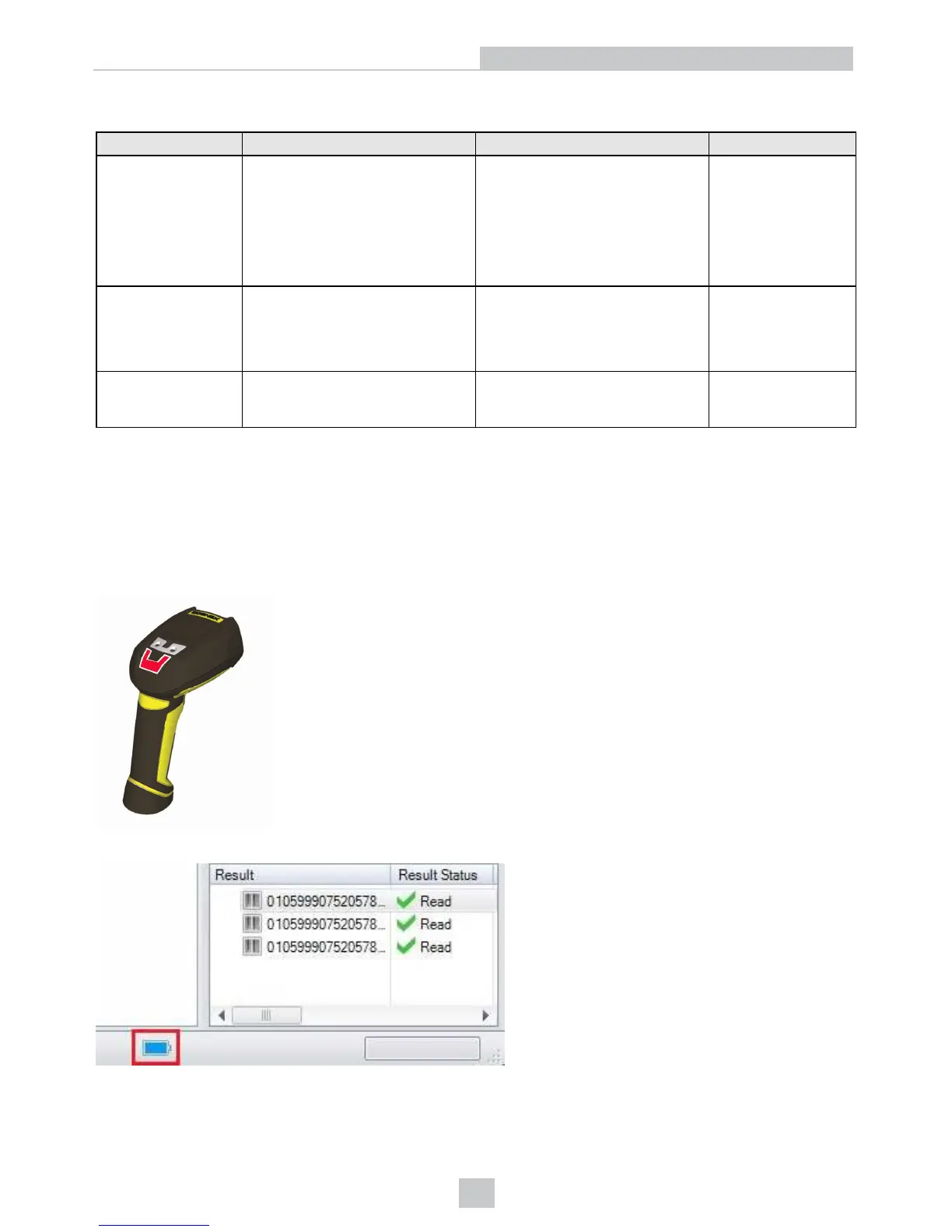
You can also check the status of the battery in the DataMan Setup Tool.
Place the reader on the base station for charging. Make sure that the pins at the end of the handle make contact with the
pins in the base station.
27
Connection Options













 To Next Page