Install the DataMan SetupTool
1. Check the DataMan Release Notes for a full list of system requirements.
2. Download the DataMan Setup Tool from http://www.cognex.com/support/dataman and follow the on-screen
steps.
3. Connect the DataMan 8050 to your PC.
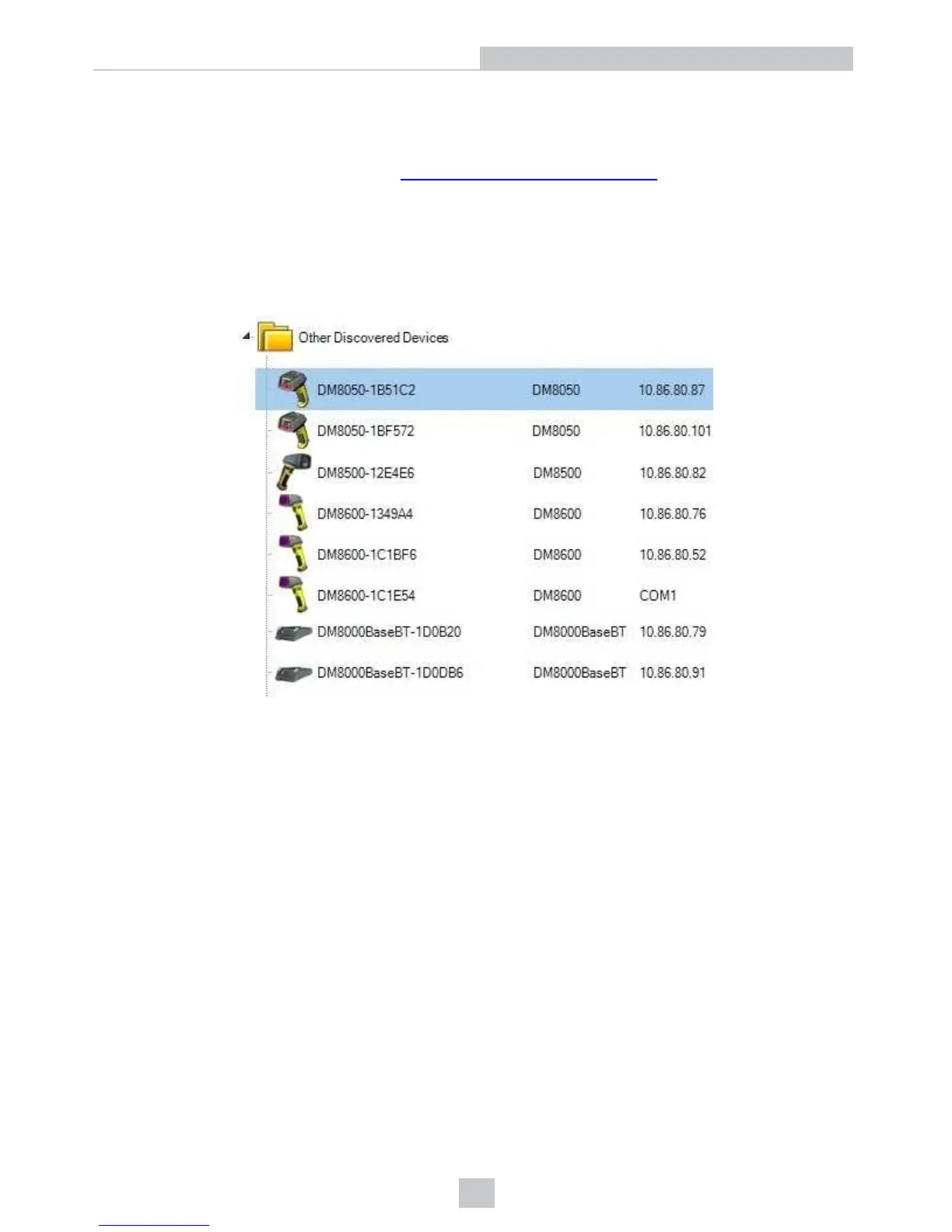
4. Launch the DataMan Setup Tool and click Refresh. The reader or the base station appears under COM ports or
Network devices.
5. Select a COM port or a Network device and click Connect.
12
Setting Up Your DataMan 8050













 To Next Page