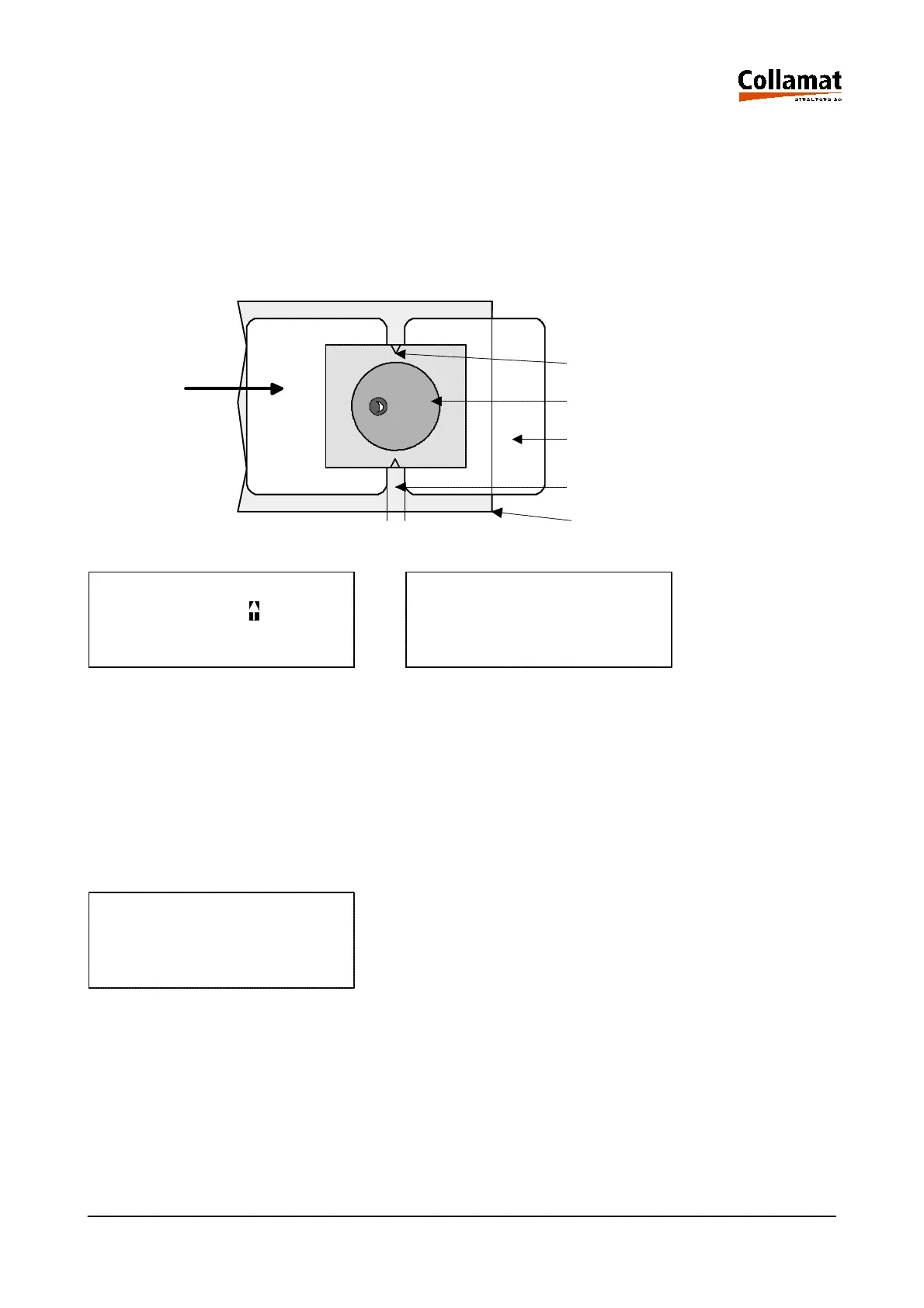
5.2.1 Auto adjust
When adjusting the sensitivity automatically, the paper web has to be pulled forward by depressing
the up key, until the label scanner is positioned over the gap. A lateral mark on the scanner head
shows the position of the label scanner. The automatic adjustment is started by depressing the
ENTER key or abandoned by depressing the ESC key. After adjustment the found value is indicated.
If the scanner can not be adjusted on the paper web, an error message will be issued.
AUTO ADJUST AUTO ADJUST DONE
Move Label with
to the Gap and then TCY-Value 50 %
press [ENTER] Key
User level: programmer/operator
Operating Mode: STOP
5.2.2 Manual adjust
When adjusting the sensitivity manually, the value is entered by hand. Entering can be aborted by de-
pressing the ESC key. This function will especially be used above all for the adjustment of labels ma-
de of 'difficult' material.
LABEL SCANNER SENS.
TCY-Value 50 %
Gap
Label
Dispensing edge
Mark
Labelscanner
programmer
STOP
User level:
Operating mode:
5999.530-01E 14.01.2004 CSWM 4 19



 To Next Page