3.3 Selecting a branch in the function tree
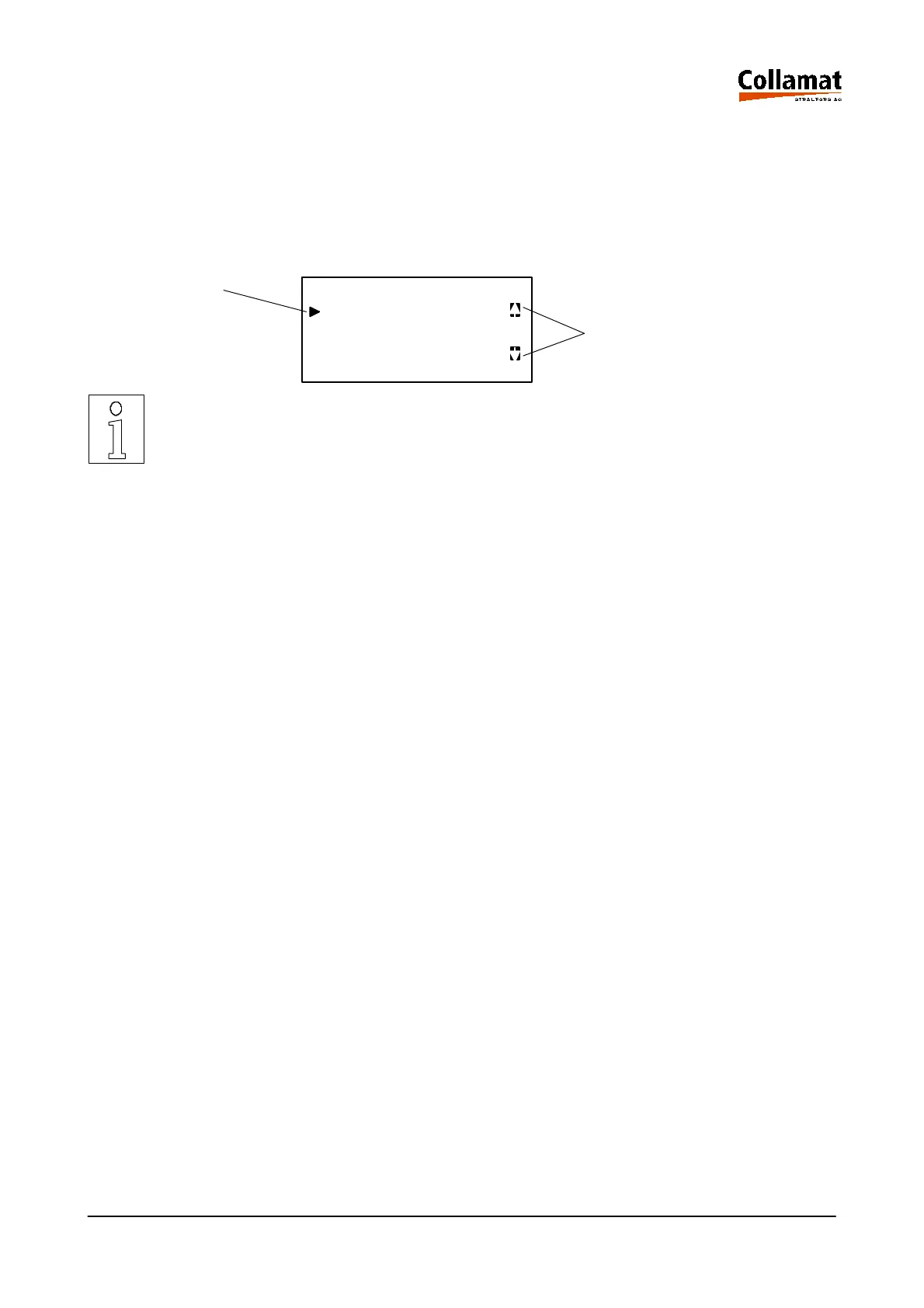
Use the up (13) and down (14) keys to select a branch of the function tree. With these two keys a litt-
le cursor (1) can be moved up and down on the left of the LCD-display. The line, where the cursor is
positioned, points at the branch of the function tree, which can be selected as next with the ENTER
key. On the right side of the LCD-display a little direction (arrow) (2) informs, whether it is possible to
move further up or down.
1. Cursor FUNCTIONTREE
Functionbranch 1
Functionbranch 2 2. Direction arrows
Functionbranch 3
NOTE:
Not all functions can be changed in the labelling mode. In the description of the
function is noted, which one is only changeable in start or stop state of the la-
beller.
Not all functions can be selected in the operating mode. In the description of
the function is noted, which one is changeable in the operating mode or in the
programming mode.
In the value table in the Technical Appendix is shown, which modes in the con-
sidered function are permitted.
5999.530-01E 14.01.2004 CSWM 4 12



 To Next Page