Version 1.03 40 Global Scanning UK Ltd © 2017
Scan to USB Plus Mode: PDF, JPG, M-PDF
• Scan to USB: File types = PDF, M-PDF & JPG. The scan data is transferred directly to the PC while
scanning to make the scanner available for the next job sooner. The ScanApp Le compresses and
sends the scan file back to the USB in the scanner.
• Ensure the ScanApp Le is running on the PC assigned for the Plus functionality.
See Configuring the PCs
• Ensure the Network Mode = Plus.
See Configuring the Network Mode of the scanner
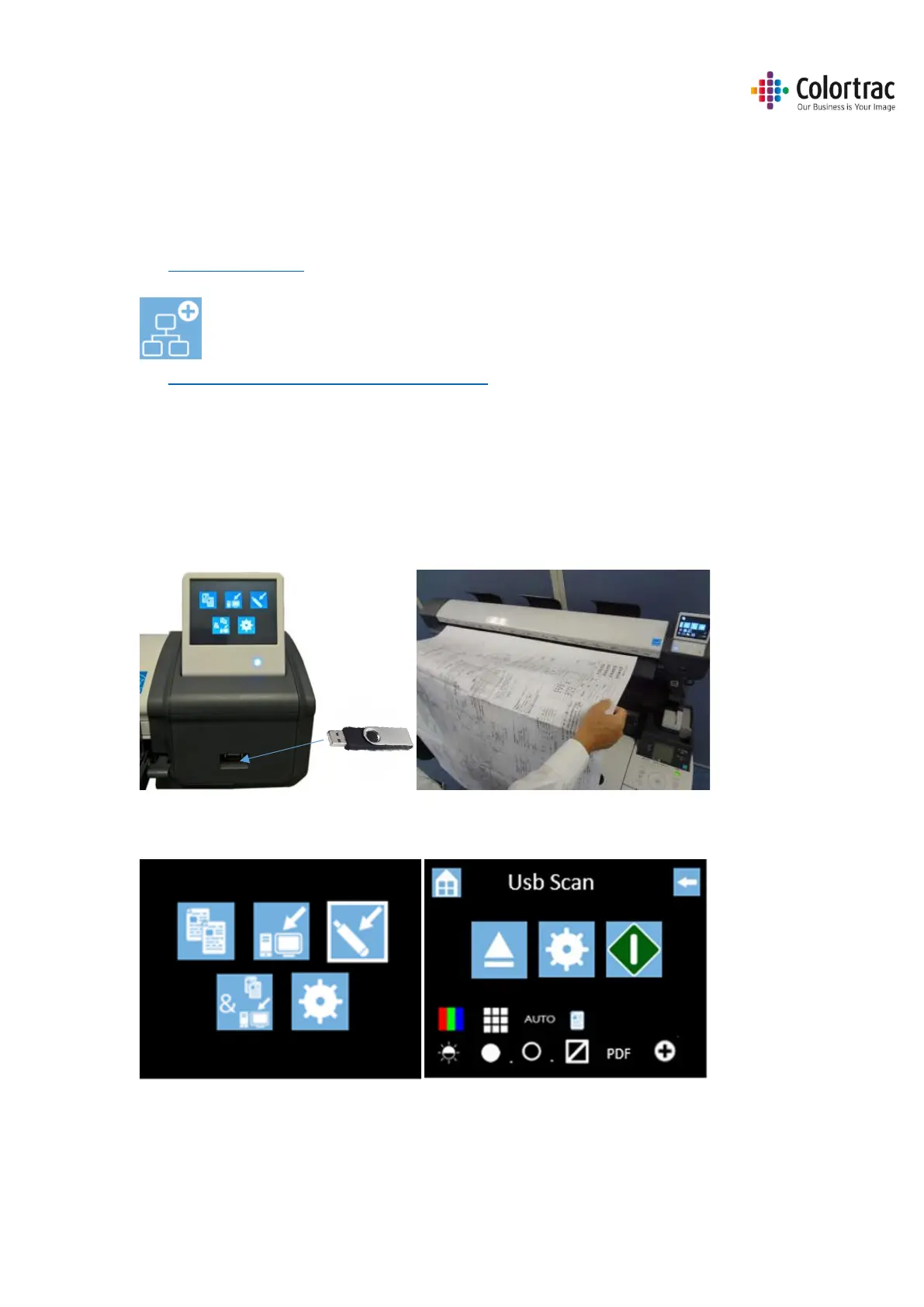
• Insert a USB memory stick in to the L24e / L36e scanner. The USB stick must have been
formatted as FAT32 and have a maximum capacity no greater than 128GB. Do not use a USB
extension cable.
• Insert a document into the approximate centre of the scanner, face up. The exact position is not
critical as we will scan using Auto-Size.
• From the Home page, select the Scan to USB function.












 To Next Page