Version 1.03 85 Global Scanning UK Ltd © 2017
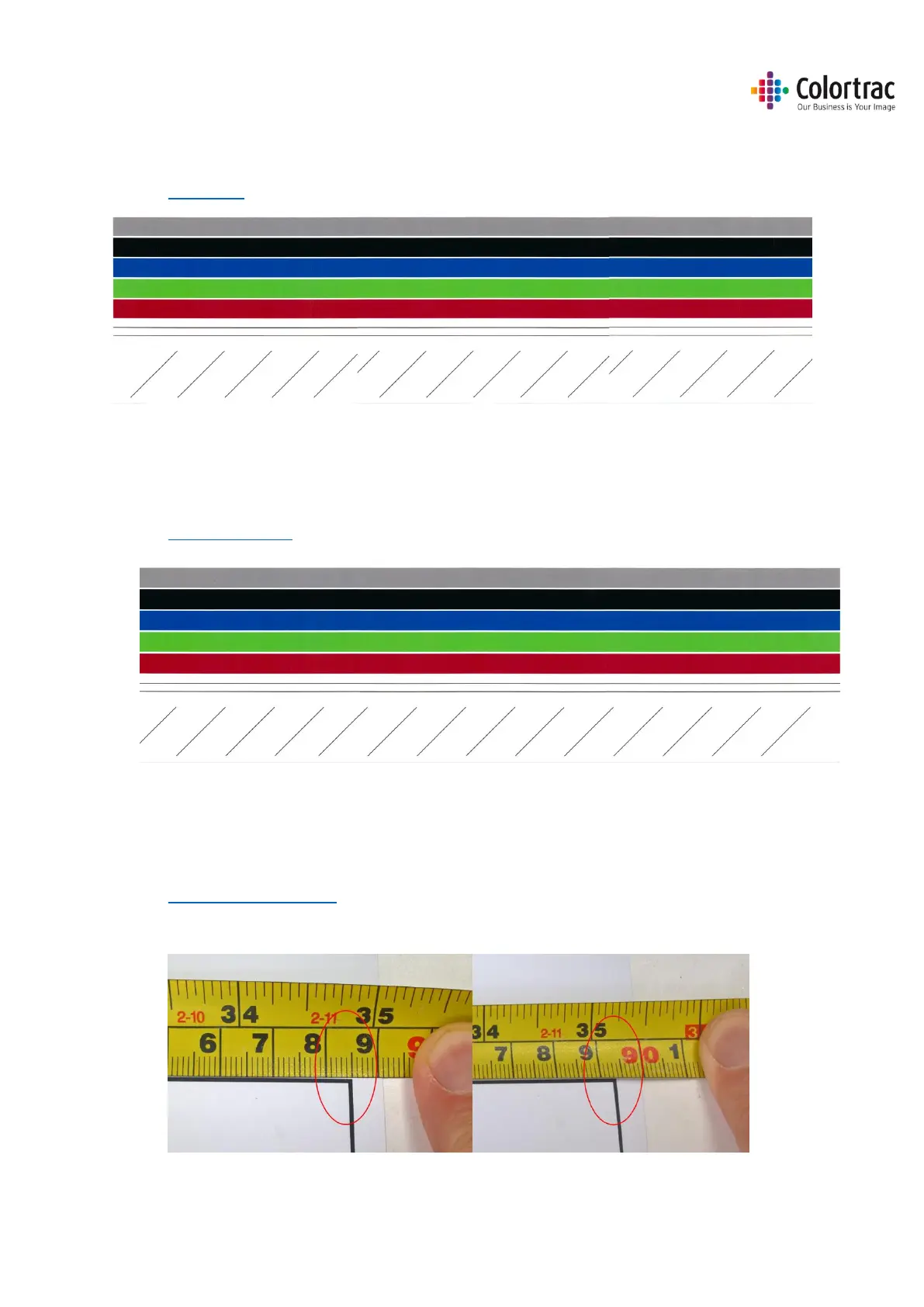
• Calibrating the scanner will remove the streaking and clean up the white background.
Calibration adjusts the optical sensitivity of each pixel in the sensor to give the correct levels of
black and white.
See Calibration
• Auto-stitch the scanner to align broken lines.
Auto-stitch adjusts the electronic alignment of each segments of the scan sensor for both front
to back and left to right alignment to avoid “stitch errors” at each intersection.
See Stitch Adjustment
Incorrect Scan or Copy length
• The drawing length on a scan file or a copy is not the same as on the original document.
This can be corrected using the Scan Length Adjustment process.
See Scan Length Adjustment
Original Copy












 To Next Page