Version 1.03 67 Global Scanning UK Ltd © 2017
Eliminating clipped copies
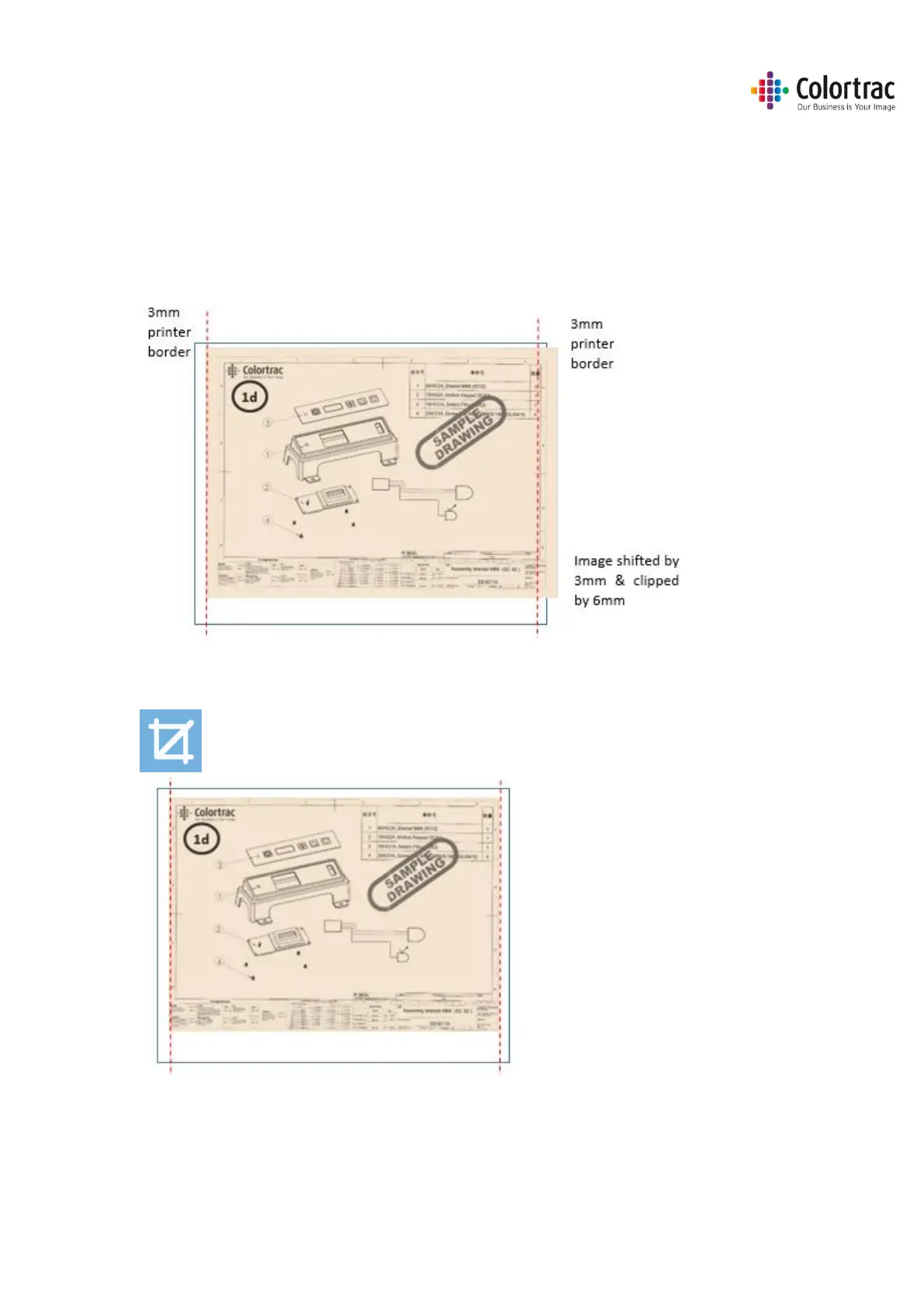
• If you scan a 594mm original as fixed size A1, then the image is 594mm wide.
• The printer has a 3mm margin either side that it cannot print within. That means on a 594mm
roll, only 588mm can be printed on. Therefore, copying a 594mm original scan onto the 588mm
printable width of the paper will mean the image is shifted 3mm to the side and 6mm (2 x 3mm)
is clipped from the far side.
• Enabling the Crop feature means the original image is printed correctly by cropping a 3mm
border from all around the scan before printing.
Crop on












 To Next Page