Version 1.03 72 Global Scanning UK Ltd © 2017
Calibration
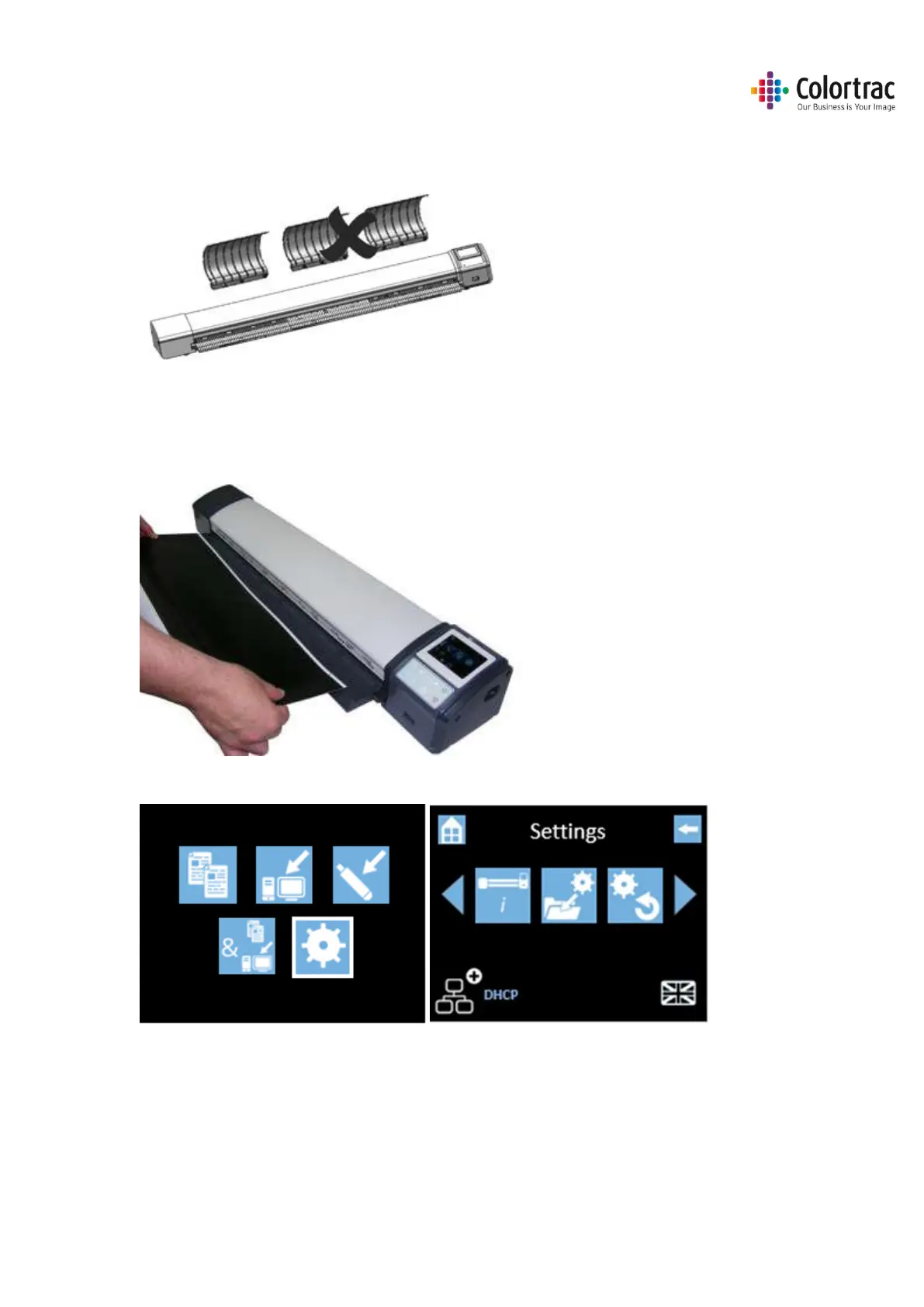
• Remove the document return guides to prevent the calibration target getting stuck during
forward/rewind motion required for calibration.
• Clean the scanner.
• Insert the calibration target (it must be clean and in good condition) into the centre of the
scanner face up, black end first.
• From the Home Page, select Scanner Settings.












 To Next Page