Version 1.03 79 Global Scanning UK Ltd © 2017
Loading Firmware
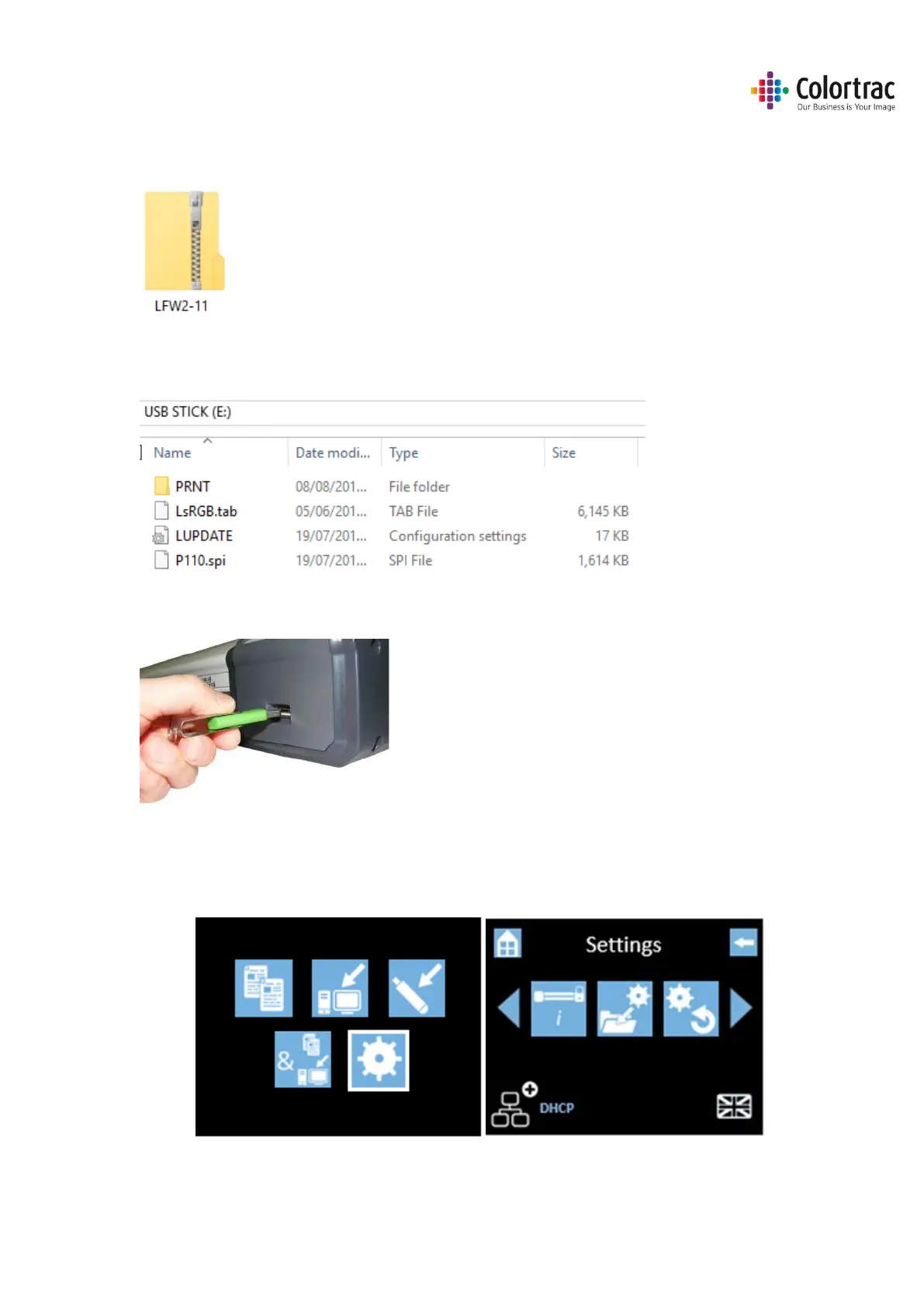
• Locate the firmware zipped file and a USB stick, which must have been formatted as FAT32 with
a maximum capacity no greater than 128GB.
• On a PC, use Windows Explorer® to extract the firmware zipped files to the root of a USB
memory stick.
• Place the USB stick into the scanner.
o If the scanner recognises that the USB stick contains scanner firmware, it will
automatically open the Load Firmware menu.
o To select the Load Firmware menu manually, from the Home Page, select Scanner
Settings.












 To Next Page