Version 1.03 80 Global Scanning UK Ltd © 2017
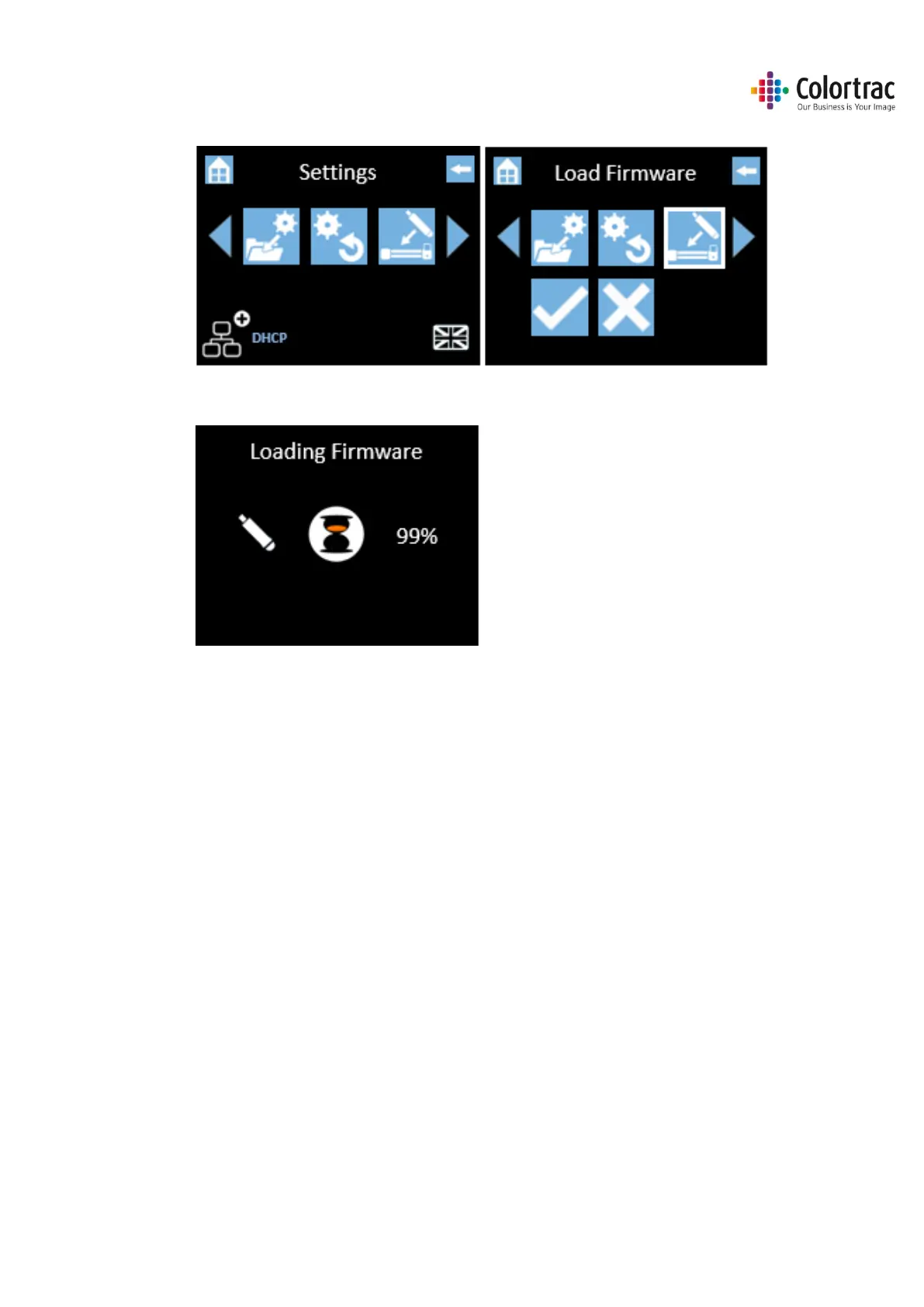
o Scroll and select Load Firmware.
o Select the Tick icon and the scanner will start to load firmware and will indicate
progress.
o DO NOT SWITCH OFF the scanner during the firmware loading process as this can cause
permanent damage to the scanner. The UI will display the percentage complete while it
loads the firmware into the scanner. Wait until the firmware has loaded and the scanner
has rebooted automatically. This will take a few minutes.












 To Next Page