EasyManua.ls Logo

Colortrac L24e - Application Notes; Tightly Curled Documents; Recommended Function Settings

Colortrac L24e
90 pages
Print Icon
To Next Page IconTo Next Page
To Previous Page IconTo Previous Page
Loading...
Version 1.03 65 Global Scanning UK Ltd © 2017
Application notes
Tightly curled documents
Prior to scanning, flatten the document as best as possible.
During the scan process, guide the document as it feeds through the scanner to prevent the
original re-entering the scanner. If the original is allowed to re-enter the scanner, it will result in
a paper jam and possible damage the original document.
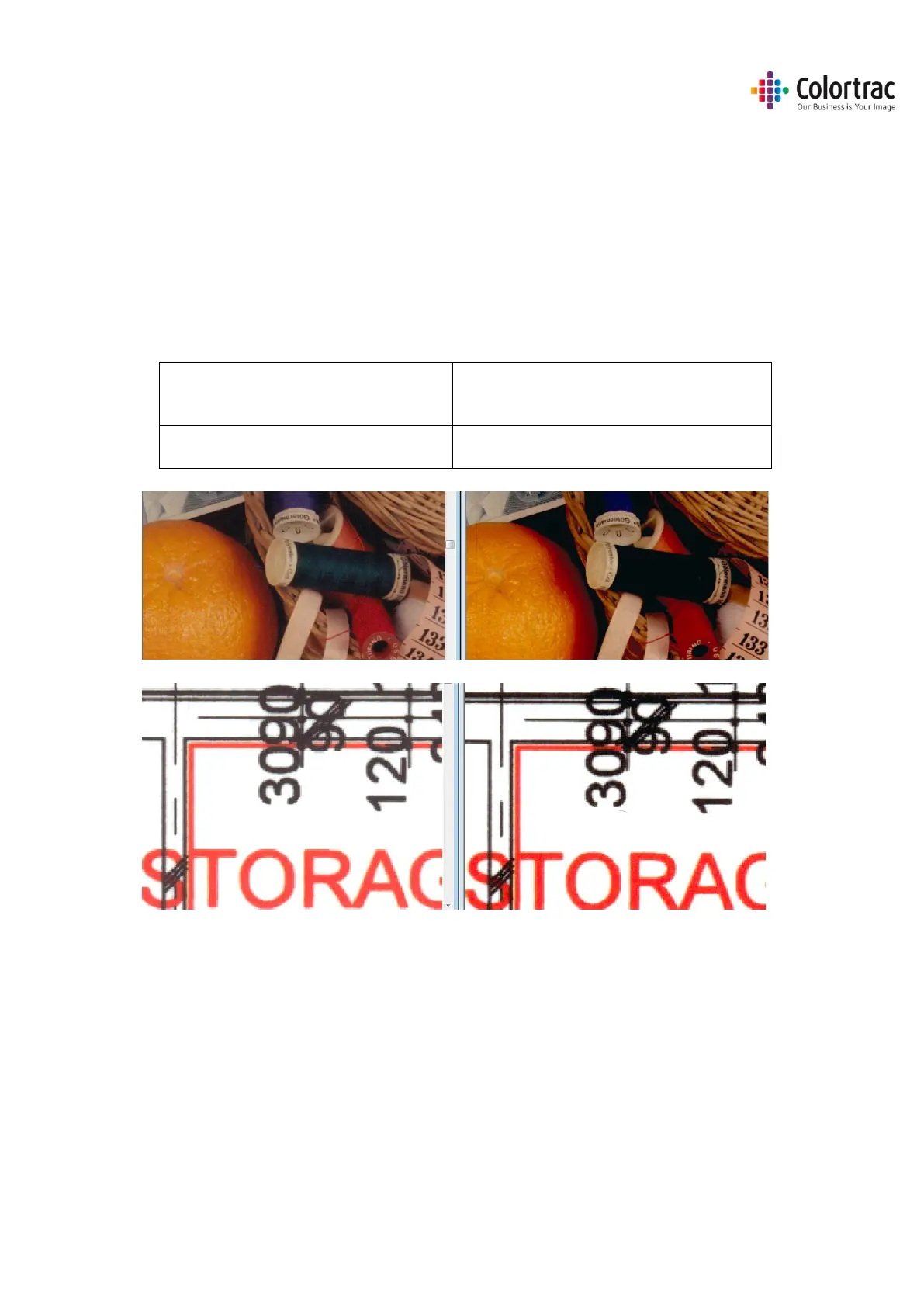
Recommended Function Settings

For Photographic originals where
colour accuracy is most important.
For Graphics & Line drawings where sharp
distinctive colours are required. (Default)
White Point = 0 and Black Point = 0
White Point = 1 and Black Point = 1

Table of Contents

Related product manuals