Version 1.03 73 Global Scanning UK Ltd © 2017
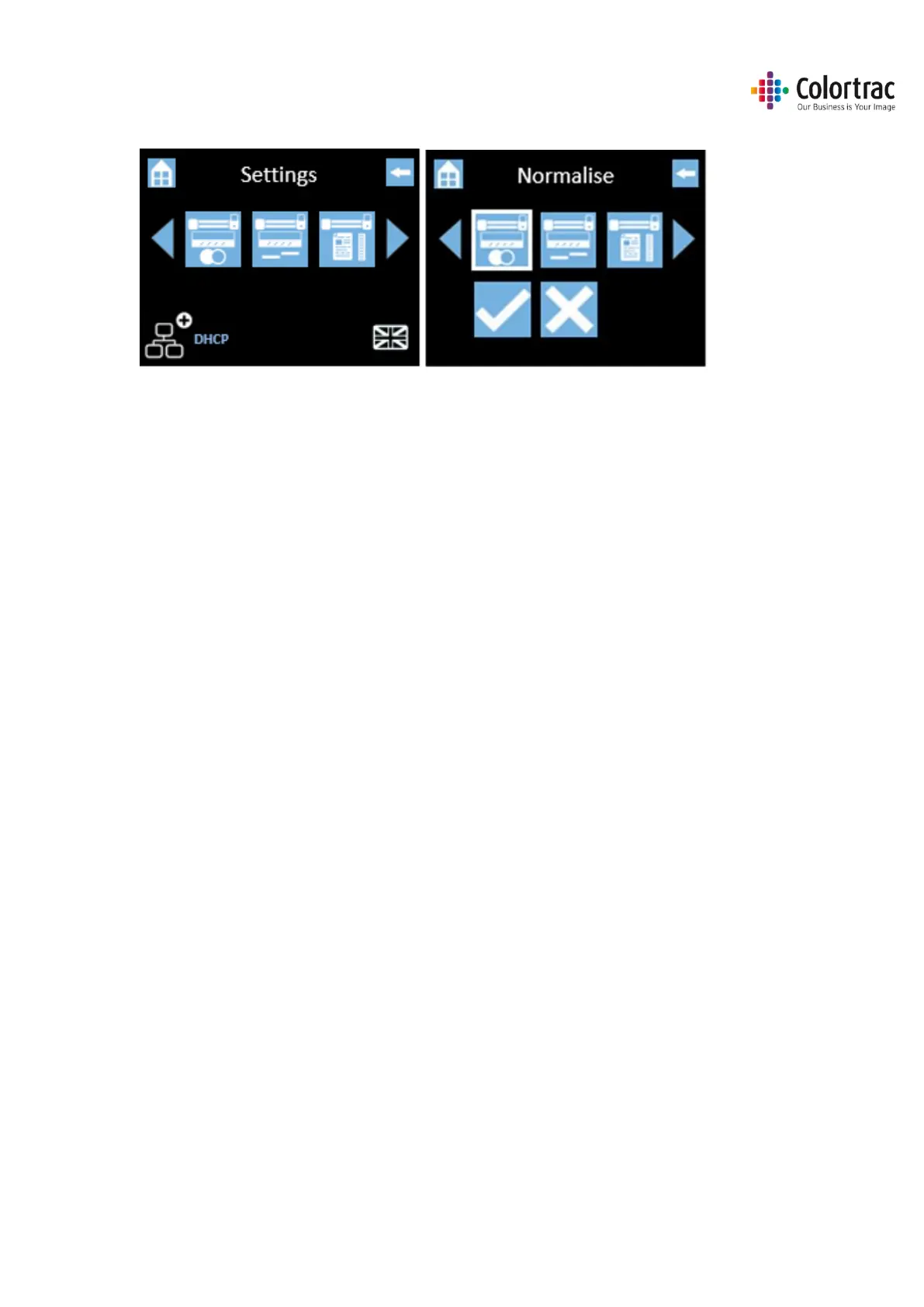
• Scroll and select Calibration (Normalise).
• Select the Tick icon and the calibration target will be scanned back & forth until complete. Please
wait until the scanner returns to the Home screen. This process will take a few minutes. Return
the calibration target to its protective cover for safe keeping.
• Note: Calibration (Normalisation) will not start until calibration sheet is loaded and in the correct
orientation - Face up, black end first.












 To Next Page