Version 1.03 46 Global Scanning UK Ltd © 2017
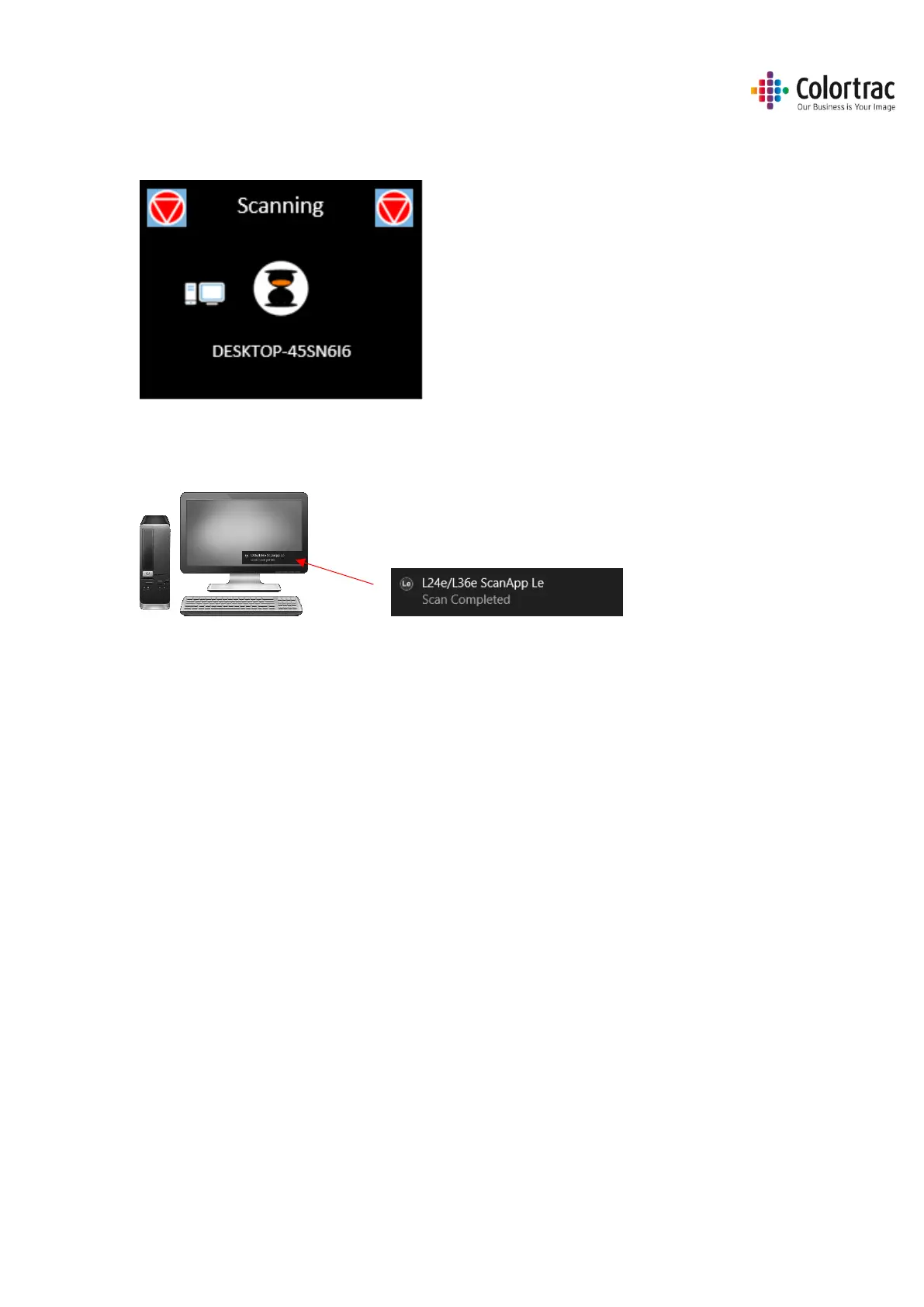
• The document will be scanned directly to the ScanApp Le via Ethernet and the document will be
ejected. Wait for the scan data to complete the transfer to the PC and the hour glass to
disappear.
• On the PC, the ScanApp Le will show Scan Completed. The scan file will be saved in the Scan
Directory set in the ScanApp Le. Open the scan file using any standard picture viewer. PDF files
will open automatically in the PC’s default PDF viewer.
The Scan file name is date & time as follows:
YYYY-M-D-H-M-S
2016-8-3-15-11-1












 To Next Page