Operation
79
C3M2-OM-EN-02
Warning
Do not apply brakes abruptly. If you stop abruptly the load may dislodge
from the forks causing serious injury or death.
To Stop:
Release the accelerator pedal fully then gradually press the inch brake pedal to
stop travelling.
Apply the park brake, then release the inch brake pedal.
To perform an emergency stop release the accelerator pedal then press the inch
brake pedal down fully. Keep the inch brake pedal fully depressed until the truck
comes to a halt.
Stopping distances change depending on operating conditions such as inclines and
the quality of the ground surface.
To make sure the truck can be brought to a stop within an acceptable safe distance it
is important to operate in a manner that is appropriate for the current conditions. It
may be necessary to:
Reduce speed
Reduce load size
Allow adequate distance between the truck and any other vehicle, object or
person.
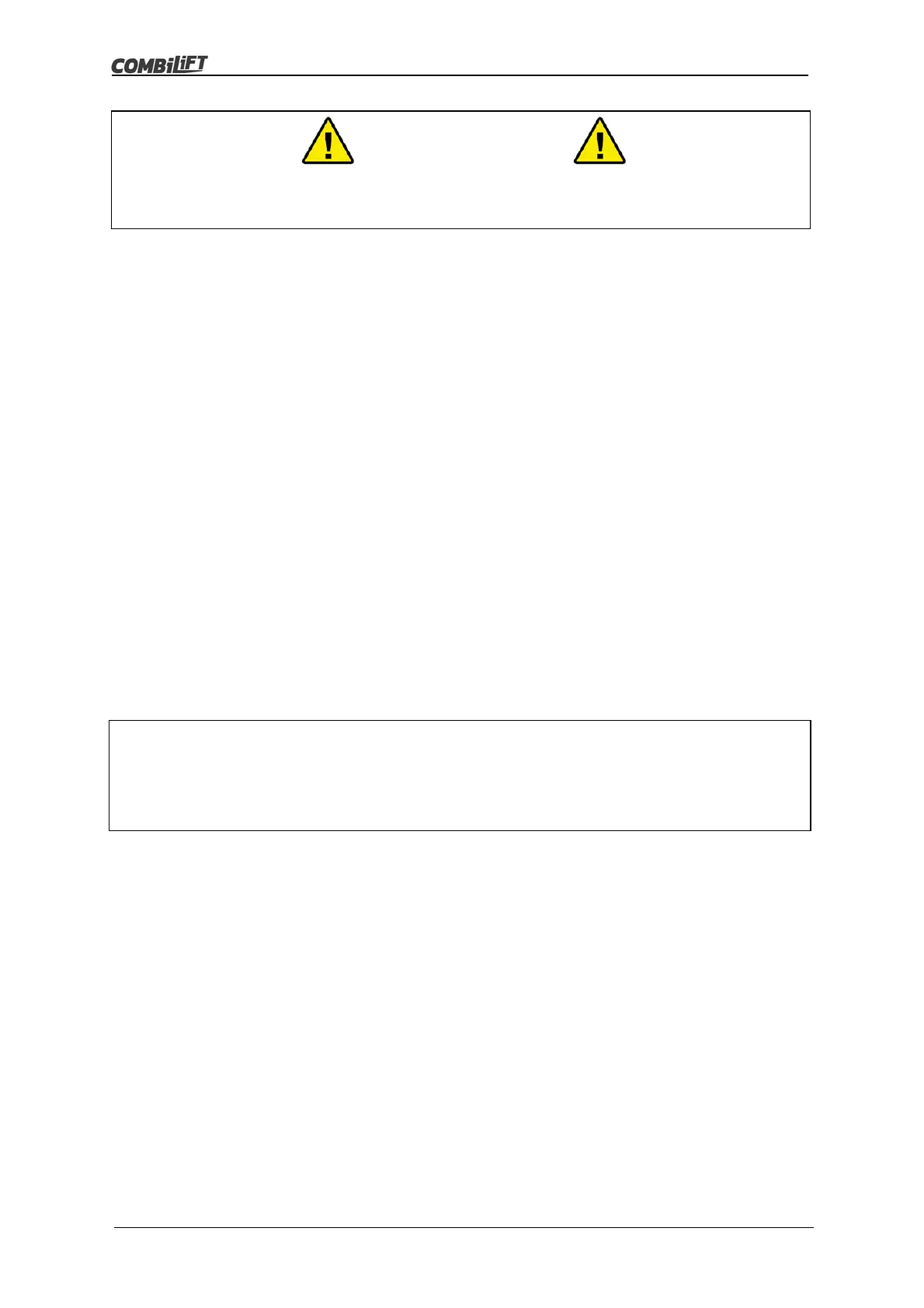
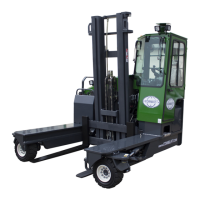
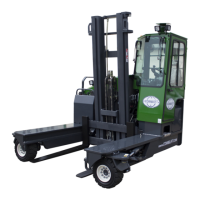
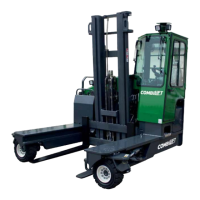
5.14 Changing Travel Direction
The procedure for changing travel direction differs depending on whether the swivel
arms have to realign for the change of travel mode e.g. from standard (0°) travel
mode to sideward (90°) travel mode or not.
Changing Travel Direction Without Changing Travel Mode
This procedure applies when a change of direction is required that does not require
the mode to change i.e. when changing from forward to reverse or from right to left.
Bring the machine to a complete stop by pressing the inch brake pedal.
Select the desired change of travel direction with the four-way direction switch.
Follow the instructions under ‘moving off’.
Note
Be careful when traveling in wet and/or frigid conditions.
Reduce travel speed considerably in the event of bad weather.



 To Next Page