21 21
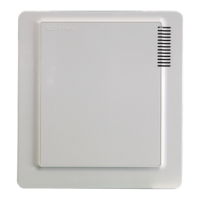
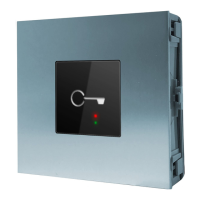
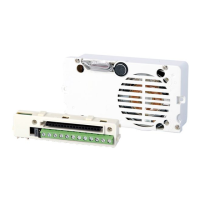
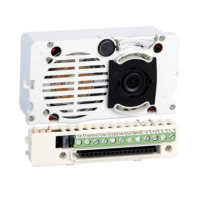
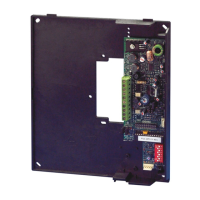
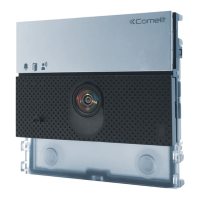
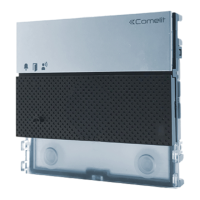
Advanced settings of the porter module (Art.
1622, 1621, 4680C, 4681)
1. Lock on SE
The default lock type is in AC.
1. access programming mode, see page 6
2. select the menu items:
Settings ⇒ System parameters ⇒ Speaker parameters
⇒ Advanced options ⇒ Lock on SE ⇒ Type
5. press or to conrm
» * indicates the selected lock type
» conrmation tone
1A. Setting the type of door lock on the SE
output of the porter module
TYPE
CONFIRMATION TONE
STANDBY LOCK REL.
VIEW
OK OK
SCROLL ESC
TYPE
*AC
AC PLUS
DC
OK OK
SCROLL ESC
PARAMETER
CHANGED
3. press or to conrm
4. select the type of lock using
1B. Enabling/disabling the door lock
conrmation tone on the porter module
This function is disabled by default.
1. access programming mode, see page 6
2. select the menu items:
Settings ⇒ System parameters ⇒ Speaker parameters
⇒ Advanced options ⇒ Lock on SE ⇒ Conrmation
tone
TYPE
CONFIRMATION TONE
STANDBY LOCK REL.
VIEW
OK OK
SCROLL ESC
CONFIRMATION TONE
YES
*NO
OK OK
SCROLL ESC
3. press or to conrm
PARAMETER
CHANGED
4. select YES to enable the function, NO to disable it
5. press or to conrm
» * indicates active selection
» conrmation tone



 To Next Page