88
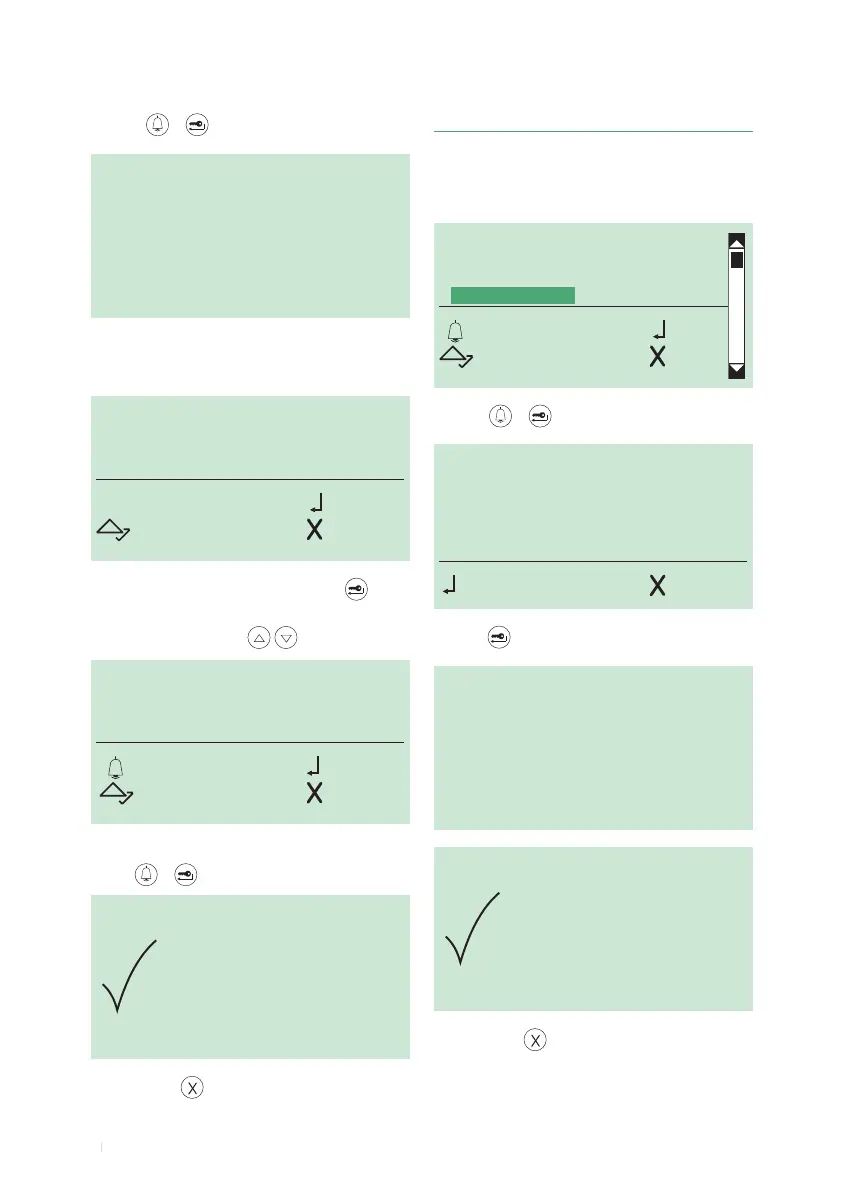
4. Clearing the directory
DELETE
ALL NAMES?
OK CANC
DELETION
IN PROGRESS...
ENTER NAMES
DELETE NAMES
CHANGE NAMES
CLEAR ALL NAMES
OK OK
SCROLL ESC
1. access programming mode, see page 6
2. select the menu items:
Name directory ⇒ Clear all names
3. press or to conrm
4.
press to conrm
DELETION
COMPLETE
5. to exit, press
ENTER PART
OF THE NAME
REQUIRED
3. press or to conrm
4. enter the name using the alphanumeric keypad, for the
use of special characters see table on page 3
M_
OK
SCROLL CANC
5. to conrm the rst letter of the name, press
6. to display the name that you want to change, scroll
through the directory using
MARIO ROSSI
OK OK
SCROLL ESC
7.
to conrm the selected name that you want to delete,
press or
8. to exit, press



 To Next Page