Overview
3-6
6) PRINT/STOP Key
a) Used to begin recording and stop recording.
b) It can be used as the “confirmation” key after inputting patient information in “Register” setting
window.
7) ON/OFF Key
The power switch key is used to turn on or turn off the electrocardiograph.
8) MENU Key
Press this key to enter menu settings.
9) Number Keys
Press these keys to input patient information, such as age, height, weight, blood pressure.
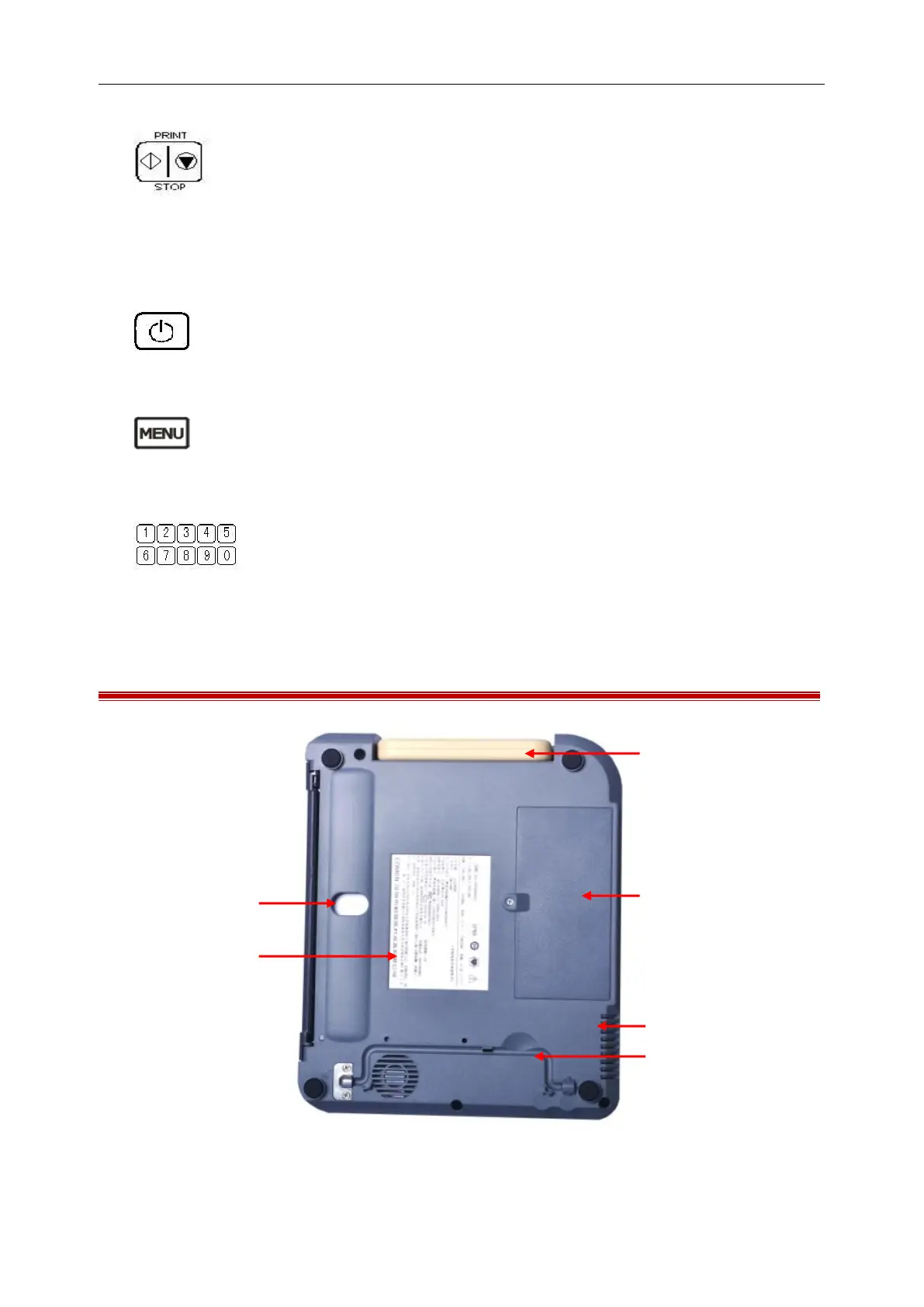
3.5 Bottom Panel of the Main Unit
Figure 3-3 Bottom Panel



 To Next Page