Operation Instructions
5-18
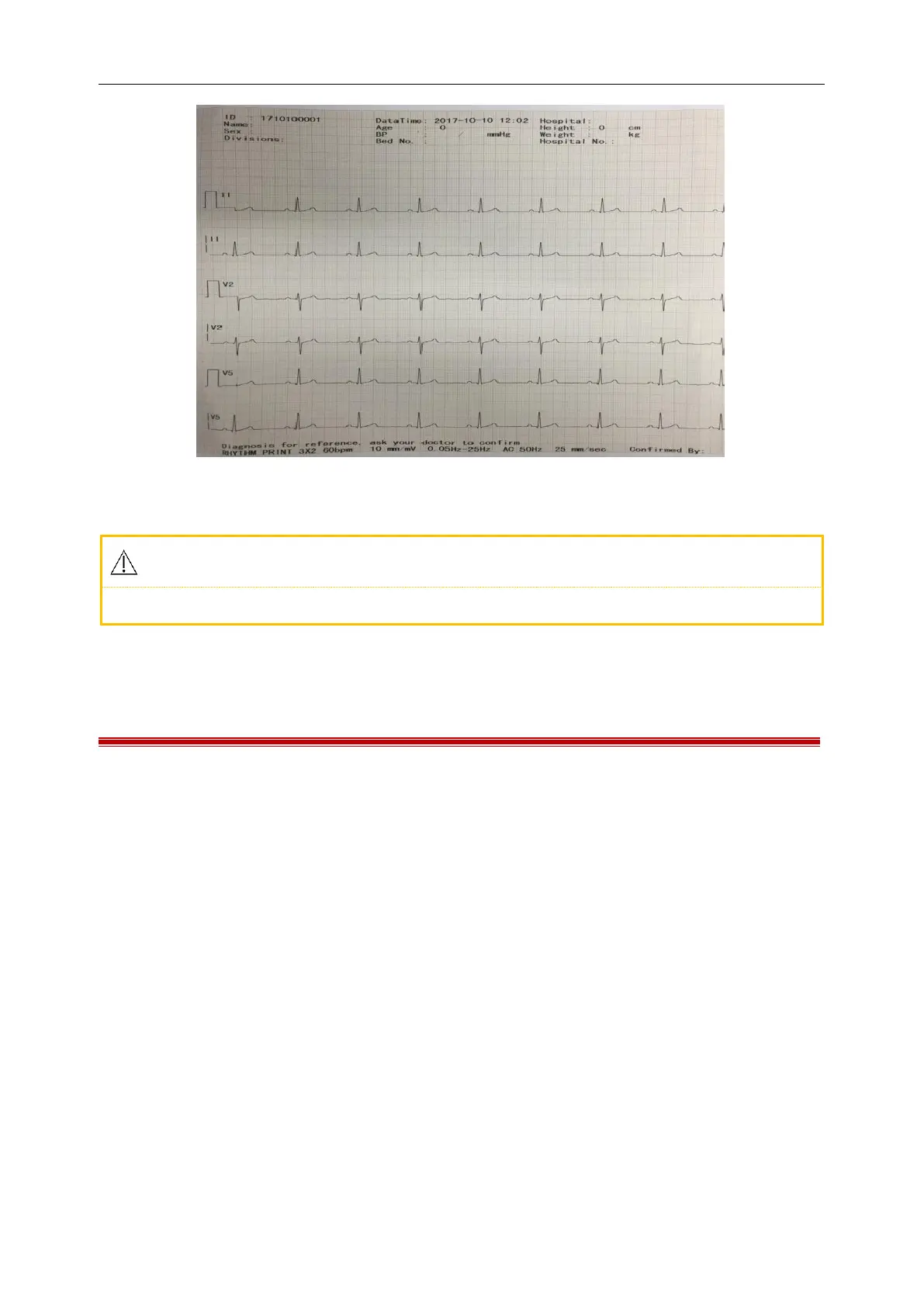
Figure 5-15 Ryhthm print
The ECG waveform and data will not be saved under rhythm mode.
5.6 Manual Mode
Under the manual working mode, the user can select the lead group to record the ECG according to the need.
When the user needs to record the ECG signal of another lead group, it needs to be switched manually.
Under the manual working mode, the user can select the “Channel Mode” according to the need and set the
record parameters or other parameters according to different channel modes.
Specific Operation Methods:
1) Input the patient information before the recording;
2) Enter the MENU interface to set sampling mode, filter mode and print mode;
3) Set other parameters according to your need, when the setting finishes exit the setting
window and return to the waveform area;
4) Press the MODE key to select the Manual mode, then press the START/STOP key to print.
At this time, below the heart rate value battery display the following items will display:
prompt information such as sampling and printing.
5) Press the right and left key of arrow key group key to switch leads
6) You can press the START/STOP key to stop in the recording process if necessary.



 To Next Page