General Introduction
2-3
Print key: press this key to record ECG waveform; press this
key for 3s and release this key to enter touch screen
calibration interface.
Battery charge and discharge indicator: when AC power
supply is connected, this indicator is light until the battery is
fully charged.
Working status indicator: after this equipment is switched on
and not connected AC power, this indicator is light;
AC indicator: when connected to AC power supply, this
indicator is light.
2.6 External Connectors
2.6.1 Left panel
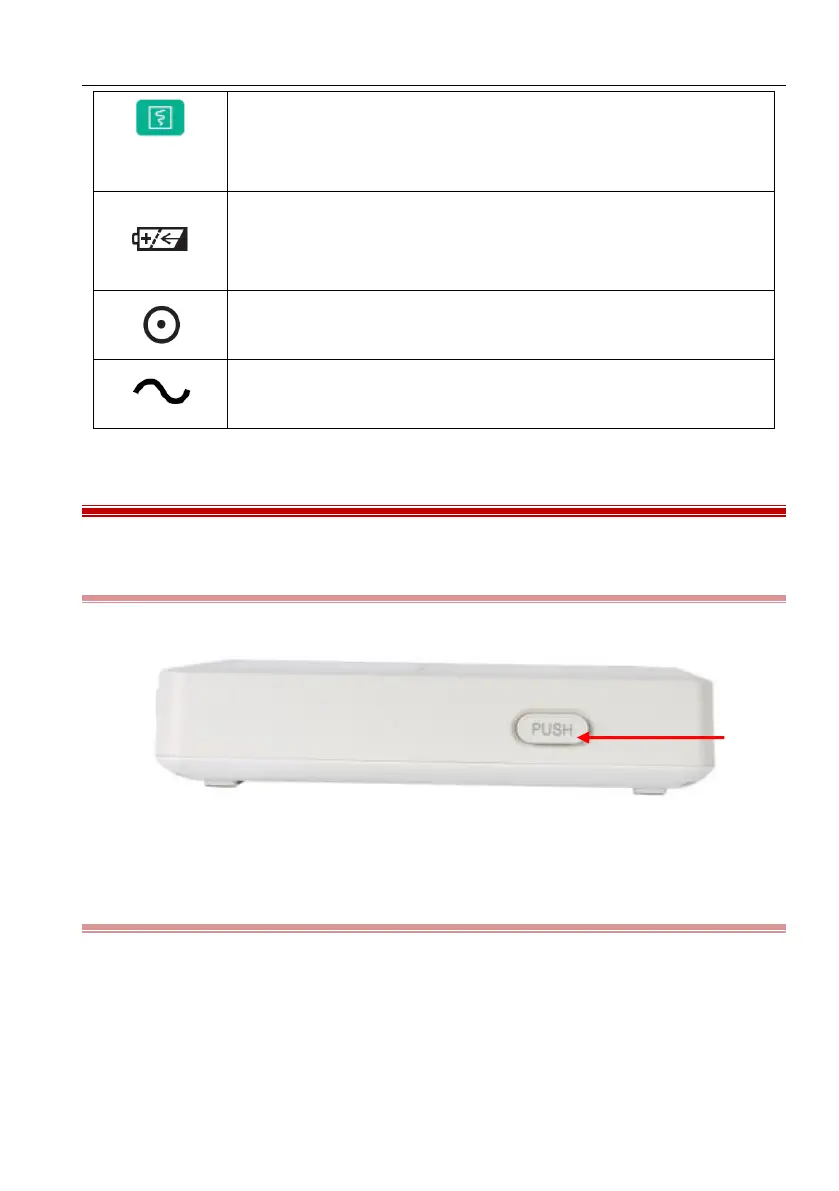
The left panel of this equipment is shown as the following figure:
Figure 2-2 Left panel
2.6.2 Right panel
The right panel of this equipment is shown as the following figure:



 To Next Page