Operation Preparation
3-3
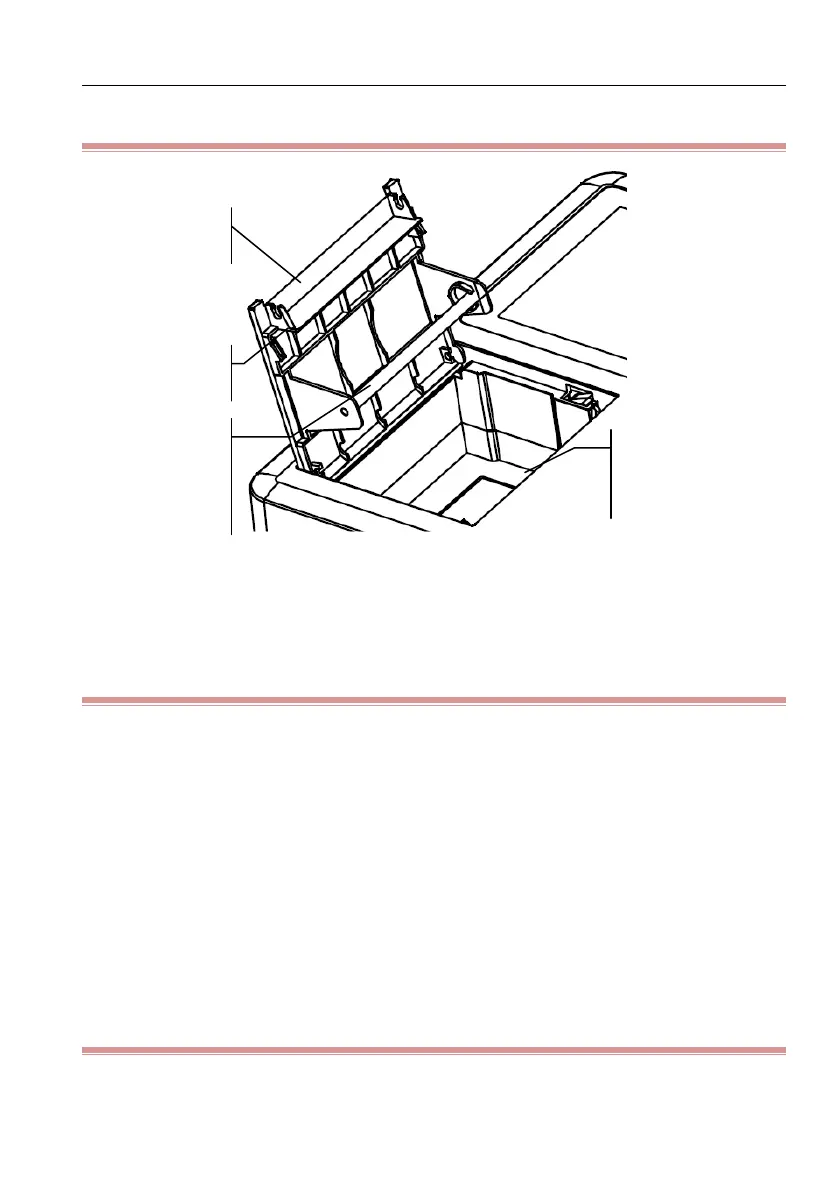
3.2.1 Recorder Inner Structure
Figure 3-1 Inner structure of recorder
3.2.2 Loading Rolled Thermosensitive Record Paper
1) Press the latch on the left panel of this equipment to open the recorder cover
2) Take out the paper roller from the fixing device
3) Unwrap the new record paper and load it into the fixing device. Pay attention
to that the grid surface should face the thermosensitive print head.
4) Pull out the record paper from the paper exit, close the recorder cover and
keep the record paper parallel with paper exit.
5) Select [Config.]→[Print Settings]→[Paper Style]→[Rolled]
3.2.3 Loading Folded Thermosensitive Record Paper
1) Press the latch on the left panel of this equipment to open the recorder cover
Fixing device
for rolled
paper
Thermosensitive
print head



 To Next Page