System Settings
4-4
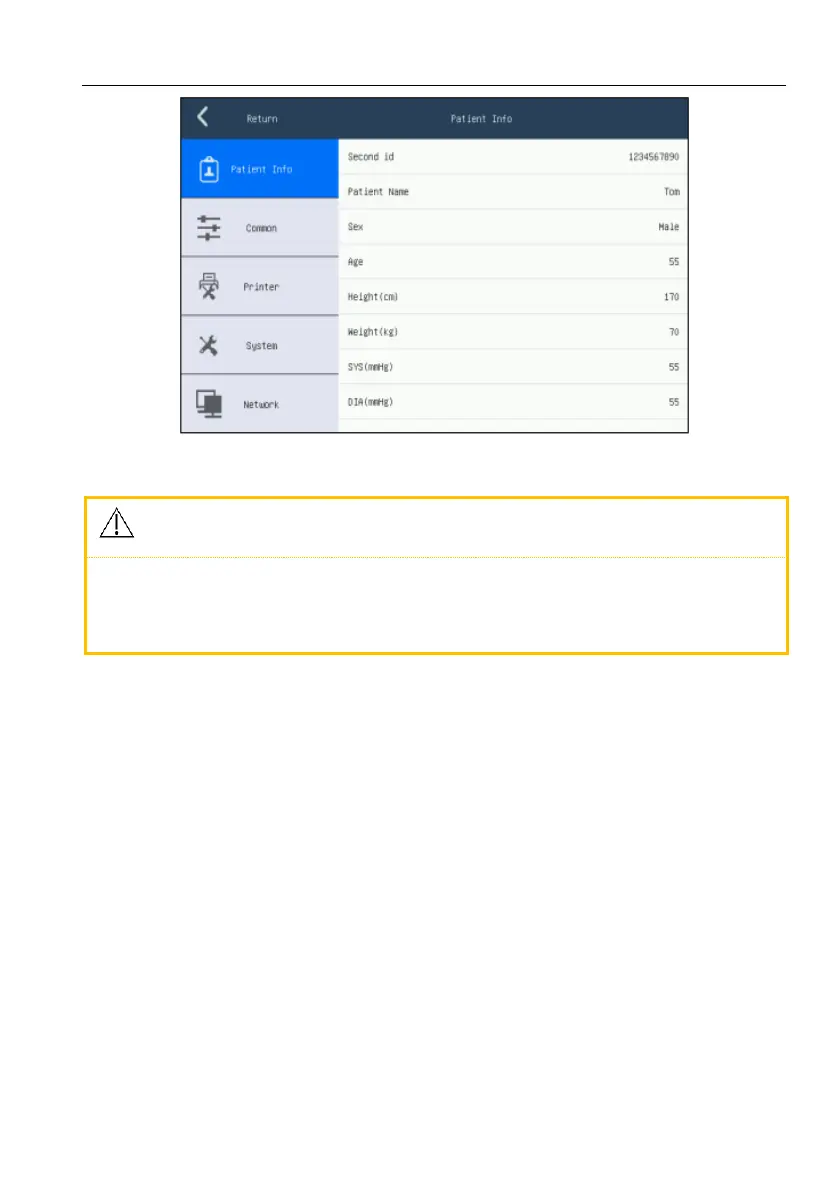
Figure 4-1 Patient information screen
Patient information can’t be changed during the process of recording.
Under auto mode, a new patient case will be formed after every
printing when [Save Option] is set as [On].
[Second ID]: supporting entering 20 numbers. It can be entered by hand or
by scanning, but it will not be displayed on main screen. The first ID,
generated by system automatically, will be displayed in patient information
area on main screen, and it can’t be changed. For example, in the first ID
0902190045, 090219 represents the arrival date of a patientand 0045
represents the 45
th
patient being examined at this day.
[Patient name]: entering patient’s name within 20 characters
[Sex]: male/ female
[Age]: range 0~120
[Height (cm)]: range 0~999
[Weight (kg)]: range 0~999
[SYS (mmHg)]: systolic pressure (range 0~999)
[DIA (mmHg)]: diastolic pressure (range 0~999)



 To Next Page