28
OPERATION
SWITCH-ON
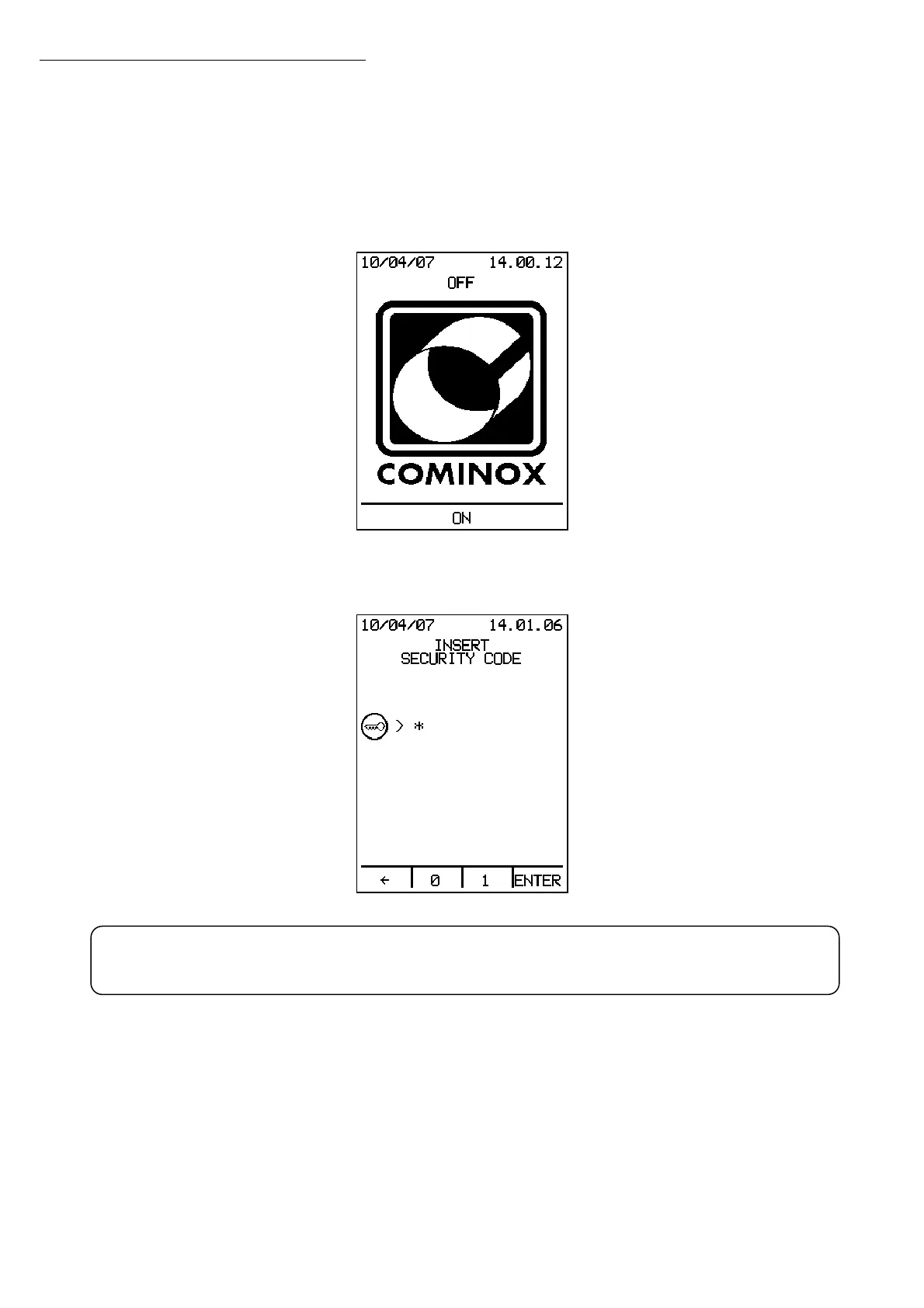
To turn on the sterilizer, press the main switch 13 located behind the door 18.
The sterilizer switches to OFF:
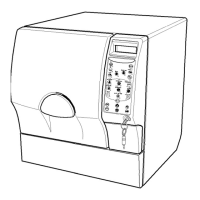
Press ON using one of the four multi-function buttons below the display, the display will
show another screen that asks for the personal security code:
Pressing the
Å key deletes the last number entered, or, if no numbers are shown on the
display, it returns to OFF mode.
After the Security Code is inserted, the sterilizer displays a WELCOME message and
switches to STAND BY mode.
Operation Operation
WARNING: the Administrator security code is set to 1 by default
!


 To Next Page