34
3. Advanced Tools Menu
This menu gives you access to the Advanced Tools:
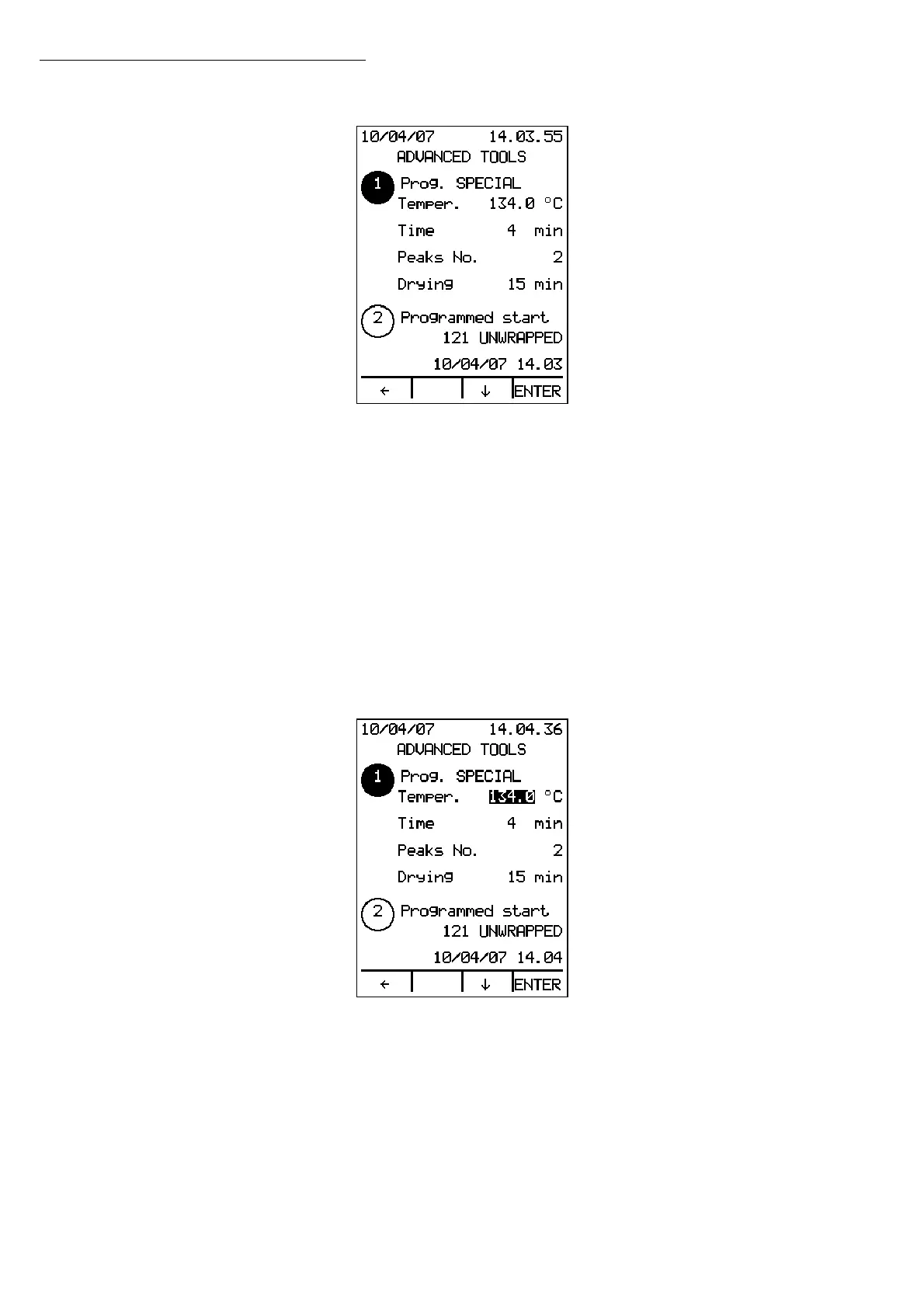
1. Prog. SPECIAL
2. Programmed start
3. Hollow loads
4. Code option
Use the ↑↓ arrows to scroll through the list of advanced tools and press ENTER to access the
item selected.
Press the
Å key to exit.
3.1 Prog. SPECIAL
To access this item, you need a security code authorized to access the programming of
the SPECIAL cycle.
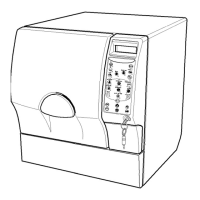
Press ENTER to change the values of the SPECIAL cycle parameters. In particular:
• the sterilization temperature (from 117°C to 134°C).
• the sterilization duration. The maximum value is 30 minutes, and the minimum
depends on the temperature setting.
• the number of peaks in the vacuum pulse phase(from 0 to 3).
• the drying duration (from 0 to 30 minutes).
Use the ↑↓ arrows to change the value of the parameter, and press ENTER again to
confirm the input and move to the next parameter.
Press the
Å button to exit without changing the value of the parameters.
Operation


 To Next Page