49
Press NO to enter the STAND BY mode with door locked.
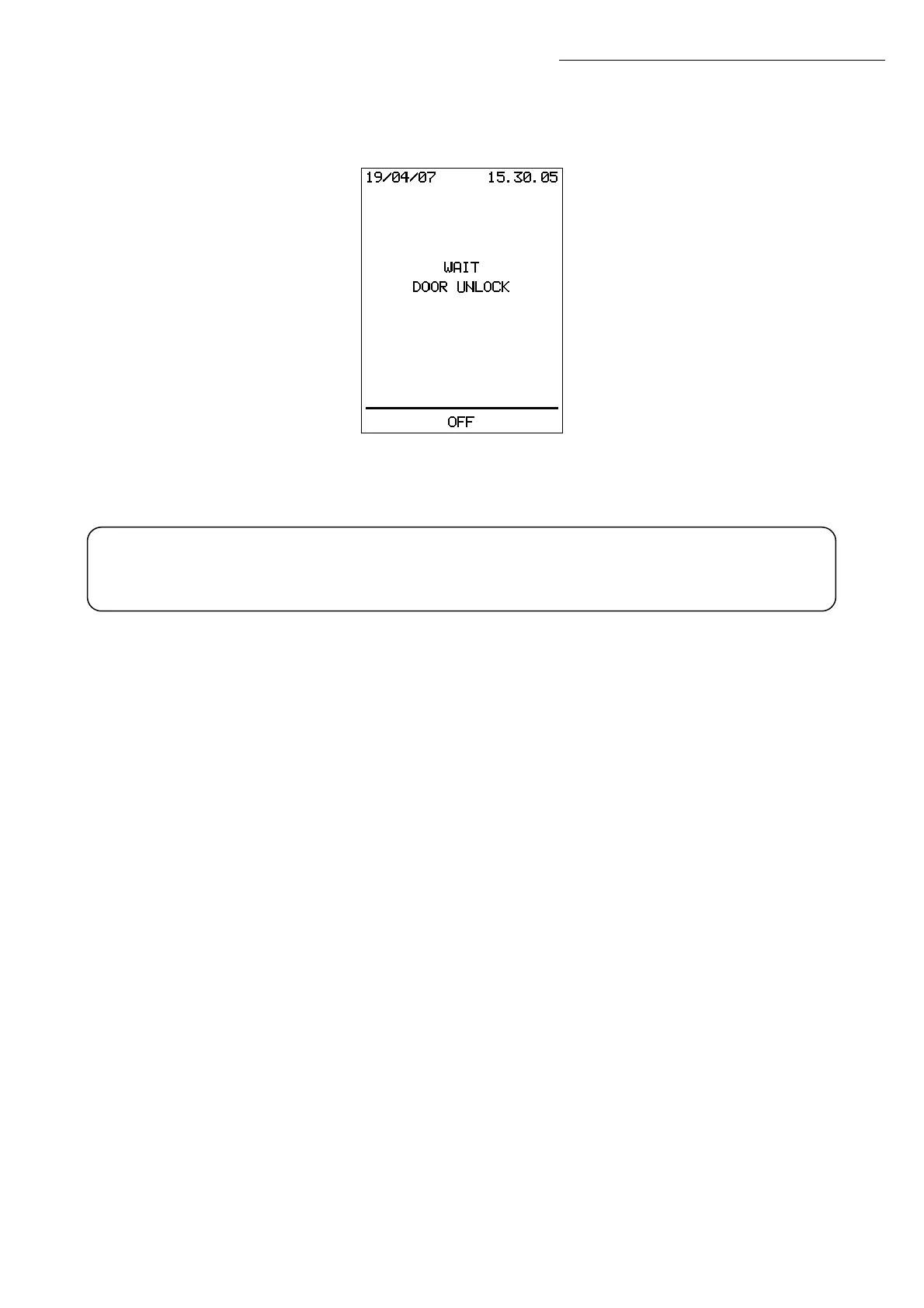
Press YES to start the door unlocking procedure:
When the door is unlocked, the sterilizer turn to STAND BY mode and the door can be
opened.
Pull out the load and, if it is packaged, check that the packaging has not been damaged
(e.g.: open seals). Material in damaged packages must be repackaged and run through
a new sterilization cycle.
If installed and enabled, the printer 26 (optional, standard on PRINT models) produces a
full report on the cycle conducted.
WARNING! Beware of the steam that exits from the door, and do not touch the
load, its support system, or any hot surface unless you are wearing suitable
protective gloves or using the special tray handle 01.
!
Operation


 To Next Page