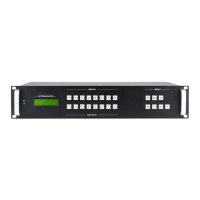
4K 8x8 HDBaseT Matrix Switcher
Comm-Tec S.r.l. 3 www.comm-tec.it
Contents
1. Introduction ................................................................................................................. 5
1.1 Introduction to the 4K HDBaseT 8x8 Matrix Switcher ........................................ 5
1.2 Features ............................................................................................................ 5
1.3 Package List ...................................................................................................... 5
2. Product Appearance of the 4K HDBaseT 8x8 Matrix Switcher ................................... 6
2.1 Front Panel ........................................................................................................ 6
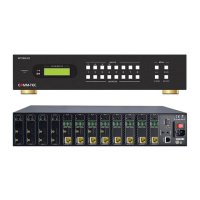
2.2 Rear Panel ......................................................................................................... 7
3. System Connection ..................................................................................................... 8
3.1 System Applications .......................................................................................... 8
3.2 Usage Precautions ............................................................................................ 8
3.3 Connection Diagram .......................................................................................... 8
3.4 Connection Procedure ....................................................................................... 9
3.5 Connection with HDBaseT Receivers .............................................................. 10
4. System Operations ................................................................................................... 11
4.1 Front Panel Button Control .............................................................................. 11
4.1.1 Switching I/O connection ....................................................................... 11
4.1.2 EDID Management ................................................................................ 11
4.1.3 Inquiry .................................................................................................... 13
4.1.4 Clear operation ...................................................................................... 13
4.2 IR Control ........................................................................................................ 14
4.2.1 Usage of IR Remote .............................................................................. 14
4.2.2 IR Carrier ............................................................................................... 15
4.2.3 Control Far-end Device locally............................................................... 15
4.2.4 Control Local Device Remotely ............................................................. 16
4.3 RS232 Control ................................................................................................. 18
4.3.1 Connection with RS232 Communication Port ........................................ 18
4.3.2 Installation/uninstallation of RS232 Control Software ............................ 18
4.3.3 Basic Settings ........................................................................................ 18
4.3.4 RS232 Communication Commands ...................................................... 19
4.3.5 Control through 9-pin RS232 port .......................................................... 26
4.3.6 Control through 3-pin RS232 port .......................................................... 26


 To Next Page