Compact Scaler Switcher
Comm-Tec S.r.l. 16 www.comm-tec.it
then click “Send”.
⚫ Relay 1~2: The function is for projection screen control, and the HDBaseT receiver
which is connected to the switcher needs to have two relay ports. Click “Manual”, the
projection screen starts to roll up or drop down, and then click “Manual” again to stop
process. After setting the auto stop time, click “Auto”, the projection screen starts to
roll up or drop down until the auto stop time is up.
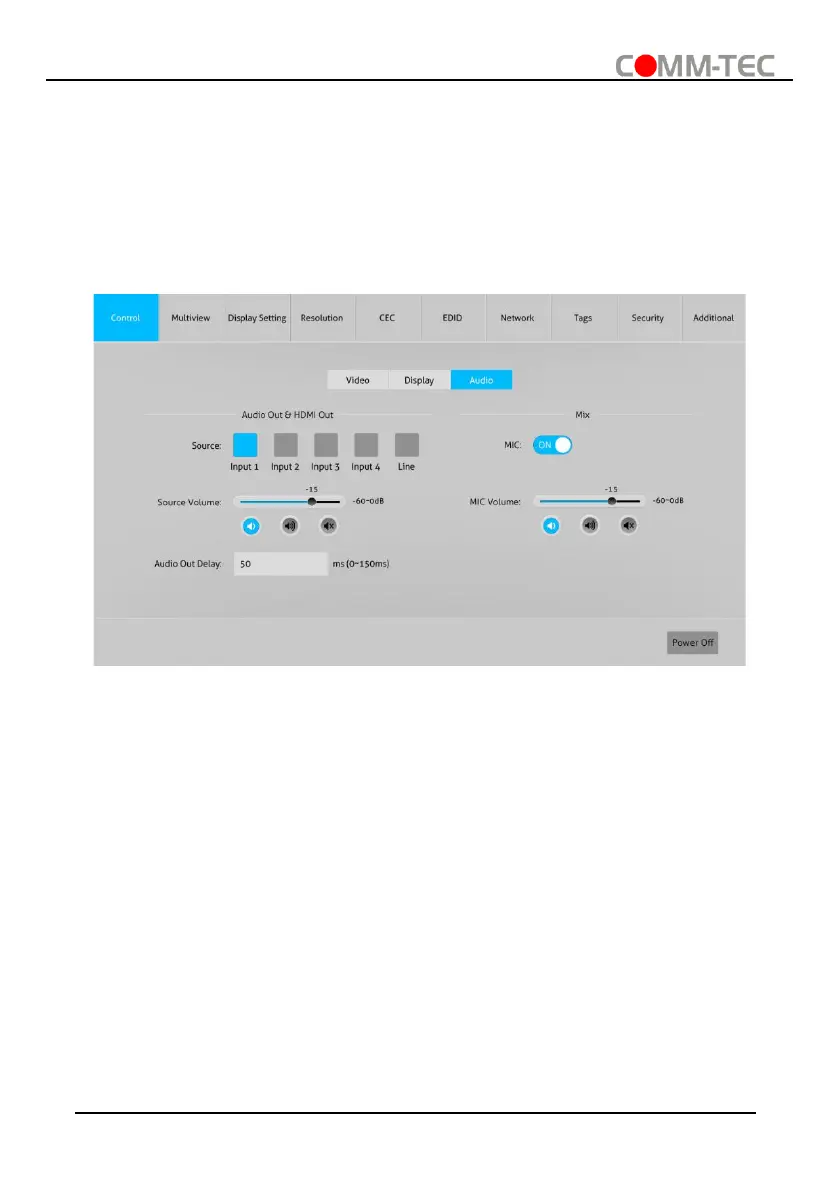
6.1.3. Audio Control
⚫ Source: Select audio source for audio outputs, HDMI and HDBaseT outputs.
⚫ Source Volume: Volume bar, volume up, volume down and mute buttons for source
audio control.
⚫ Audio Out Delay: Set the delay time of audio output to 0~150ms.
⚫ MIC: Turn on or off microphone input.
⚫ MIC Volume: Volume bar, volume up, volume down and mute buttons for
microphone audio control.



 To Next Page