Compact Scaler Switcher
Comm-Tec S.r.l. 22 www.comm-tec.it
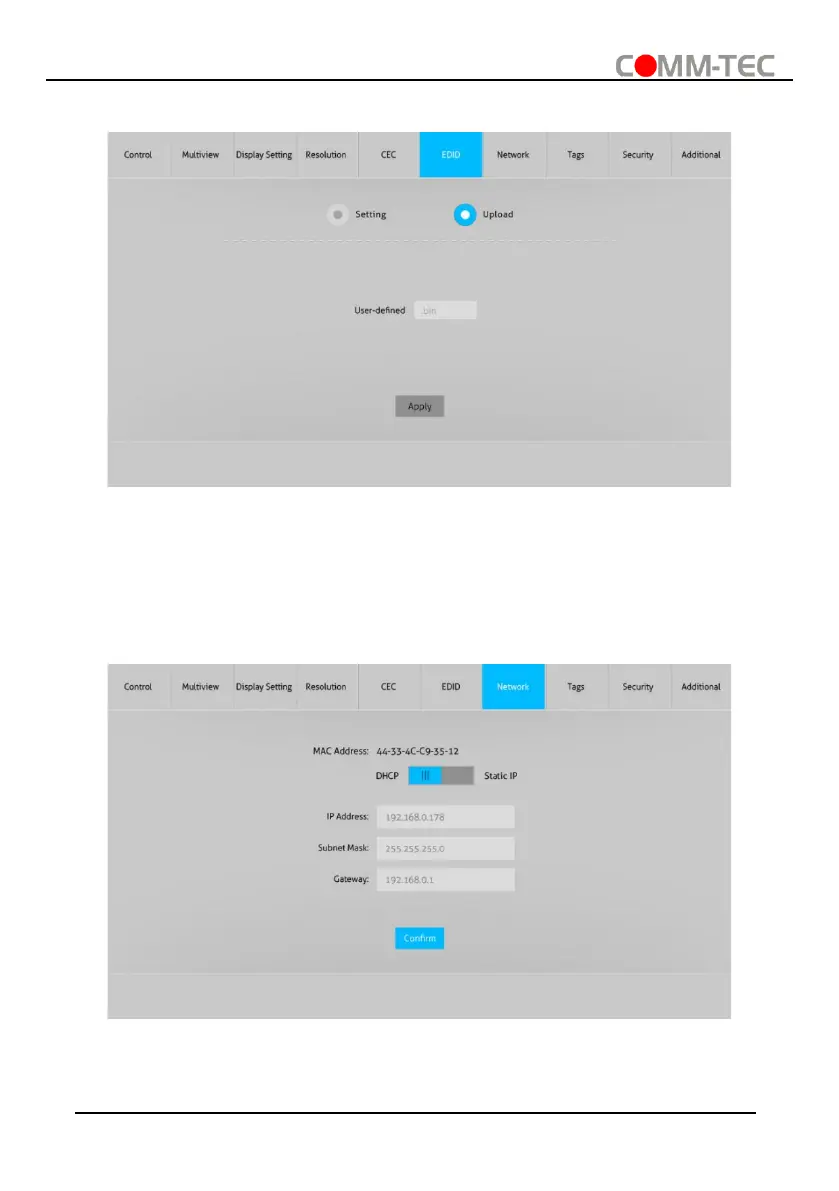
6.6.2. EDID Upload
⚫ Upload user-defined EDID by the below steps:
Step 1: Prepare the EDID file (.bin) on the control PC.
Step 2: Click the user-defined box, and then select the EDID file (.bin).
Step 3: Click “Apply” to upload the user-defined EDID.
6.7. Network Tab
⚫ Static IP or Dynamic Host Configuration Protocol (DHCP).
⚫ Modify the static IP Address, Subnet Mask, and Gateway.



 To Next Page