Compact Scaler Switcher
Comm-Tec S.r.l. 18 www.comm-tec.it
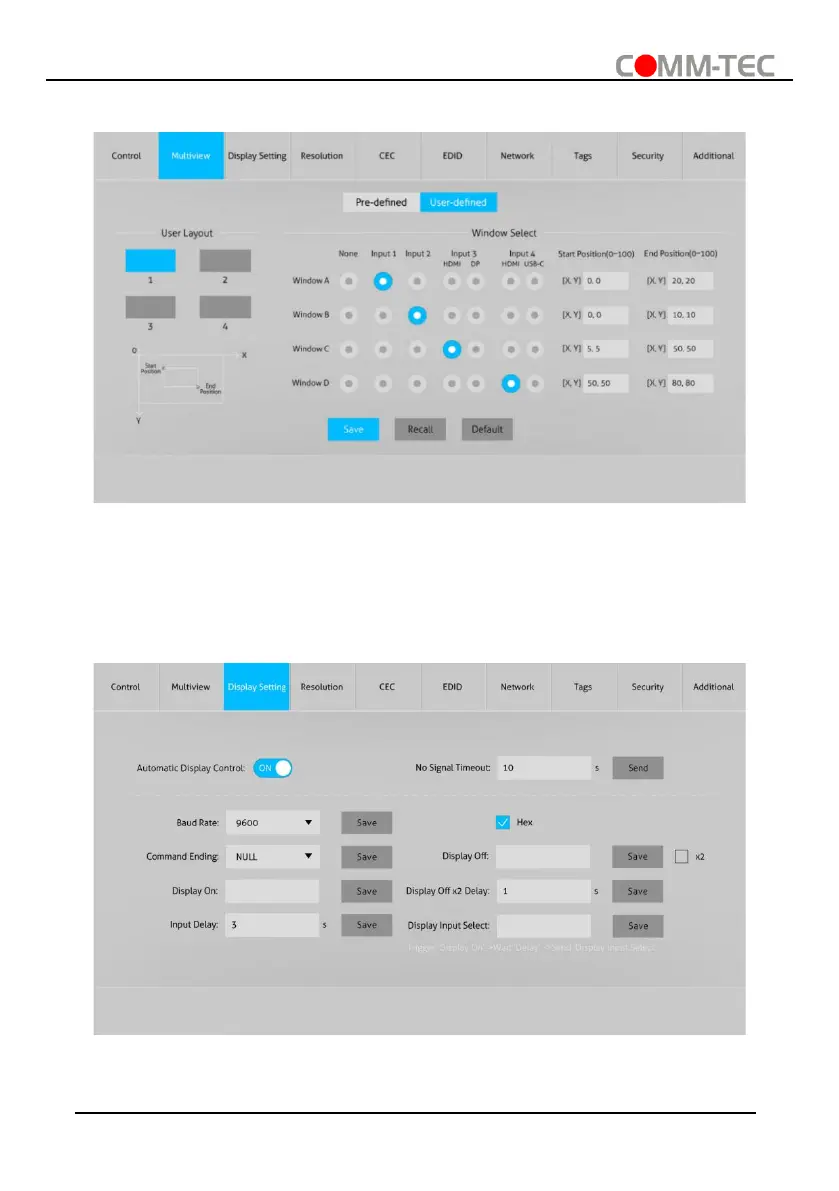
2) User-defined
⚫ User Layout: Select the user-defined layout number 1~4.
⚫ Window Select: Select the input source for each window, and then adjust window
size by setting start position and end position. Click “Save” to save the user-defined
layout.
6.3. Display Setting Tab
⚫ Automatic Display Control: Enable or disable the function to automatically control
display device.



 To Next Page