EasyManua.ls Logo

Commodore PC 40 - The Rename Command; The Type Command

Commodore PC 40
494 pages
Print Icon
To Next Page IconTo Next Page
To Previous Page IconTo Previous Page
Loading...
The Rename Command
Occasionally,
you
may
want
to
change
the
name
of
a file. For
example,
suppose
you
have a file
named
monthlyrpt
on
a disk.
When
you
add
other
monthly
reports
to
your
disk,
you
may
want
to
change
the
name
to
something
more
specific.
To
change
the
name
to
annual.rpt, for instance,
you
would
use
the
following
command:
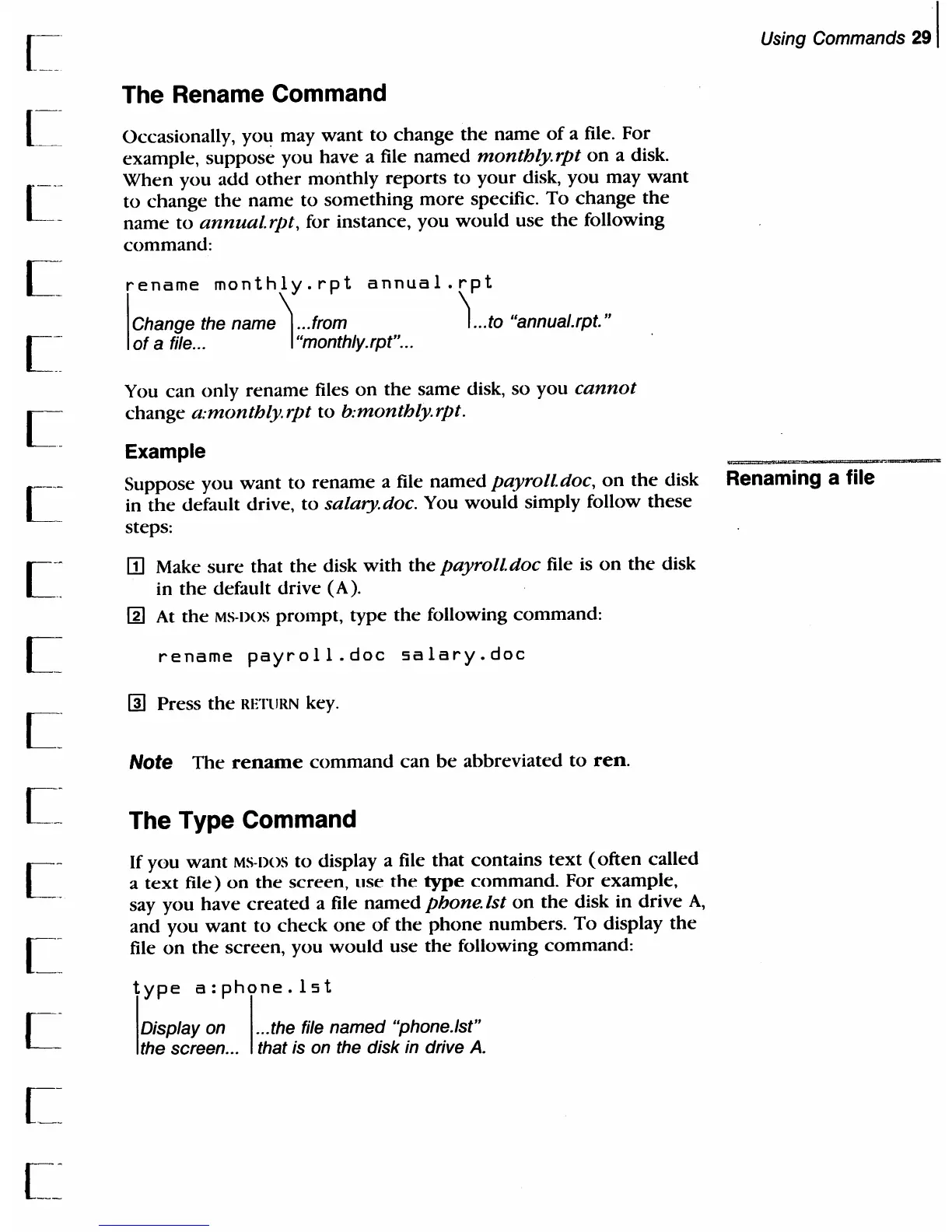
rename
monthly.rpt
annual.rpt
I
Change the name \
..
.from
of
a file... I "monthly.rpt" ...
1
...
to "annual.rpt."
You
can
only
rename
files
on
the
same
disk,
so
you
cannot
change
a:monthlyrpt
to
b:monthlyrpt.
Example
Using Commands
291
Suppose
you
want
to
rename
a file
named
payroll
doc,
on
the
disk Renaming a file
in
the
default drive,
to
salary. doc. You
would
simply follow
these
steps:
ITl
Make
sure
that
the
disk
with
the
payroll. doc file
is
on
the
disk
in
the
default drive (A).
[g]
At
the
MS·DOS
prompt,
type
the
following
command:
rename
payroll.doc
salary.doc
[1)
Press
the
RETURN key.
Note
The
rename
command
can
be
abbreviated
to
reno
The Type Command
If
you
want
MS·DOS
to
display a file
that
contains
text
(often
called
a
text
file)
on
the
screen, use
the
type
command.
For
example,
say
you
have
created
a file
named
phone.ist
on
the
disk
in
drive
A,
and
you
want
to
check
one
of
the
phone
numbers.
To
display
the
file
on
the
screen, you
would
use
the
following
command:
type
a:phone.lst
I
Display
on
I ... the file named "phone.
1st"
the screen... that
is
on
the disk
in
drive
A.

Table of Contents

Related product manuals