32 Operations Guide
0.3 Software
0.3.1 Software Supplied
Your
AT!
Graphics Solution software, contained
on
the
MS-DOS
3.2
system disks, includes
the
following:
1.
Mode switching software
2.
Diagnostics software
0.3.2 Mode Switching Software
Software is included
with
your
Commodore
PC
to
allow you
to
switch between video modes while operating
your
computer and
without opening
your
computer
chassis
to
reset switches. The
different modes available
to
you and their applications are
described in Section 0.4.2.
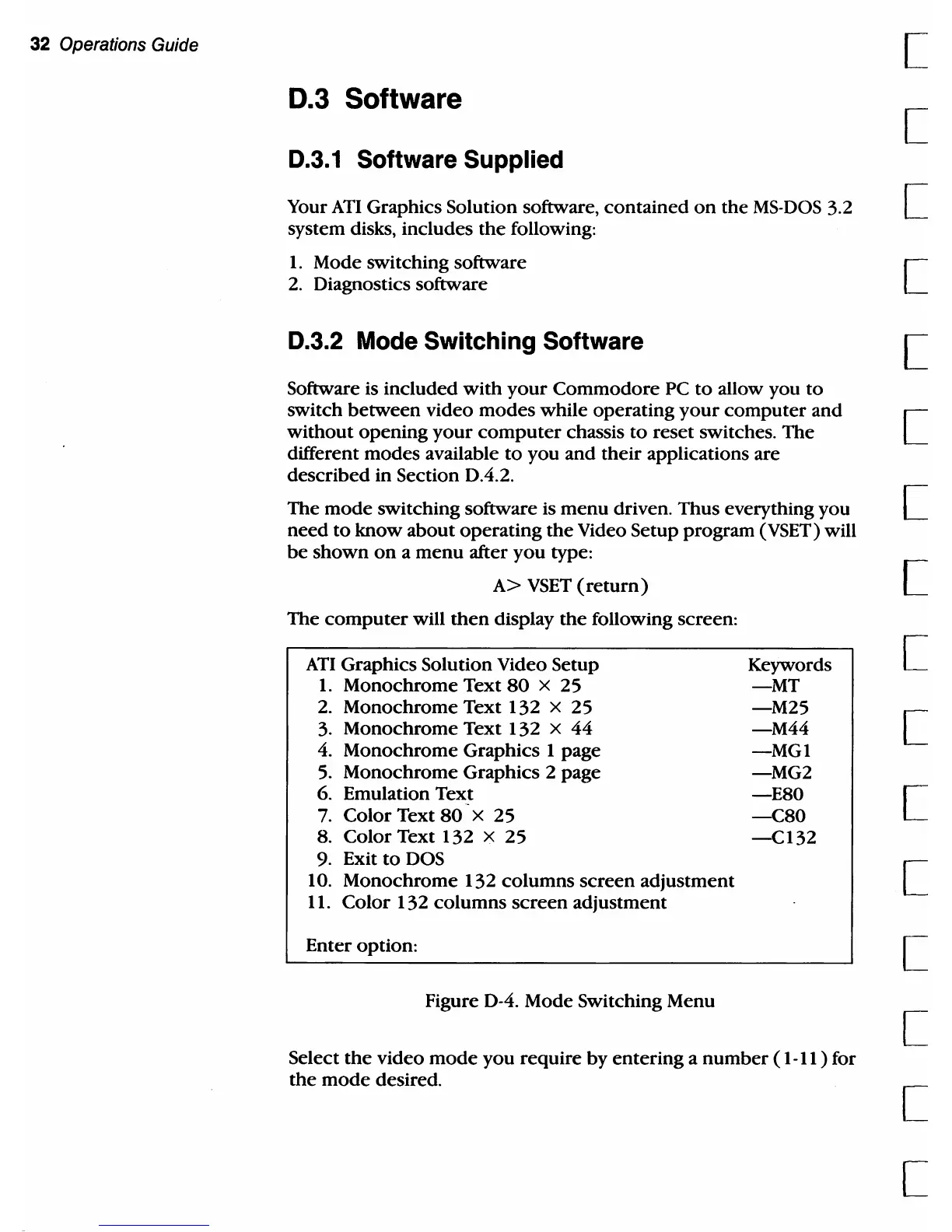
The mode switching software is menu driven. Thus everything you
need
to
know about operating
the
Video Setup program (VSET) will
be
shown
on
a menu after you type:
A>
VSET
(return)
The
computer
will
then
display
the
following screen:
AT!
Graphics Solution Video Setup
1. Monochrome Text
SO
x 25
2.
Monochrome Text 132 x 25
3.
Monochrome Text 132 x 44
4.
Monochrome Graphics 1 page
5.
Monochrome Graphics 2 page
6. Emulation Text
7.
Color Text
SO
x 25
S.
Color Text 132 x 25
9.
Exit
to
DOS
10. Monochrome 132 columns screen adjustment
11.
Color 132 columns screen adjustment
Enter option:
Figure 0-4. Mode Switching Menu
Keywords
-MT
-M25
-M44
-MGI
-MG2
-ESO
-CSO
-CI32
Select
the
video
mode
you require by entering a number (
1-11
) for
the
mode
desired.
[
[
[
[
[
[
[
[
[
[
[
[
[
[
[
[



 To Next Page