EasyManua.ls Logo

Commodore PC 40 - Special Keys; Control Key Combinations

Commodore PC 40
494 pages
Print Icon
To Next Page IconTo Next Page
To Previous Page IconTo Previous Page
Loading...
16
MS-DOS User's Guide
rn
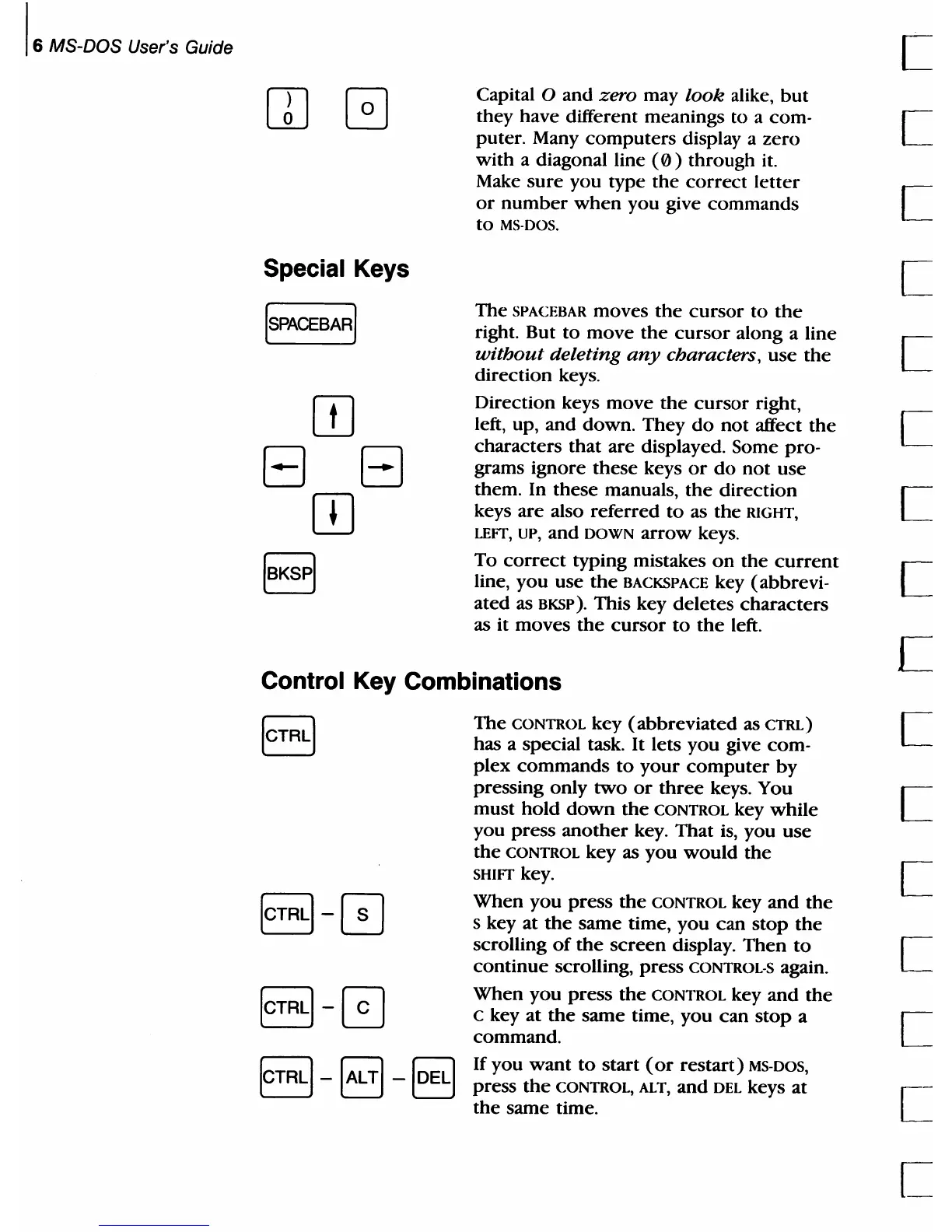
Special Keys
[SPACEBAR]
[IJ
EJ
EJ
OJ
Capital 0 and zero may
look
alike,
but
they have different meanings
to
a com-
puter. Many
computers
display a zero
with a diagonal line
(0)
through it.
Make
sure
you type
the
correct
letter
or
number
when
you give
commands
to
MS·DOS.
The
SPACEBAR moves
the
cursor
to
the
right. But
to
move
the
cursor
along a line
without
deleting
any
characters,
use
the
direction keys.
Direction keys
move
the
cursor
right,
left, up, and down. They
do
not
affect
the
characters that are displayed. Some pro-
grams ignore
these
keys
or
do
not
use
them. In
these
manuals,
the
direction
keys
are
also referred
to
as
the
RIGHT,
LEFT, UP, and
DOWN
arrow
keys.
To
correct
typing mistakes
on
the
current
line, you use
the
BACKSPACE key (abbrevi-
ated
as BKSP). This key
deletes
characters
as it moves
the
cursor
to
the
left.
Control Key Combinations
The
CONTROL
key
(abbreviated
as
CTRL)
has a special task. It lets
you
give com-
plex
commands
to
your
computer
by
pressing only
two
or
three
keys. You
must
hold
down
the
CONTROL
key
while
you
press
another
key. That is, you
use
the
CONTROL
key as
you
would
the
SHIFT key.
When
you
press
the
CONTROL
key
and
the
S key at
the
same time, you
can
stop
the
scrolling
of
the
screen
display.
Then
to
continue
scrolling, press CONTROL-S
again_
When
you
press
the
CONTROL
key
and
the
C key
at
the
same time,
you
can
stop
a
command.
If
you
want
to
start
(or
restart)
MS-DOS,
press
the
CONTROL,
ALT, and
DEL
keys at
the
same time.

Table of Contents

Related product manuals