EasyManua.ls Logo

Commodore PC 40 - The A> Prompt; Whats on the Disk

Commodore PC 40
494 pages
Print Icon
To Next Page IconTo Next Page
To Previous Page IconTo Previous Page
Loading...
18 Operations Guide
The
A>
Prompt
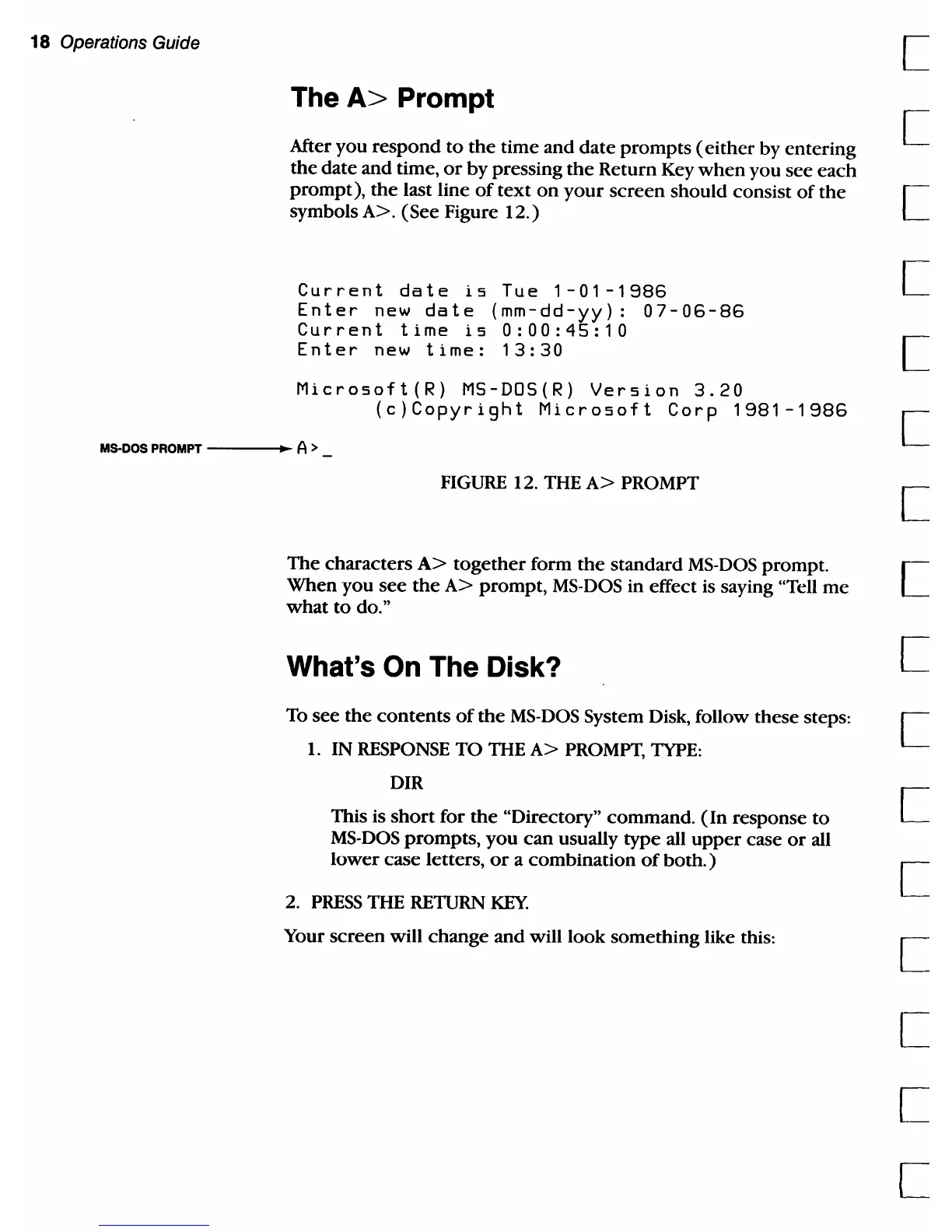
After you
respond
to
the
time and
date
prompts
( either by entering
the date and time,
or
by
pressing
the
Return Key
when
you see
each
prompt),
the
last line
of
text
on
your
screen
should consist
of
the
symbols
A>.
(See
Figure
12.)
Current
date
is
Tue
1-01-1986
Enter
new
date
(mm-dd-yy):
07-06-86
Current
time
is
0:00:45:10
Enter
new
time:
13:30
Microsoft(R)
MS-DOS(R)
Version
3.20
(c)Copyright
Microsoft
Corp
1981-1986
MS-DOS PROMPT
---...
A>
FIGURE
12. THE
A>
PROMPT
The
characters
A>
together
form
the
standard
MS-DOS
prompt.
When
you
see
the
A>
prompt,
MS-DOS
in effect is saying "Tell
me
what
to
do."
What's On The Disk?
To see
the
contents
of
the
MS-DOS
System Disk, follow these steps:
1.
IN
RESPONSE
TO
THE
A>
PROMPT,
TYPE:
DIR
This is
short
for
the
"Directory" command.
(In
response
to
MS-DOS
prompts,
you
can
usually type all
upper
case
or
all
lower
case letters,
or
a
combination
of
both. )
2.
PRESS
THE RETURN
KEY
Your
screen
will
change
and will look something like this:
[
[
[
[
[
[
[
[
[
[
c

Table of Contents

Related product manuals