EasyManua.ls Logo

Commodore PC 40 - For

Commodore PC 40
494 pages
Print Icon
To Next Page IconTo Next Page
To Previous Page IconTo Previous Page
Loading...
~10
MS-DOS User's Reference
For
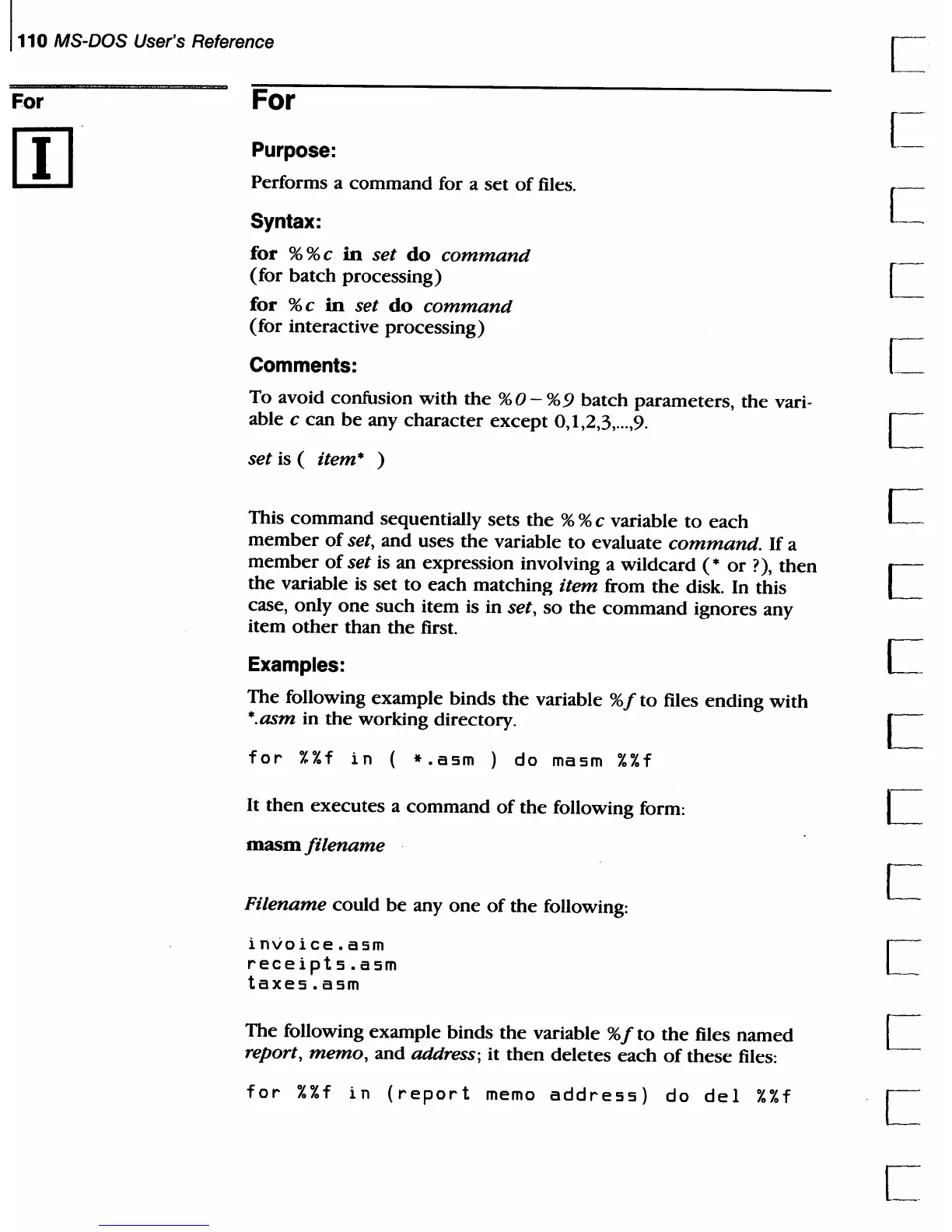
For
Purpose:
Performs a
command
for a
set
of
files.
Syntax:
for
% % c
in
set
do
command
(for
batch processing)
for
% c
in
set
do
command
(for interactive processing)
Comments:
To avoid confusion
with
the
%0-
%9
batch
parameters,
the
vari-
able
c can
be
any
character
except
0,1,2,3,
...
,9.
set is ( item* )
This
command
sequentially sets
the
% % c variable
to
each
member
of
set, and uses
the
variable
to
evaluate
command.
If
a
member
of
set is an expression involving a wildcard
(*
or
?),
then
the variable is
set
to
each matching item from
the
disk. In this
case, only
one
such
item
is in set,
so
the
command
ignores any
item
other
than
the
first.
Examples:
The following example binds
the
variable
%f
to
files
ending
with
*.asm in
the
working directory.
for
%%f
in
(
*.asm
)
do
masm
%%f
It
then
executes
a
command
of
the
following form:
masm
filename
Filename
could
be
anyone
of
the
following:
invoice.asm
receipts.asm
taxes.asm
The following example binds
the
variable
%f
to
the
files
named
report,
memo,
and address; it
then
deletes
each
of
these
files:
for
%%f
in
(report
memo
address)
do
del
%%f
c

Table of Contents

Related product manuals