EasyManua.ls Logo

Commodore PC 40 - Table of Contents

Commodore PC 40
494 pages
Print Icon
To Next Page IconTo Next Page
To Previous Page IconTo Previous Page
Loading...
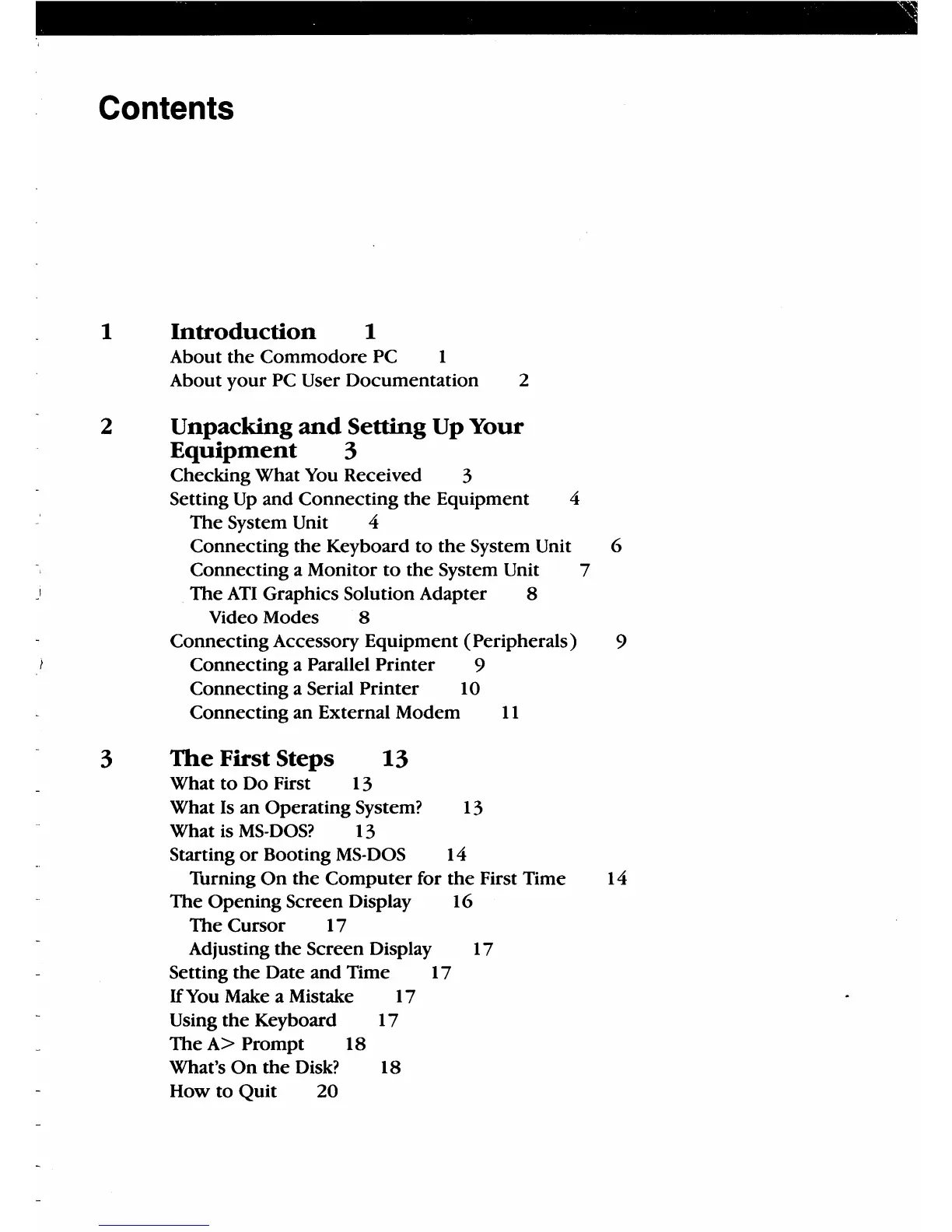
Contents
1
Introduction
1
About
the
Commodore
PC 1
About
your
PC User Documentation 2
2 Unpacking
and
Setting Up Your
Equipment
3
Checking What You Received 3
Setting
Up
and Connecting
the
Equipment 4
The
System Unit 4
Connecting
the
Keyboard
to
the
System Unit 6
Connecting a Monitor
to
the
System Unit 7
The
ATI
Graphics Solution Adapter 8
Video Modes 8
Connecting Accessory Equipment (Peripherals) 9
Connecting a Parallel
Printer
9
Connecting a Serial
Printer
10
Connecting an External Modem
11
3
The
First Steps
13
What
to
Do First 13
What Is
an
Operating System? 13
What is
MS-DOS?
13
Starting
or
Booting
MS-DOS
14
Thrning
On
the
Computer
for
the
First Time 14
The
Opening Screen Display 16
The
Cursor 17
Adjusting
the
Screen Display 17
Setting
the
Date and Time 17
If
You Make a Mistake 17
Using
the
Keyboard
17
The
A>
Prompt 18
What's
On
the
Disk? 18
How
to
Quit
20

Table of Contents

Related product manuals