EasyManua.ls Logo

Commodore PC 40 - Getting Started; How to Start; Ms-Dos

Commodore PC 40
494 pages
Print Icon
To Next Page IconTo Next Page
To Previous Page IconTo Previous Page
Loading...
3 Getting Started
In this
chapter
you will learn:
How
to
start MS-DOS
How
to
quit
MS-DOS
How
to
make a backup copy
of
your
MS-DOS disk
What
to
do
if
you have a hard disk
What
to
do
if
you have only
one
floppy disk drive
How to Start MS-DOS
The
first
two
chapters
in this manual
introduced
you
to
the funda-
mentals
of
MS-DOS.
Now
it's time
to
put
your
new
knowledge
to
the
test. You'll start by loading MS-DOS
into
your
computer's
memory.
To
start
MS-DOS, just follow these steps
(these
steps
work
for com- Starting MS-DOS
puters
that have
either
hard
disks
or
floppy disks):
m First, make
sure
your
computer
is
turned
off.
[Z]
Take
the
MS-DOS master disk
out
of
the
protective
jacket.
!AI
Insert this disk into drive
A.
(Refer
to
your
computer
manual
for
the
correct
drive.)
[!)
Close
the
disk drive door.
~
Turn
on
the
power
for
your
monitor
and
your
computer.
The
light
on
the
disk drive should glow, and
you
should
hear
some
whirring noises as
your
computer
"reads"
the
disk. You
should
then
see
the following
on
your
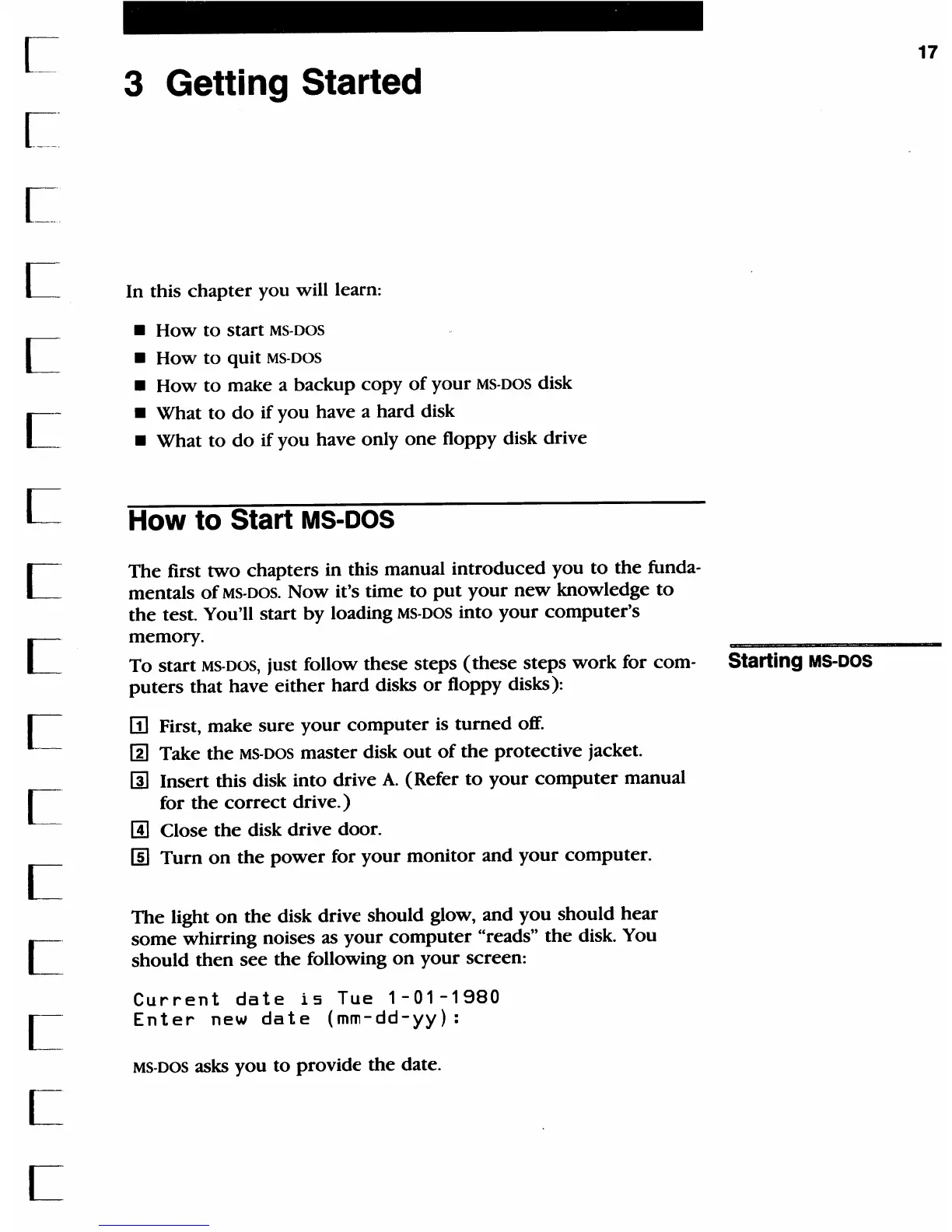
screen:
Current
date
is
Tue
1-01-1980
Enter
new
date
(mm-dd-yy):
MS-DOS asks
you
to
provide
the
date.
17

Table of Contents

Related product manuals