EasyManua.ls Logo

Commodore PC 40 - The Diskcopy Command

Commodore PC 40
494 pages
Print Icon
To Next Page IconTo Next Page
To Previous Page IconTo Previous Page
Loading...
C'
lID
Press
the
RETURN key
to
start
the
format process.
When
formatting is
complete,
MS·DOS displays
the
following
prompt:
Volume
label
(11
character5,
ENTER
for
none)?
[§]
Type
a label that identifies
the
contents
of
this disk
(for
exam-
ple,
DATA
DISK),
and
press
RETURN. MS·DOS
then
asks:
Format
another?
(YIN)
[l] Press N
(for
No)
to
exit
the
format
program.
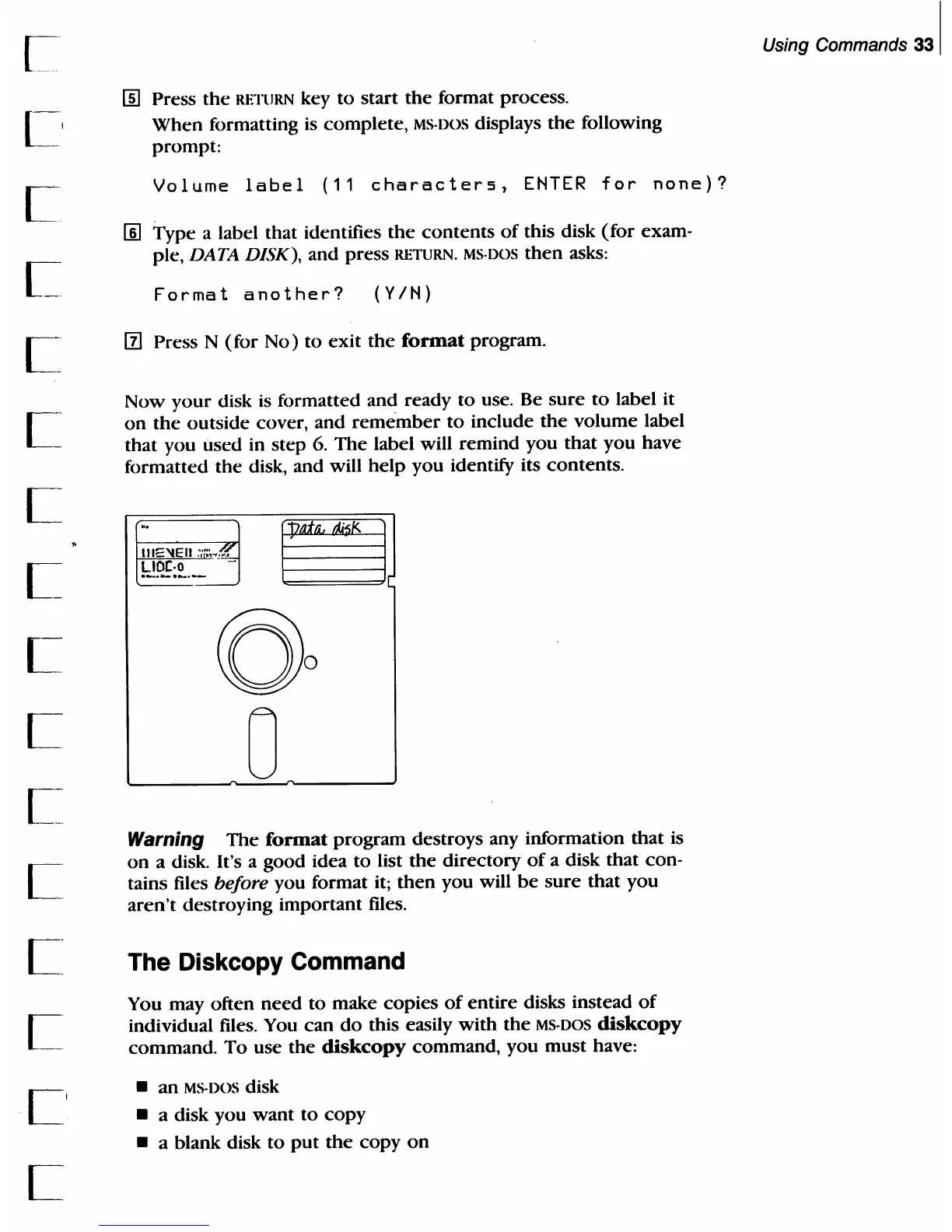
Now
your
disk
is
formatted and
ready
to
use. Be
sure
to
label it
on
the
outside
cover,
and
remember
to
include
the
volume
label
that
you
used in
step
6.
The
label will
remind
you
that
you
have
formatted
the
disk, and will
help
you
identify its
contents.
-.
§
1I1=='tEII
::~;
.•
~
~}Q~;~.--
....
0
0
0
Warning
The
format
program
destroys any information
that
is
on
a disk. It's a
good
idea
to
list
the
directory
of
a disk
that
con·
tains files before you format it;
then
you
will
be
sure
that
you
aren't
destroying
important
files.
The Diskcopy Command
You may
often
need
to
make
copies
of
entire
disks instead
of
individual files. You
can
do
this easily
with
the
MS-DOS
diskcopy
command.
To
use
the
diskcopy
command,
you
must
have:
an
MS-DOS disk
a disk
you
want
to
copy
a blank disk
to
put
the
copy
on
Using Commands
331

Table of Contents

Related product manuals