EasyManua.ls Logo

Commodore PC 40 - Page 116

Commodore PC 40
494 pages
Print Icon
To Next Page IconTo Next Page
To Previous Page IconTo Previous Page
Loading...
134
MS-DOS User's Guide
Copying a disk
What's next?
To
copy
the
contents
of
a disk in drive A
to
a disk in drive
B,
you
would
use
the
following command:
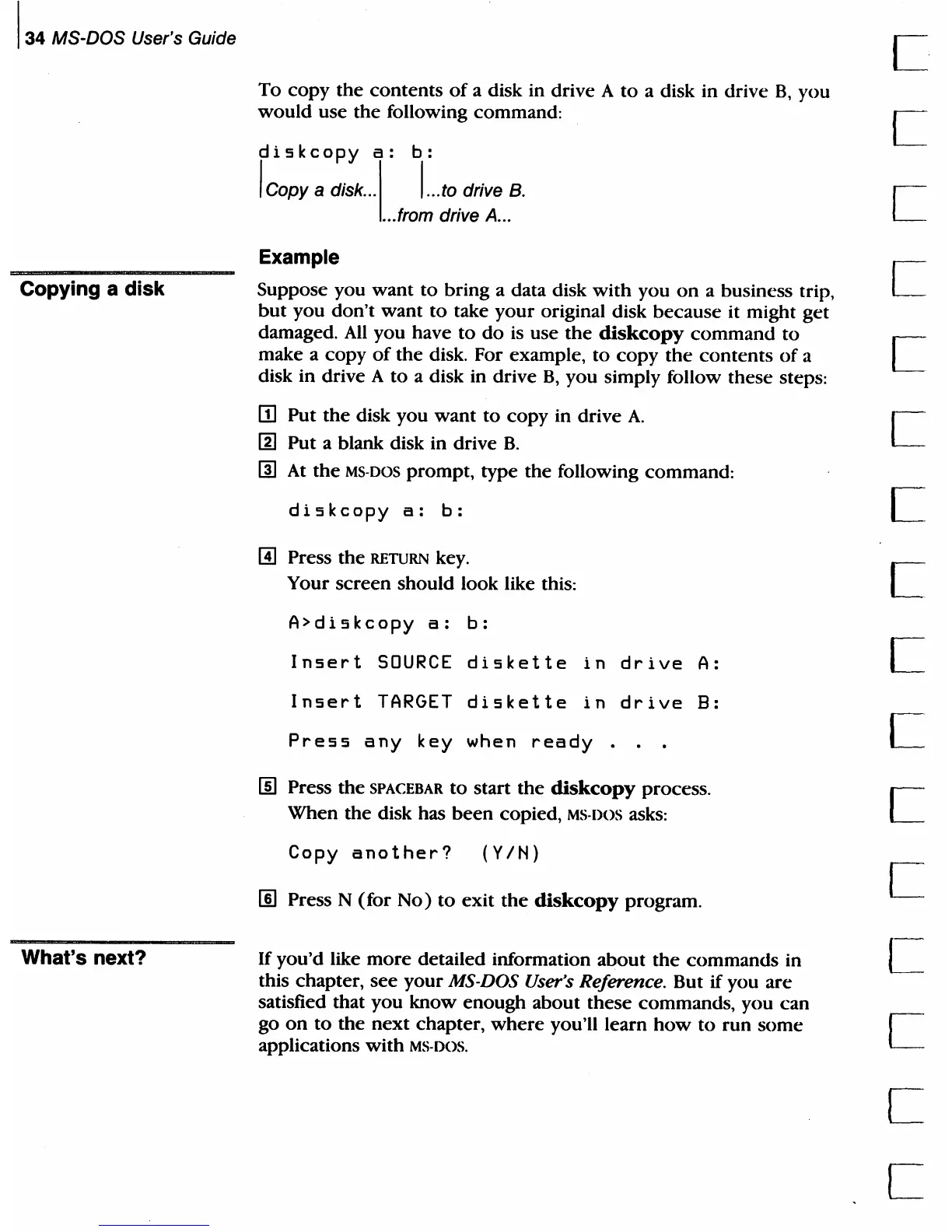
diskcopy
a:
b:
I Copy a diSk ... 1 I
...
to drive B.
..
.from drive
A.
..
Example
Suppose you
want
to
bring a data disk
with
you
on
a business trip,
but
you
don't
want
to
take
your
original disk
because
it might
get
damaged.
All
you have
to
do
is use
the
diskcopy
command
to
make a
copy
of
the
disk. For example,
to
copy
the
contents
of
a
disk in drive A
to
a disk in drive
B,
you
simply follow these steps:
m Put
the
disk you
want
to
copy in drive
A.
[g]
Put a blank disk in drive
B.
rn
At
the
MS·DOS prompt, type
the
following command:
diskcopy
a:
b:
I!l Press
the
RETURN
key.
Your
screen
should look like this:
A>diskcopy
a:
b:
Insert
SOURCE
diskette
in
drive
A:
Insert
TARGET
diskette
in
drive
8:
Press
any
key
when
ready
.
lID
Press
the
SPACEBAR
to
start the
diskcopy
process.
When the disk has
been
copied, MS·
DOS
asks:
Copy
another?
(YIN)
[§] Press N
(for
No)
to
exit
the
diskcopy
program.
If
you'd like
more
detailed information
about
the
commands
in
this chapter,
see
your
MS-DOS User's Reference. But
if
you
are
satisfied that
you
know
enough
about
these
commands, you
can
go
on
to
the
next
chapter,
where
you'll learn
how
to
run
some
applications
with
MS·DOS.
c
c
c
c
c
c
c
c
c

Table of Contents

Related product manuals