EasyManua.ls Logo

Commodore PC 40 - Drive Name

Commodore PC 40
494 pages
Print Icon
To Next Page IconTo Next Page
To Previous Page IconTo Previous Page
Loading...
4 MS-DOS User's Guide
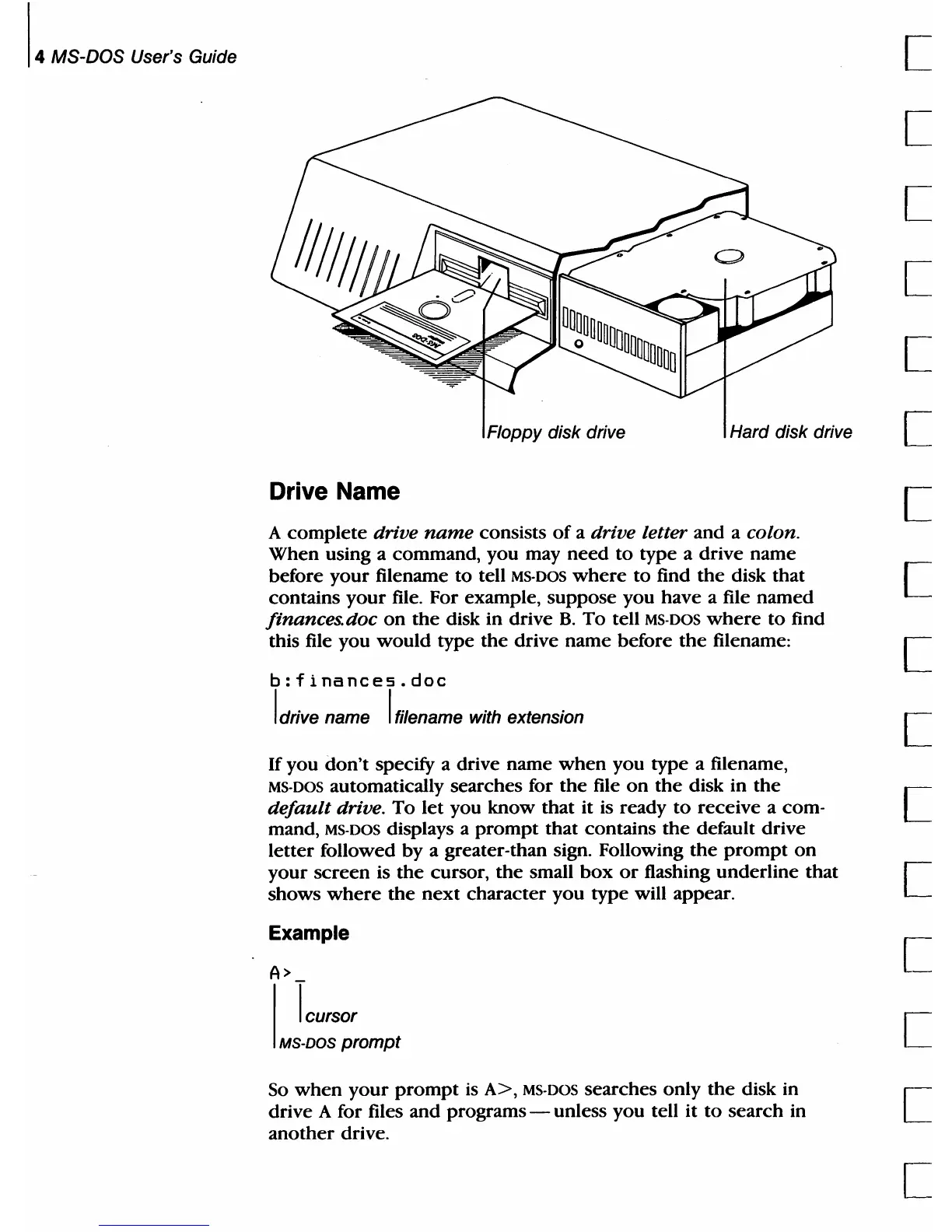
Floppy disk drive
Hard disk drive
Drive Name
A
complete
drive
name
consists
of
a drive letter
and
a colon.
When
using a command, you may
need
to
type a
drive
name
before
your
filename
to
tell MS·
DOS
where
to
find
the
disk that
contains
your
file. For example,
suppose
you have a file
named
finances.doc
on
the
disk in drive
B.
To
tell MS·DOS
where
to
find
this file you
would
type
the
drive name before
the
filename:
b:finances.doc
I drive name I filename with extension
If
you
don't
specify a drive name
when
you
type a filename,
MS·
DOS
automatically searches for
the
file
on
the
disk in
the
default
drive.
To
let
you
know
that
it is ready
to
receive
a com-
mand,
MS-DOS displays a
prompt
that
contains
the
default drive
letter
followed
by
a greater-than sign. Following
the
prompt
on
your
screen
is
the
cursor,
the
small
box
or
flashing
underline
that
shows
where
the
next
character
you
type
will appear.
Example
A>
I
lcursor
MS-DOS prompt
So
when
your
prompt
is
A>,
MS·DOS searches
only
the
disk in
drive A for files
and
programs - unless you tell
it
to
search
in
another
drive.
[
[
[
[
[
[
[
[
[
[
[
[
[
[
[

Table of Contents

Related product manuals