108 MS-DOS User's Reference
Using temporary files
Jsing the batch
nocessing
:ommands
How
to
Use Temporary Files
When using
batch
files, you may often
want
to
use a
temporary
file
to
hold
your
work. You
could
use
the
same
name
each
time
you
wanted
to
use a temporary file.
However, if
you
are using
more
than
one
batch
file
that
uses
the
same temporary file, you might lose
the
contents
of
this tem-
porary file.
To
avoid this problem, you should use a replaceable
parameter
to
specify
the
name
of
the
temporary file.
Then
each
time
you
run
the
batch file, you'll
be
able
to
substitute
a
unique
filename and
you
won't
have
to
worry
about
information from
one
batch
file getting into another.
It's also a
good
idea
to
delete
temporary
files
once
you
finish
using them. Otherwise, these files
would
eventually take
up
all
the
space
on
your
disk.
Batch Processing Commands
Now
that
you
have
seen
some
of
the
capabilities
of
batch
files, in
this section you'll find
out
how
to
add
power
and
flexibility
to
your
batch programs
by
using
batch
processing commands.
The
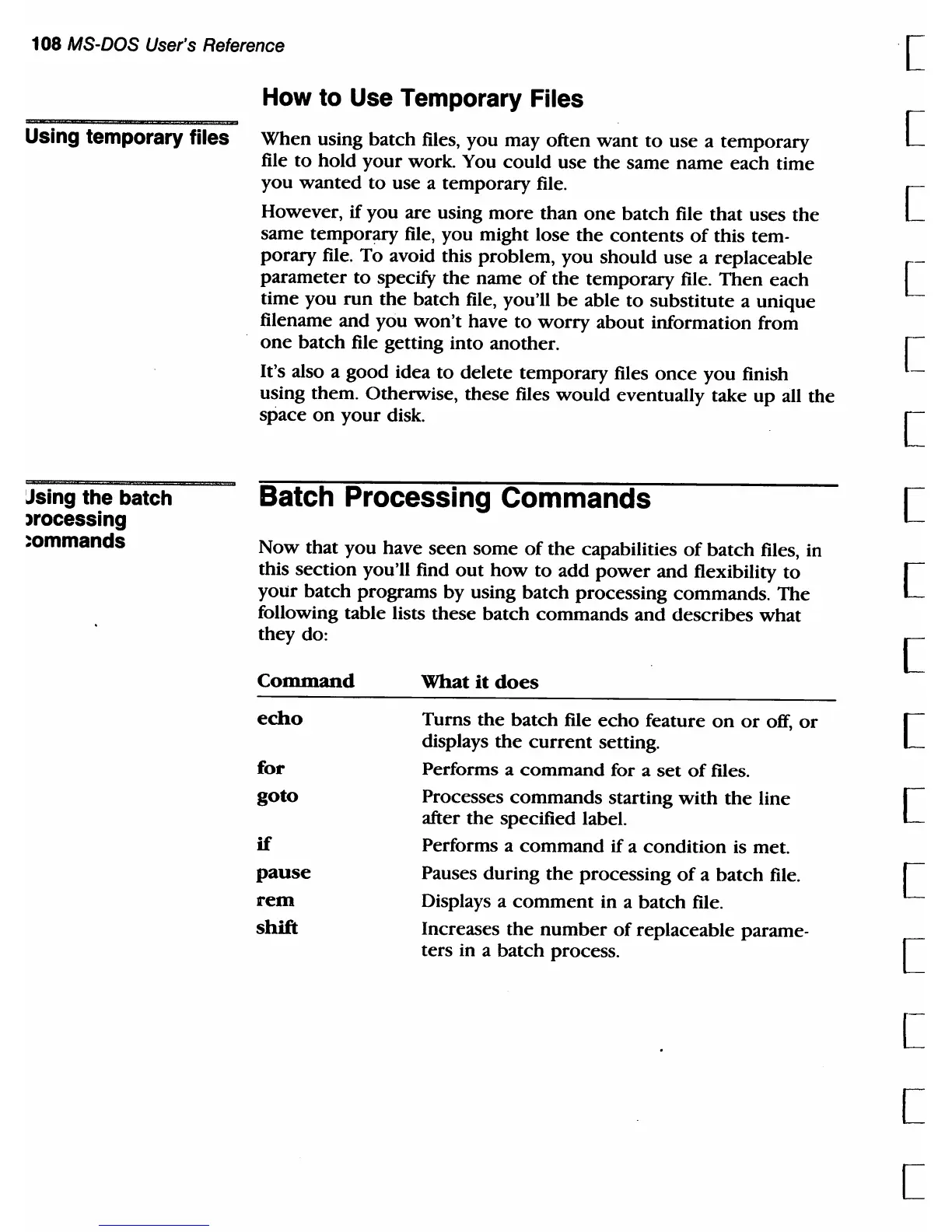
following table lists these batch
commands
and describes
what
they do:
Command
echo
for
goto
if
pause
rem
shift
What
it
does
Turns
the
batch file
echo
feature
on
or
off,
or
displays
the
current
setting.
Performs a
command
for a
set
of
files.
Processes
commands
starting
with
the
line
after
the
specified label.
Performs a
command
if
a
condition
is met.
Pauses
during
the
processing
of
a
batch
file.
Displays a
comment
in a
batch
file.
Increases
the
number
of
replaceable parame-
ters in a
batch
process.
[
[
[
[
[
[
[
[
[
[
[
[
[
[
[
[



 To Next Page