EasyManua.ls Logo

Commodore PC 40 - Page 131

Commodore PC 40
494 pages
Print Icon
To Next Page IconTo Next Page
To Previous Page IconTo Previous Page
Loading...
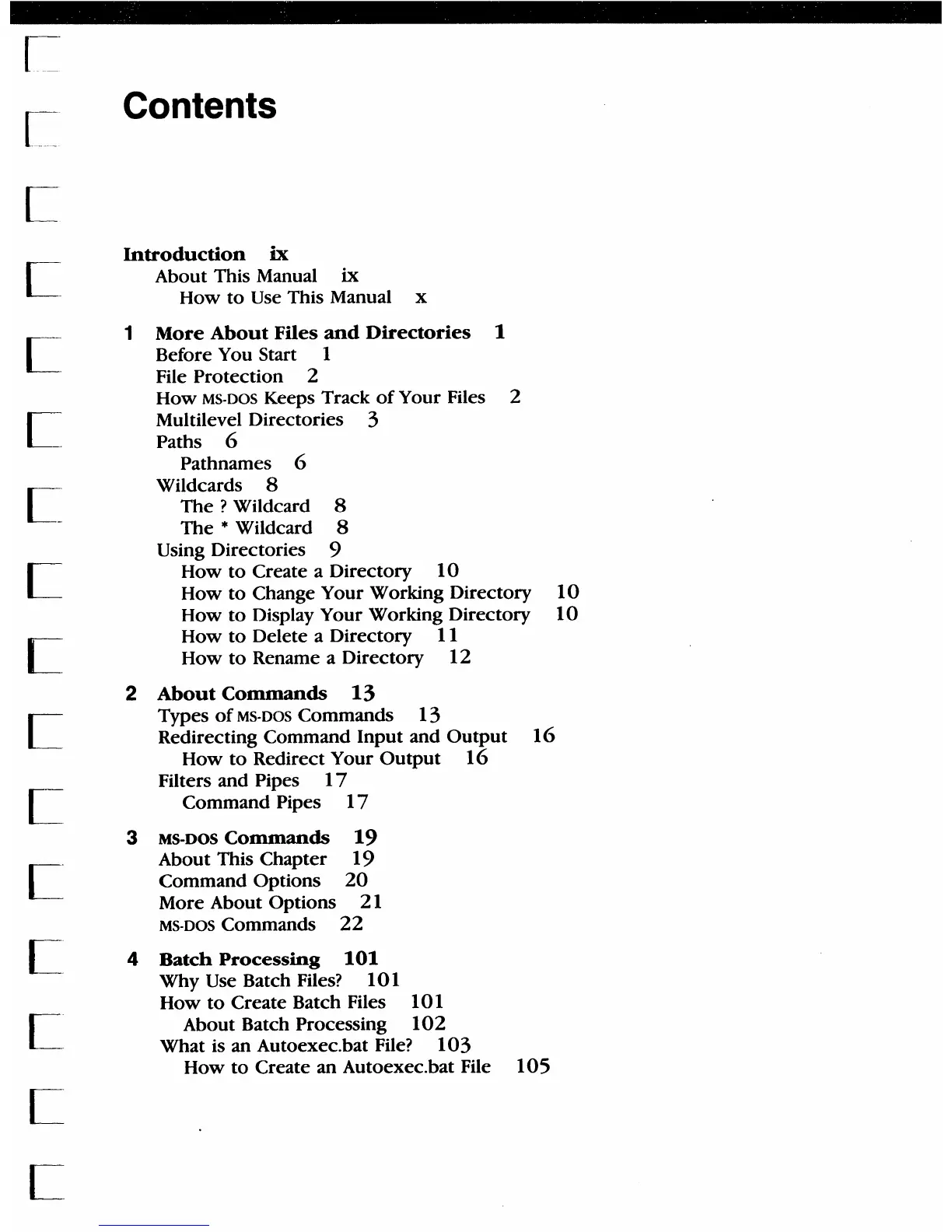
Contents
Introduction
ix
About This Manual
ix
How
to
Use This Manual x
1
More
About
Files
and
Directories
1
Before You Start 1
File
Protection
2
How
MS-DOS
KeepS
Track
of
Your Files 2
Multilevel Directories 3
Paths 6
Pathnames 6
Wildcards 8
The
? Wildcard 8
The
* Wildcard 8
Using Directories 9
How
to
Create a Directory
10
How
to Change Your Working Directory
10
How
to
Display Your Working Directory
10
How
to
Delete a Directory 11
How
to
Rename a Directory
12
2
About
Commands
13
Types
of
MS-DOS Commands
13
Redirecting Command
Input
and
Output
16
How
to
Redirect Your
Output
16
Filters and Pipes
17
Command Pipes
17
3 MS-DOS
Commands
19
About This Chapter 19
Command
Options
20
More About OptiOns 21
MS-DOS Commands
22
4
Batch
Processing
101
Why Use Batch Files?
10
1
How
to
Create Batch Files
101
About Batch Processing
102
What is an Autoexec_bat File?
103
How
to
Create an Autoexec_bat File
105

Table of Contents

Related product manuals