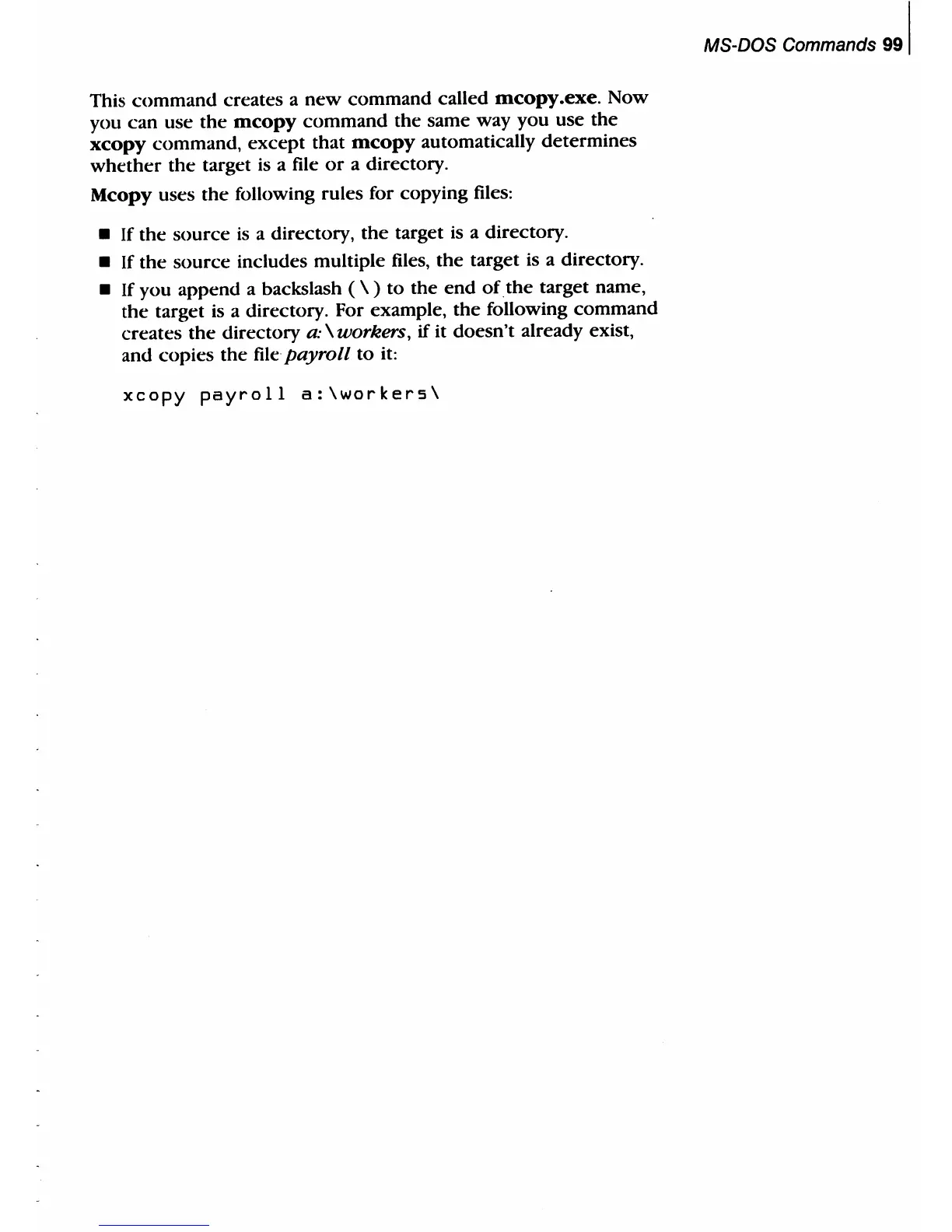
This
command
creates a
new
command called
mcopy
.exe.
Now
you can use
the
mcopy
command the same way you use the
xcopy
command,
except
that
mcopy
automatically determines
whether
the
target is a file
or
a directory.
Mcopy
uses
the
following rules for copying files:
•
If
the source
is
a directory,
the
target is a directory.
•
If
the
source includes multiple files, the target is a directory.
•
If
you append a backslash ( \ )
to
the
end
ofthe
target name,
the
target is a directory. For example, the following command
creates
the
directory
a·
\ workers,
if
it doesn't already exist,
and copies the
file·
payroll
to
it:
xcopy
payroll
a:\workers\
MS-DOS Commands
991



 To Next Page