EasyManua.ls Logo

Commodore PC 40 - Page 283

Commodore PC 40
494 pages
Print Icon
To Next Page IconTo Next Page
To Previous Page IconTo Previous Page
Loading...
[-,
[
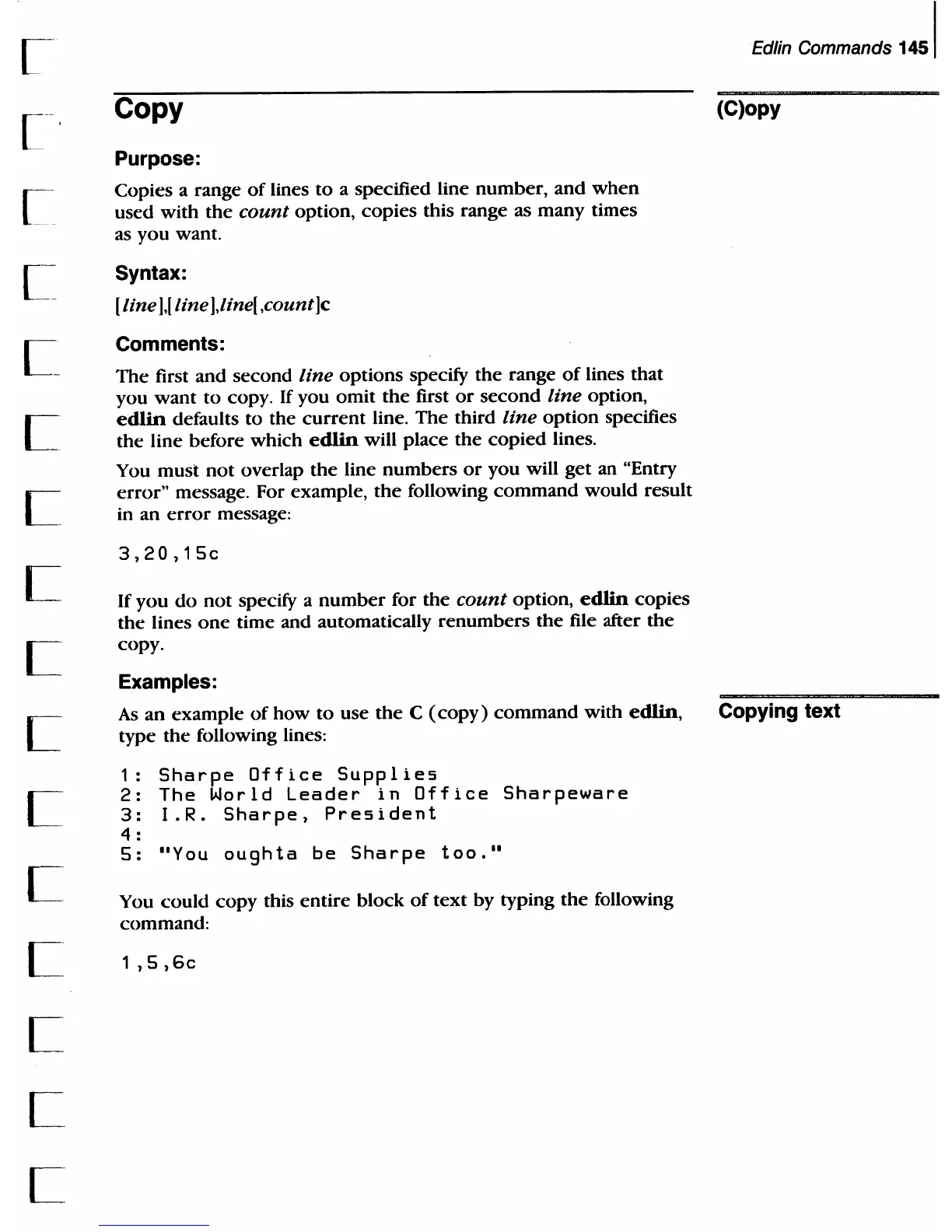
Copy
Purpose:
Copies a range
of
lines
to
a specified line number,
and
when
used with
the
count
option,
copies
this range as
many
times
as
you
want.
Syntax:
[ line
],[
line
],line[
,count]c
Comments:
The
first
and
second
line
options
specify
the
range
of
lines that
you
want
to
copy. If you
omit
the
first
or
second
line option,
edlin
defaults
to
the
current
line.
The
third line
option
specifies
the line before which edlin will place
the
copied
lines.
You
must
not
overlap
the
line
numbers
or
you will
get
an "Entry
error"
message. For example,
the
following
command
would
result
in an
error
message:
3,20,15c
If
you
do
not
specify a
number
for
the
count
option, edlin copies
the
lines
one
time and automatically
renumbers
the
file after
the
copy.
Examples:
As
an
example
of
how
to
use
the
C
(copy)
command
with
edlin,
type
the
following lines:
1:
Sharpe
Office
Supplies
2:
The
World
Leader
in
Office
Sharpeware
3:
I.R.
Sharpe,
President
4 :
5:
"You
oughta
be
Sharpe
too."
You
could
copy this
entire
block
of
text
by typing
the
following
command:
1
,5,
6c
Edlin Commands
1451
(C)opy
Copying text

Table of Contents

Related product manuals