EasyManua.ls Logo

Commodore PC 40 - Page 286

Commodore PC 40
494 pages
Print Icon
To Next Page IconTo Next Page
To Previous Page IconTo Previous Page
Loading...
1148
MS-DOS User's Reference
Closing up empty
space in a file
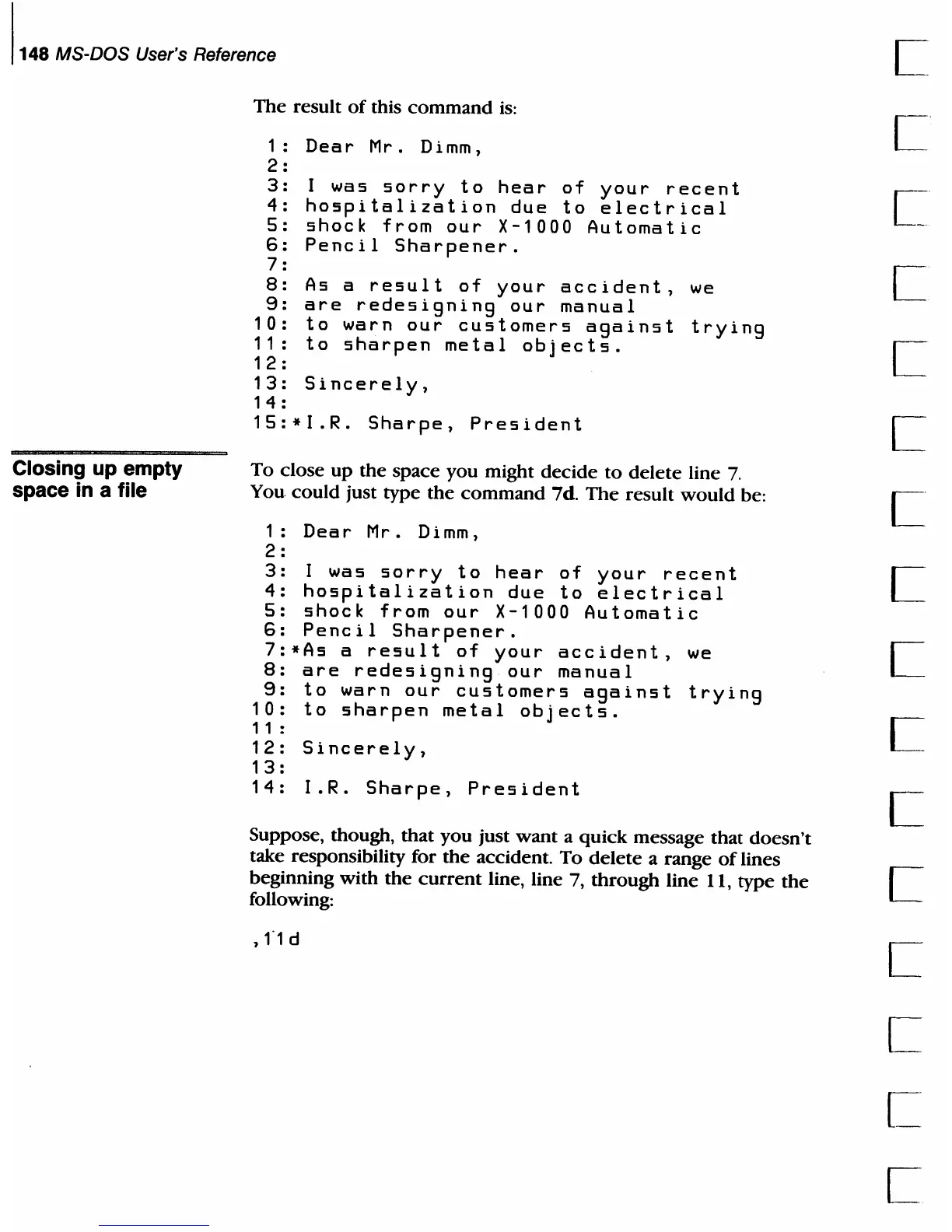
The
result
of
this
command
is:
1:
Dear
Mr. Dimm,
2:
3:
4 :
5 :
6:
7 :
8:
9:
I
was
sorry
to
hear
of
your
recent
hospitalization
due
to
electrical
shock
from
our
X-1000
Automatic
Pencil
Sharpener.
1 0 :
11
:
12
:
As
a
result
of
your
accident,
are
redesigning
our
manual
to
warn
our
customers
against
to
sharpen
metal
objects.
13:
Sincerely,
14:
15:*I.R.
Sharpe,
President
we
trying
To
close
up
the
space
you
might
decide
to
delete
line
7.
You
could
just type
the
command
7d.
The
result
would
be:
1:
Dear
Mr.
Dimm,
2 :
3:
I
was
sorry
to
hear
of
your
recent
4:
hospitalization
due
to
electrical
5:
shock
from
our
X-1000
Automatic
6:
Pencil
Sharpener.
7:*As
a
result
of
your
accident,
we
8:
are
redesigning
our
manual
9:
to
warn
our
customers
against
trying
10:
to
sharpen
metal
objects.
11 :
12:
Sincerely,
13
:
14:
I.R.
Sharpe,
President
Suppose, though, that
you
just
want
a quick message
that
doesn't
take responsibility for
the
accident.
To
delete
a range
of
lines
beginning
with
the
current
line, line 7,
through
line 11,
type
the
following:
,1"1
d

Table of Contents

Related product manuals