Insert
Purpose:
Inserts
text
immediately before
the
specified line.
Syntax:
[line]i
Comments:
If
you
are creating a
new
file, you must type
the
I
(insert)
com-
mand before you can insert a
new
line
of
text. Text begins
on
line
I,
and each time you press
the
RETIJRN
key
the
next
line
number
appears automatically.
Edlin
remains in insert
mode
until you press CONTROL·C. When
you finish
the
insertion and exit insert mode,
the
line immediately
following
the
inserted lines becomes the
current
line.
Edlin
automatically increments
the
line numbers that follow
the
inserted section by
the
number
of
lines that you inserted.
If
you
do
not
specify line,
the
default is
the
current
line
number
and
edlin
inserts the lines before
the
current line.
If
line is a
number
larger than
the
last line number,
or
if
you specify a
pound
sign
(#)
as line,
edlin
appends
the
inserted lines
to
the
end
of
the
file. In this case,
the
last line that you inserted becomes
the
current
line.
Examples:
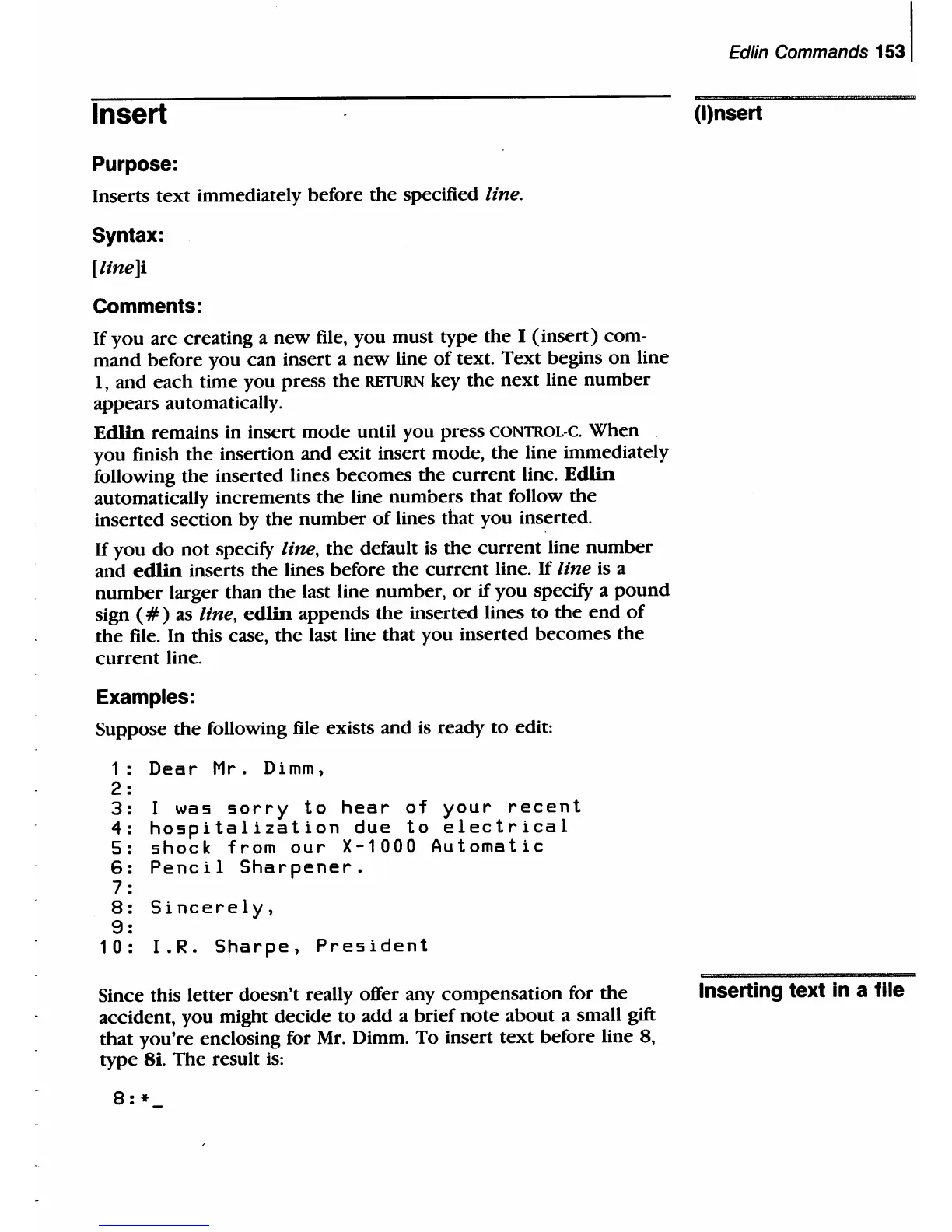
Suppose
the
following file exists and
is
ready
to
edit:
1:
Dear
Mr. Dimm,
2 :
3:
I was
sorry
to
hear
of
your
recent
4:
hospitalization
due
to
electrical
5:
shock
from
our
X-1000
Automatic
6:
Pencil
Sharpener.
7:
8:
Sincerely,
9:
10:
I.R.
Sharpe,
President
Since this letter doesn't really offer any compensation for
the
aCcident, you might decide
to
add a brief
note
about
a small
gift
that
you're enclosing for
Mr.
Dimm. To insert
text
before line 8,
type
8i. The result
is:
8:
*
Edlin Commands
1531
(I)nsert
Inserting text in a file



 To Next Page