EasyManua.ls Logo

Commodore PC 40 - Page 293

Commodore PC 40
494 pages
Print Icon
To Next Page IconTo Next Page
To Previous Page IconTo Previous Page
Loading...
1:
Dear
Mr.
Dimm,
2 :
3:
I
was
sorry
to
hear
of
your
recent
4:
hospitalization
due
to
electrical
5:
shock
from
our
X-1000
Automatic
6:
Pencil
Sharpener.
7 :
8:
As
a
result
of
your
accident,
we
9:
are
redesigning
our
manual
to
10:
warn
our
customers
against
trying
11:
to
sharpen
metal
objects.
12:
13:*Sincerely,
14:
15:
I.R.
Sharpe,
President
To
append
new
lines
to
the
end
of
the
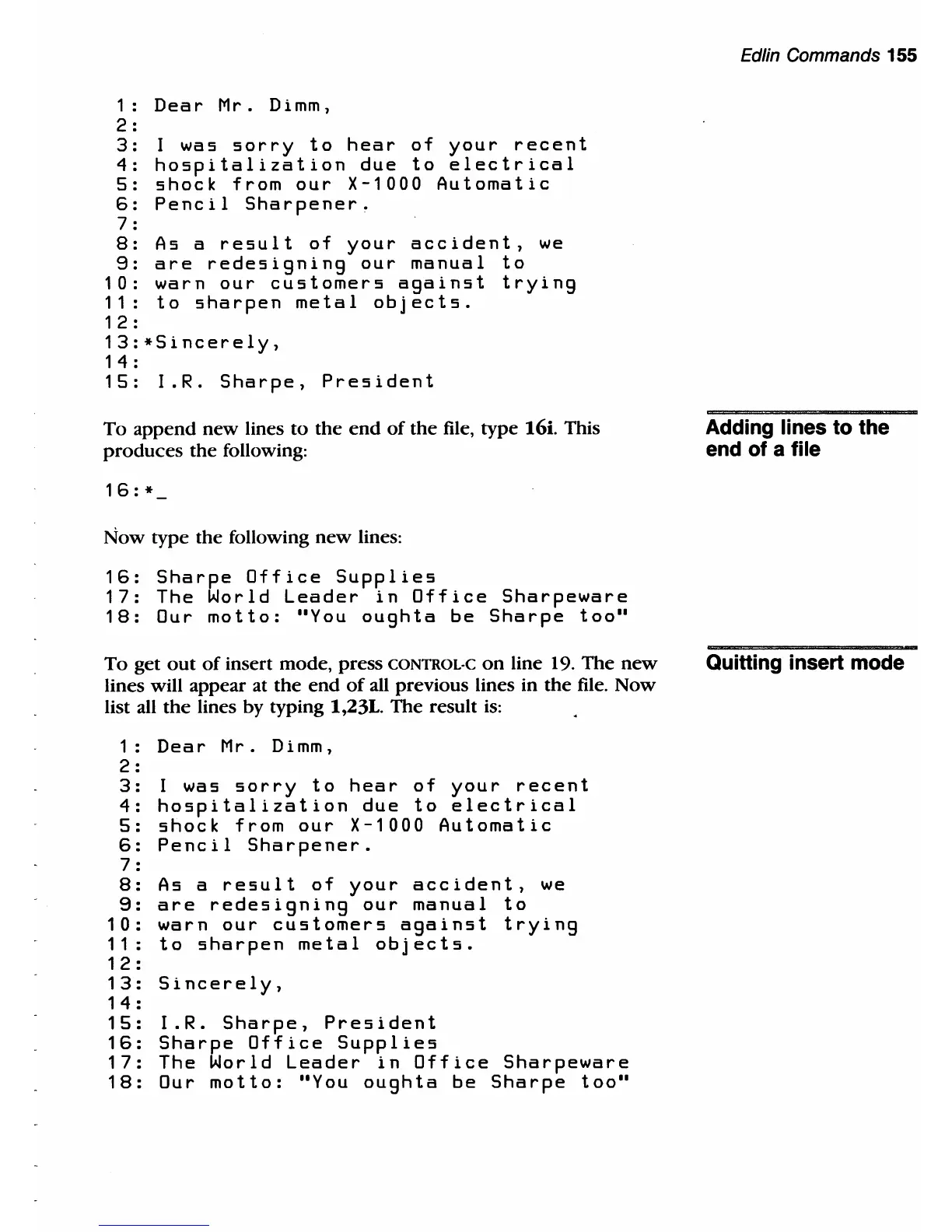
file, type 16i. This
produces
the
following:
16:
*
Now
type the following
new
lines:
16:
Sharpe
Office
Supplies
17:
The
World
Leader
in
Office
Sharpeware
18:
Our
motto:
"You
oughta
be
Sharpe
too"
To
get
out
of
insert mode, press
CONTROL·C
on
line 19.
The
new
lines will appear at
the
end
of
all previous lines in
the
file.
Now
list all
the
lines by typing 1,23L.
The
result
is:
1:
Dear
Mr.
Dimm,
2 :
3:
I
was
sorry
to
hear
of
your
recent
4:
hospitalization
due
to
electrical
5:
shock
from
our
X-1000
Automatic
6:
Pencil
Sharpener.
7 :
8:
As
a
result
of
your
accident,
we
9:
are
redesigning
our
manual
to
10:
warn
our
customers
against
trying
11:
to
sharpen
metal
objects.
12:
13:
Sincerely,
14:
15:
I.R.
Sharpe,
President
16:
Sharpe
Office
Supplies
17:
The
World
Leader
in
Office
Sharpeware
18:
Our
motto:
"You
oughta
be
Sharpe
too"
Edlin Commands 155
Adding lines to the
end of a file
Quitting insert mode

Table of Contents

Related product manuals