Chapter 4: Using the telephony modem
Patterns: normal operation
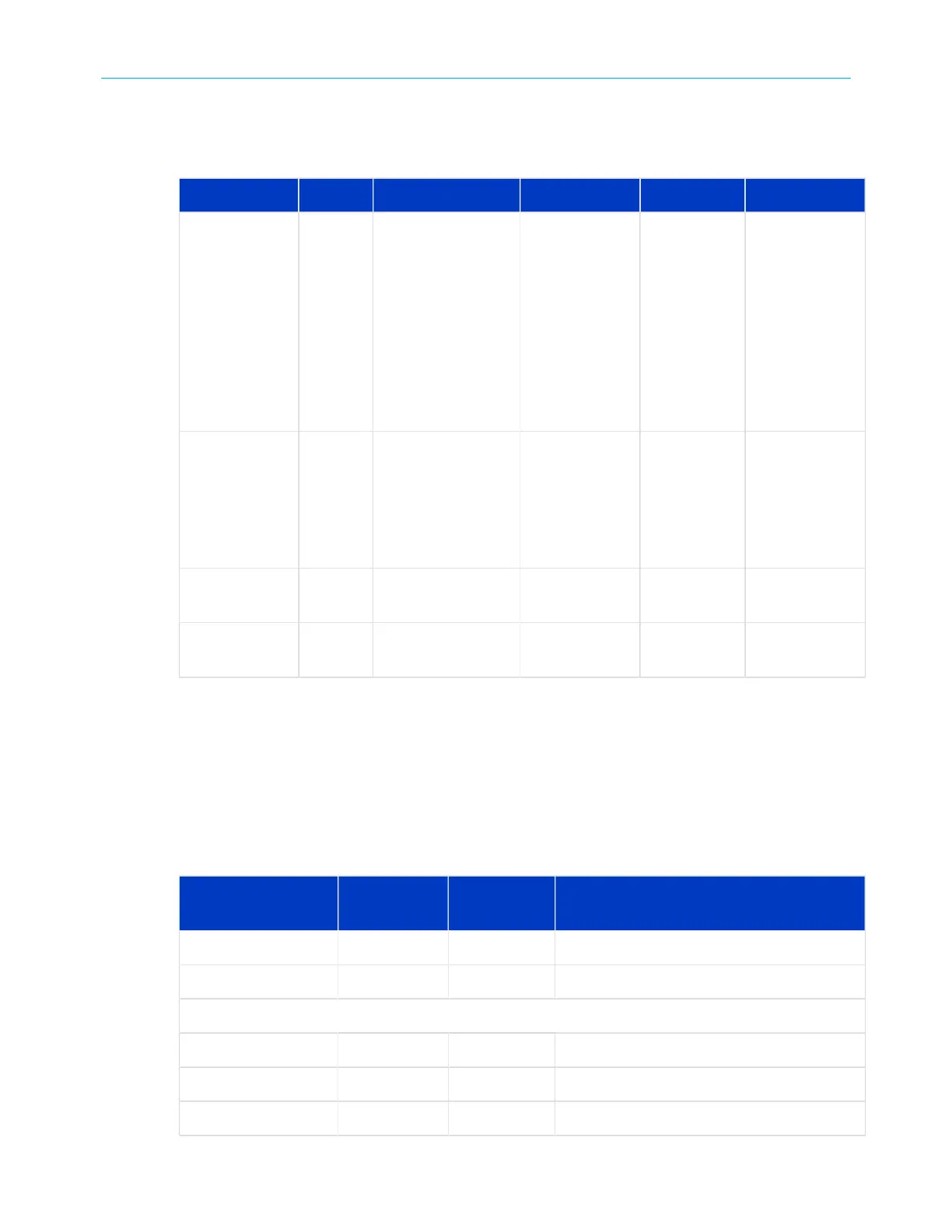
The following table shows light patterns during normal operation.
Mode Power US/DS Online Tel 1 / Tel 2 Battery
AC power On On = Connected to
the Internet (ultra-
high speed)
Flash = Not
connected to the
Internet
On = Internet
available
Off = Internet
not available
On = On-
hook
Flash = Off-
hook
Off =
disabled
On = Battery
charging
Off = Battery
fully charged
OR battery
missing
OR MTA not
registered
Flash = Battery
bad
Battery mode
(no AC power;
battery
installed)
Flash Off Off On = On-
hook
Flash = Off-
hook
Off =
disabled
Off = Battery
good
Flash = Battery
bad or low
No AC power;
no battery
Off Off Off Off Off
Firmware
upgrade
On Flash On (normal
operation)
(normal
operation)
Patterns: startup sequence
The following tables show your telephony modem light patterns during each phase of the
startup sequence. There are two phases of startup; the telephony phase and the cable
modem phase. Both are outlined below.
Telephony startup sequence
Power, US/DS,
Online
Telephone 1 Telephone 2 Description
Off Off Off No power to modem
Flash Flash Flash Power-On Self-Test
See Cable modem startup sequence (page 31)
On Flash Off Retrieving telephone network information
On Off Flash Retrieving telephone network information
On Flash Flash Activating telephone service
SURFboard
®
SBV3202 DOCSIS 3.0 telephony modem for Xfinity
®
customers User Guide STANDARD Revision x.3 30













 To Next Page