Chapter 5: Using the telephony modem Web Manager
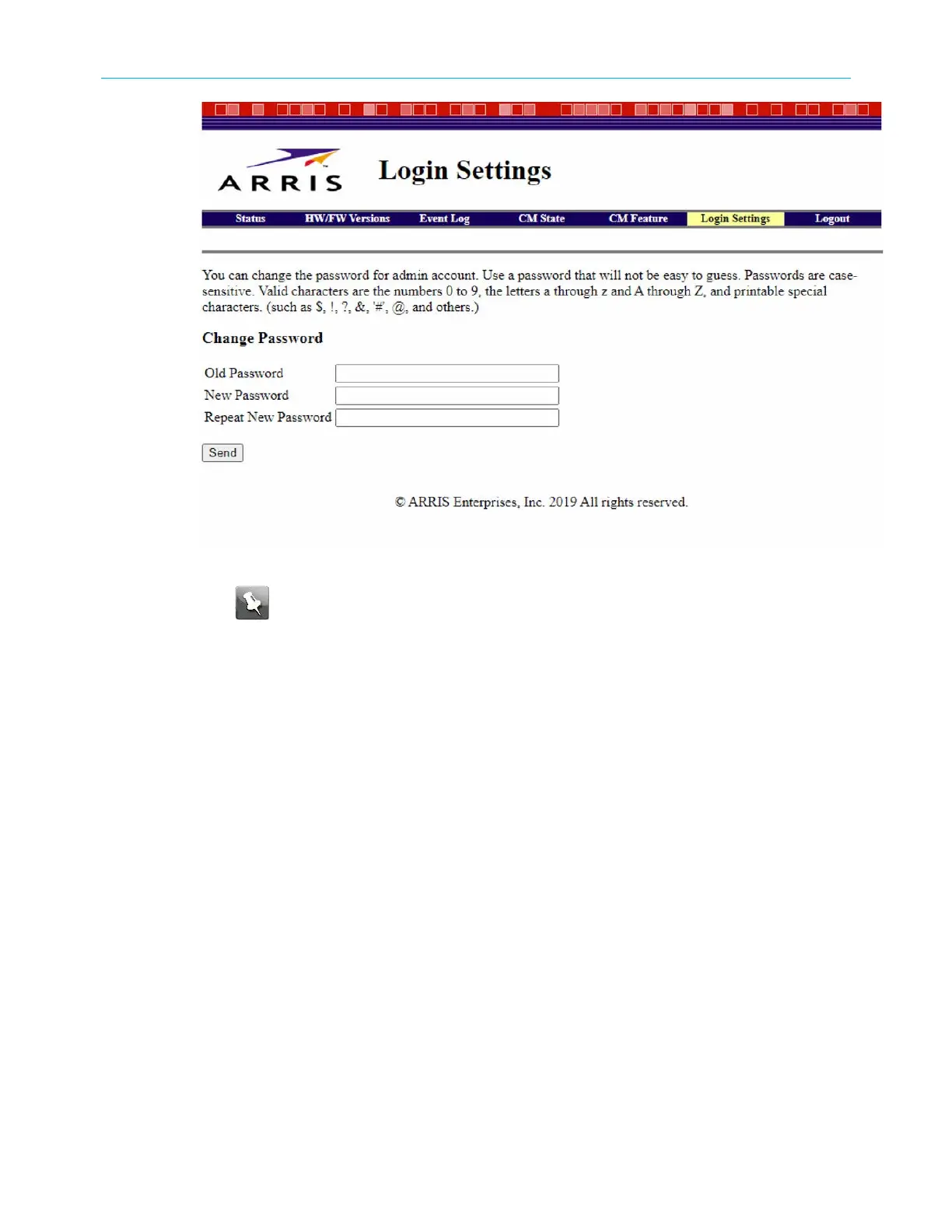
b. Enter your new password in the New Password field.
Note: Remember that passwords are case-sensitive and that you can use any
combination of the following letters, numbers and special characters:
c. Enter your new password again in the Repeat New Password field.
d. Click Send.
5. In the Web Manager login screen, type the username and the new password.
6. Click Apply to open the Web Manager screen.
Web Manager menu links
The main menu links and related submenu option links are displayed along the top of
your Web Manager screen. Click on the main menu link to view any of the other available
screens.
SURFboard
®
SBV3202 DOCSIS 3.0 telephony modem for Xfinity
®
customers User Guide STANDARD Revision x.3 33













 To Next Page