Chapter 5: Using the telephony modem Web Manager
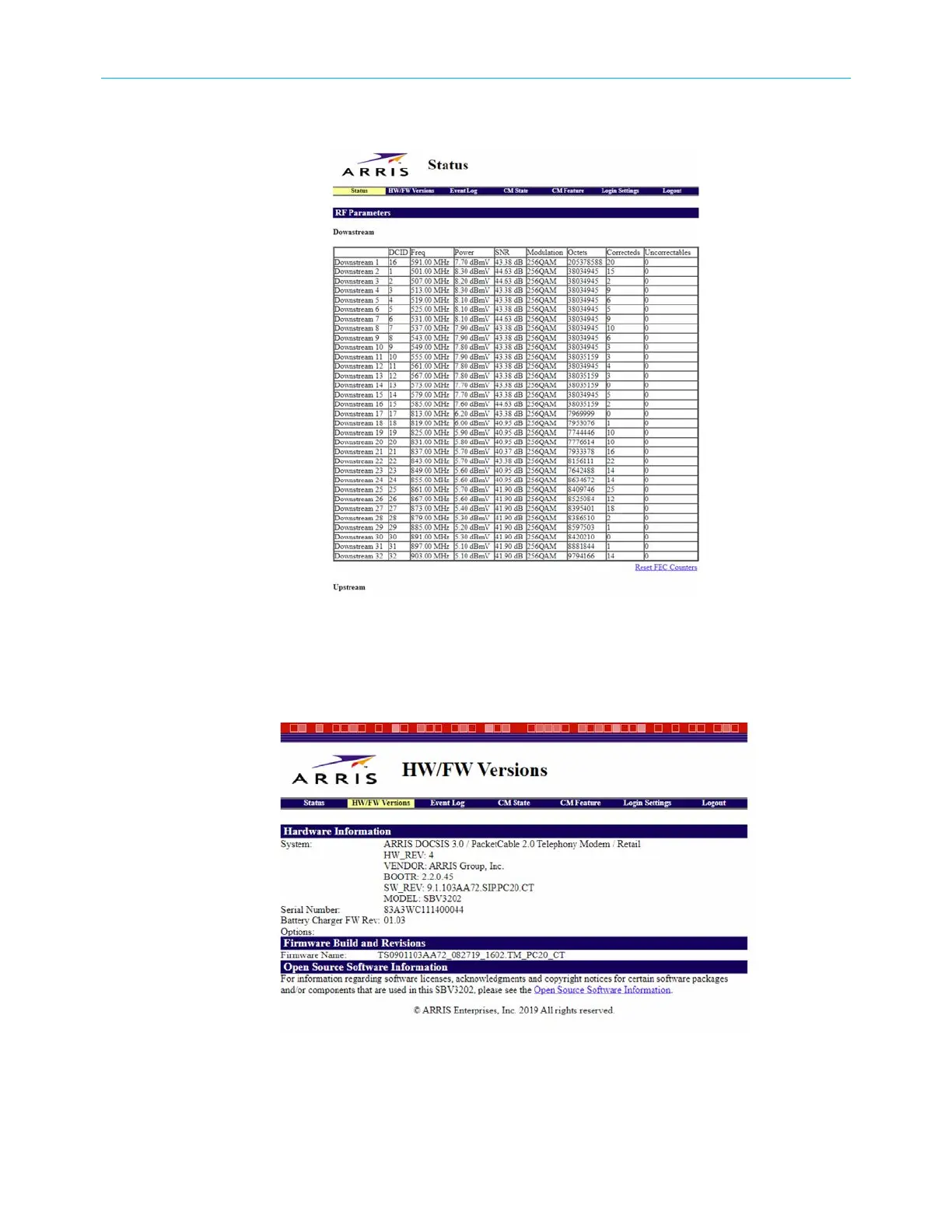
Status screen
The Status screen shows the current status of the upstream and downstream channels for
your telephony modem, including the MAC addresses for various ports.
HW/FW versions screen
The HW/FW versions screen includes serial number, release and model information of your
telephony modem hardware and firmware.
SURFboard
®
SBV3202 DOCSIS 3.0 telephony modem for Xfinity
®
customers User Guide STANDARD Revision x.3 34













 To Next Page