29
Chapter 5 Console Management
5.1 Connecting to the Console Port
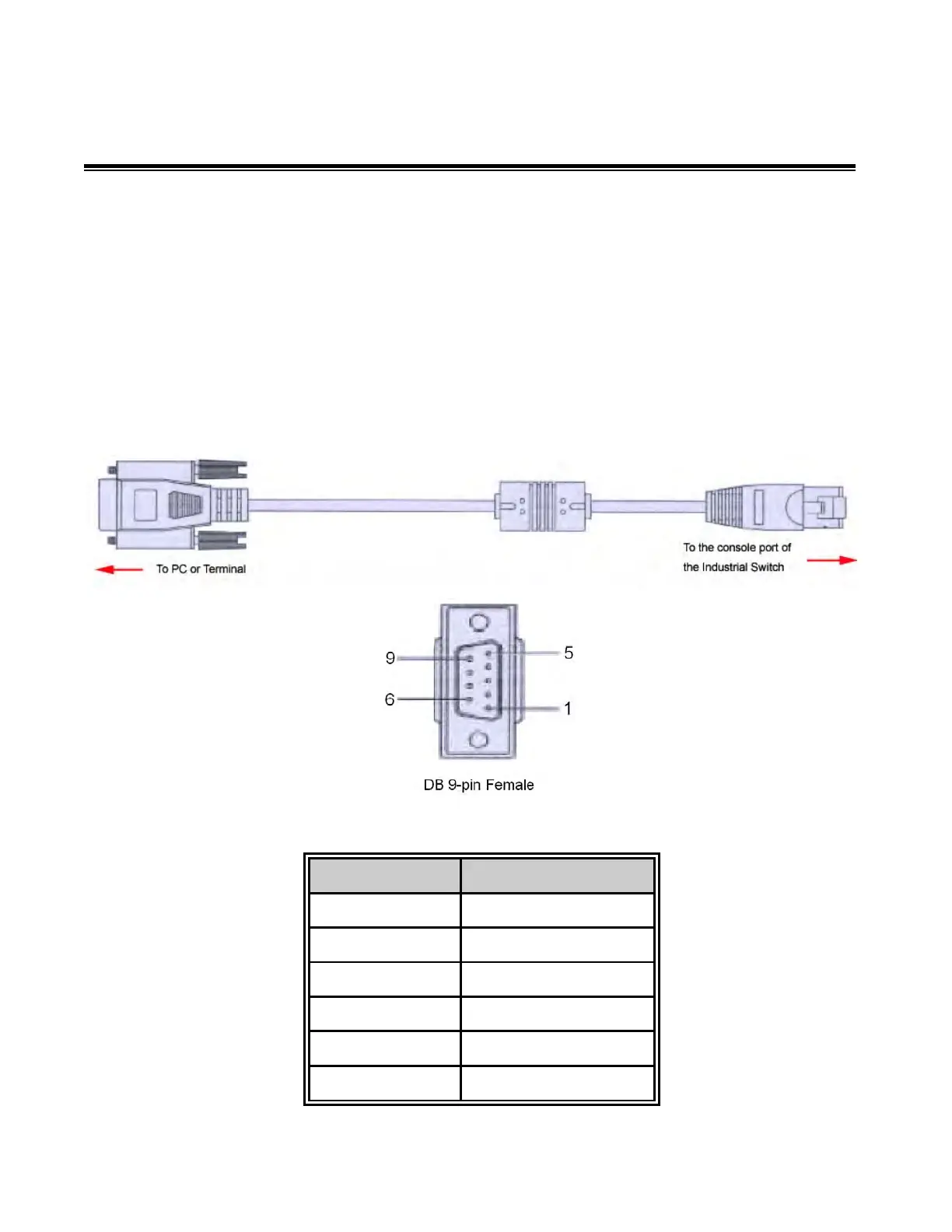
The supplied cable which one end is RS-232 connector and the other end is RJ45
connector. Attach the end of RS-232 connector to PC or terminal and the other end of RJ45
connector to the console port of the switch. The connected terminal or PC must support the
terminal emulation program.
5.2 Pin Assignment



 To Next Page