JHT01 Service Manual
5-18
1.10 Removing the CPU
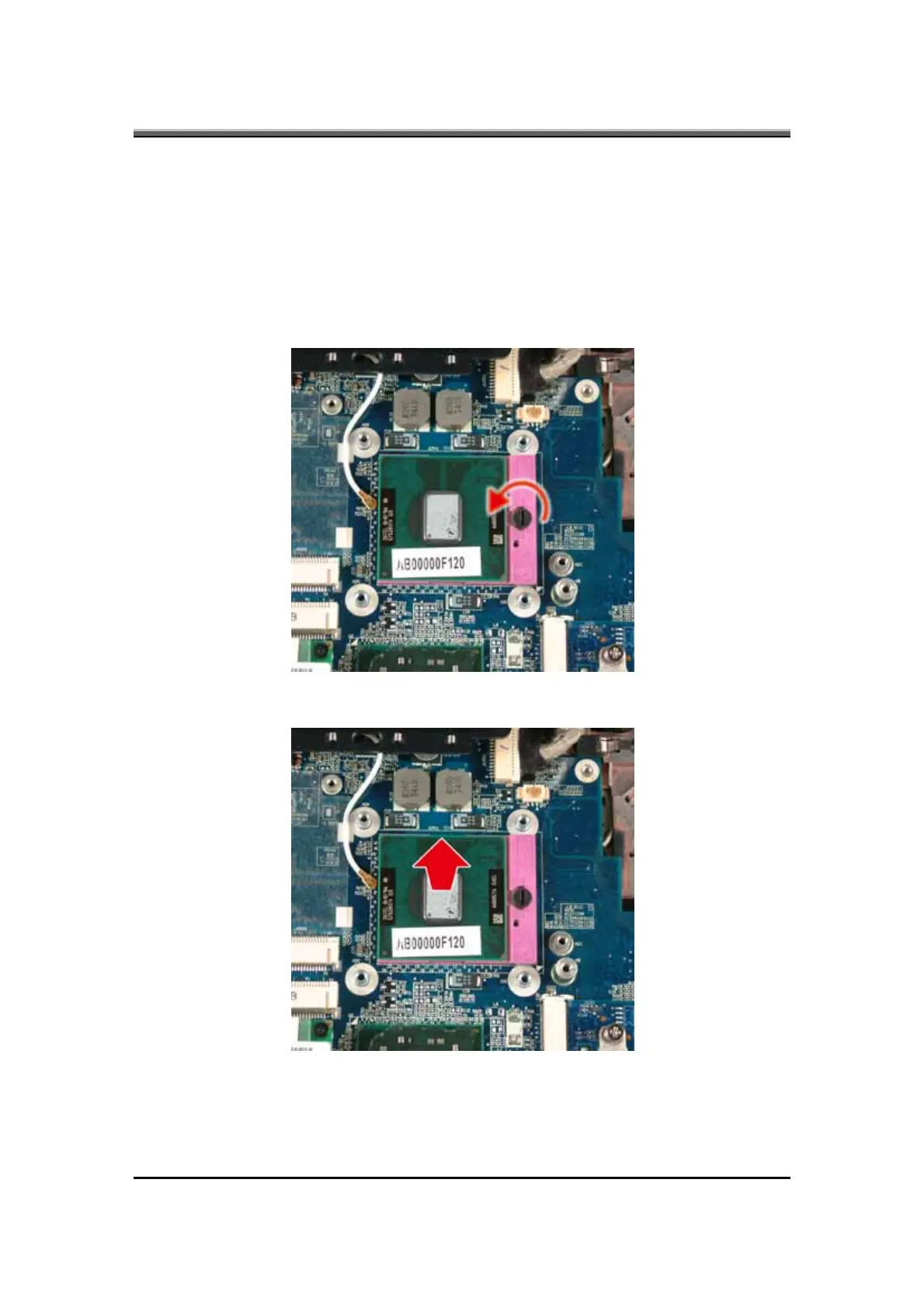
To remove the CPU, first remove the Modem card, and thermal module. Then
follow the steps below:
1. Turn the cam on the CPU socket with a flat-blade screwdriver so that the
notch on the cam is aligned with the
open side of the CPU socket to unlock
the CPU.
2. Gently lift out the CPU.



 To Next Page